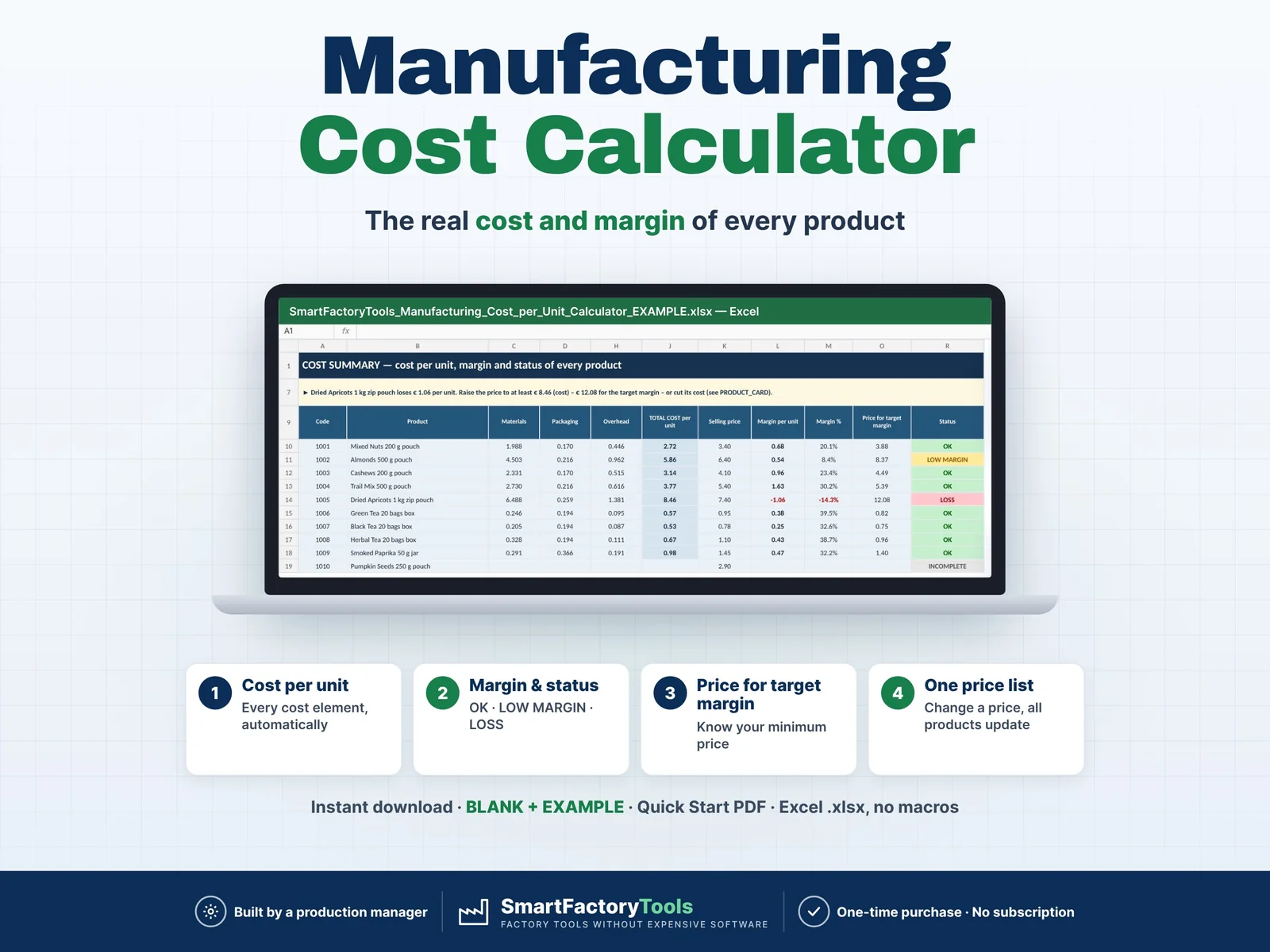
Enter your material prices, products and recipes – Excel calculates the real cost of one unit, the margin of every product and the price you need for your target margin.
- Cost per unit from every cost element, automatically
- Margin and status per product: OK · LOW MARGIN · LOSS
- The price you need for your target margin
- Instant download: BLANK + EXAMPLE · Quick Start PDF
- Built by a production manager · one-time purchase, no subscription, no macros
▶ Requires Microsoft Excel 2016 or newer on a Windows or Mac computer. Not for Google Sheets, Apple Numbers or mobile apps.
A pouch of nuts sells for 3.40 – but what does it really cost you once you add the packaging, the giveaway, the people on the line, the machine time, the changeover, the overhead and the rejected units? This Manufacturing Cost Calculator answers that for up to 40 products at once. One materials price list feeds every recipe: when a supplier raises a price, every product cost, margin and status updates immediately – and the products that slip into LOW MARGIN or LOSS are flagged.
Built by a production manager who costs real packing lines.
WHAT IT DOES
- Full cost per unit: materials, packaging, labour, machine / line, setup / changeover, overhead and scrap allowance
- Material loss % on every recipe line (giveaway, spillage, damaged packaging)
- Labour and machine cost from line speed, operators and hourly rates – rates blank = your default
- Setup / changeover cost spread over the batch size
- Margin per unit, margin %, markup % and the price for your target margin
- Break-even units per month and profit per month at your forecast (optional)
- Status for every product: OK · LOW MARGIN · LOSS · NO PRICE · INCOMPLETE
- Plain-language advice line, e.g. which product loses money and the minimum price to fix it
- Printable product card: cost breakdown with chart, biggest cost element, all recipe lines
- What-if test: material prices +/- %, labour rate %, new selling price – your master data stays unchanged
- Drop-down lists with names (Name [code]) for products and materials in the recipe – codes are also accepted
- Input check: duplicate codes, unknown materials, missing rates or line speed are flagged – a product with errors shows no cost instead of a wrong one
WHAT'S INCLUDED (ZIP)
- SmartFactoryTools_Manufacturing_Cost_per_Unit_Calculator_v1.1_BLANK.xlsx – empty, ready for your plant
- SmartFactoryTools_Manufacturing_Cost_per_Unit_Calculator_v1.1_EXAMPLE.xlsx – fictional packing plant: 28 materials, 10 products (nuts, dried fruit, tea, spices), 58 recipe lines
- Quick_Start_Guide.pdf – 2 pages: steps, formulas, statuses, top questions
Workbook sheets: START_HERE · SETUP · MATERIALS · PRODUCTS · RECIPE_BOM · COST_SUMMARY · PRODUCT_CARD · FAQ · LICENSE
HOW IT WORKS
- SETUP: currency, default labour rate, machine / line rate, overhead %, target margin and low-margin warning.
- MATERIALS: your price list – code, name, category (raw material, packaging, other), cost unit and price.
- PRODUCTS: selling price, line speed, operators, setup minutes and batch size, scrap %.
- RECIPE_BOM: what goes into ONE unit – material, quantity and loss %. Then read COST_SUMMARY and print the PRODUCT_CARD.
WHO IT'S FOR
Owners of small manufacturers, production and plant managers, contract packers, cost controllers and sales teams preparing quotes – food packing, filling and bottling, cosmetics, assembly, packaging and private label production.
LIMITS
- 200 materials, 40 products, 800 recipe lines
- No unit conversion: enter quantities in the cost unit of each material (kg, L, pcs)
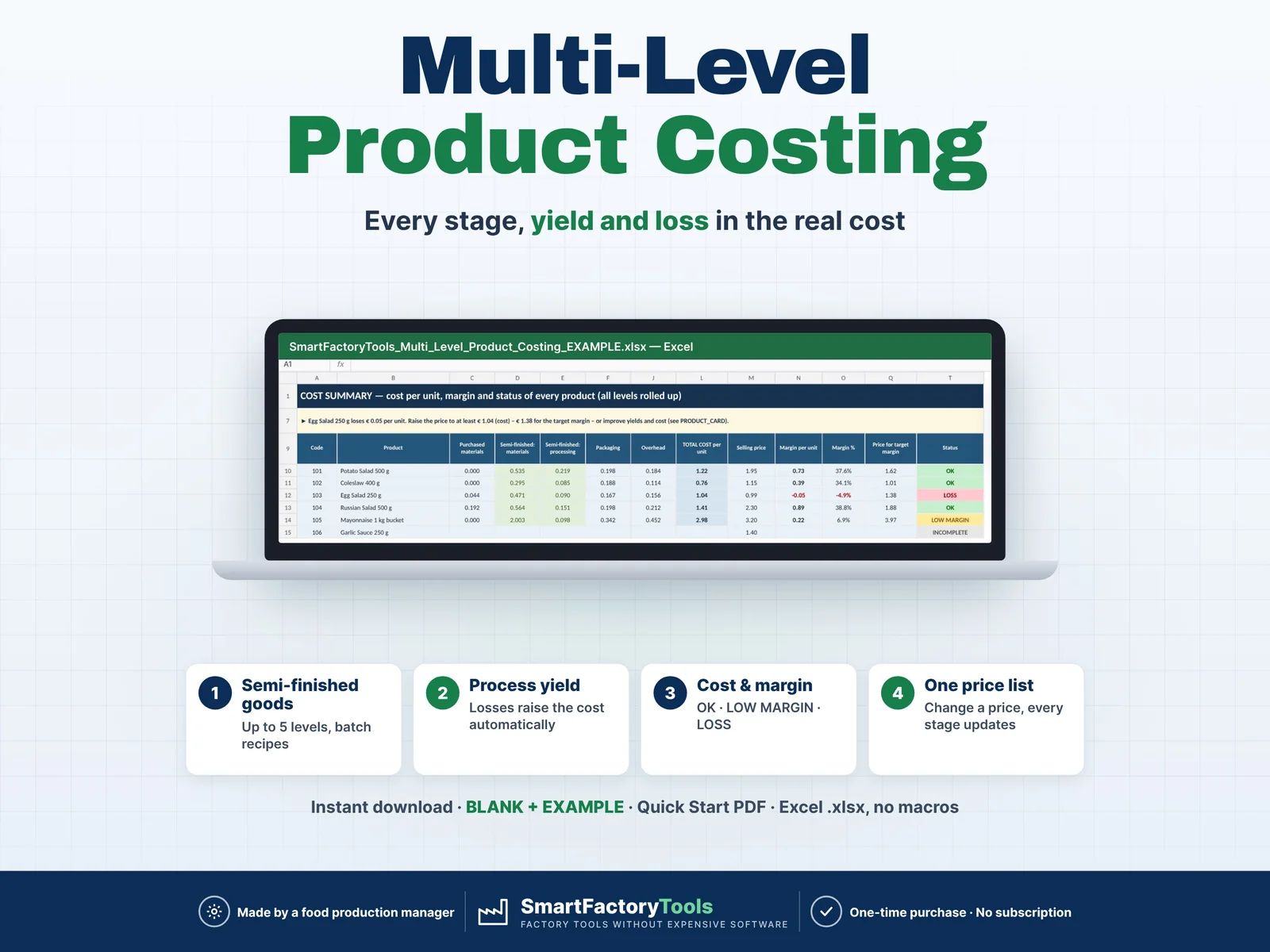
- One-level recipe: for semi-finished goods made in-house, enter them as a material with their own cost (several processing stages with yields: see Multi-Level Product Costing by SmartFactoryTools)
- A management cost estimate – not accounting, stock valuation or tax. No currency conversion
- No macros. Sheets are protected without a password to prevent accidental damage
FAQ
Q: Does it work in Google Sheets?
A: No. It is built and tested for Microsoft Excel 2016 or newer on Windows or Mac desktop.
Q: We calculate labour in minutes per unit.
A: Enter line speed = 60 ÷ minutes per unit and 1 operator, e.g. 0.5 min per unit = 120 units per hour.
Q: How do I enter a shipping carton for 12 units?
A: Quantity per unit = 1 ÷ 12 = 0.0833.
Q: What is the difference between loss % and scrap %?
A: Loss % is extra material on a recipe line (giveaway, spillage). Scrap % is finished units rejected – their whole cost is carried by the good units.
Q: Can I use my own currency?
A: Yes – type any symbol in SETUP (€, $, £ …). It is used in the headings; no conversion.
Related SmartFactoryTools tools: OEE Dashboard & Downtime Cost Tracker · NCR Log & Cost Tracker · Changeover Time Calculator · Takt Time & Line Balancing Calculator.
DIGITAL DOWNLOAD
This is a digital product – nothing is shipped. After purchase, download the ZIP from Etsy (Purchases and Reviews) on a computer, unzip it and open the files in Excel.
LICENSE
For use within your own company or organisation, at any number of sites. Reselling, sharing or uploading the template is not permitted. © SmartFactoryTools
 Operations Reporting