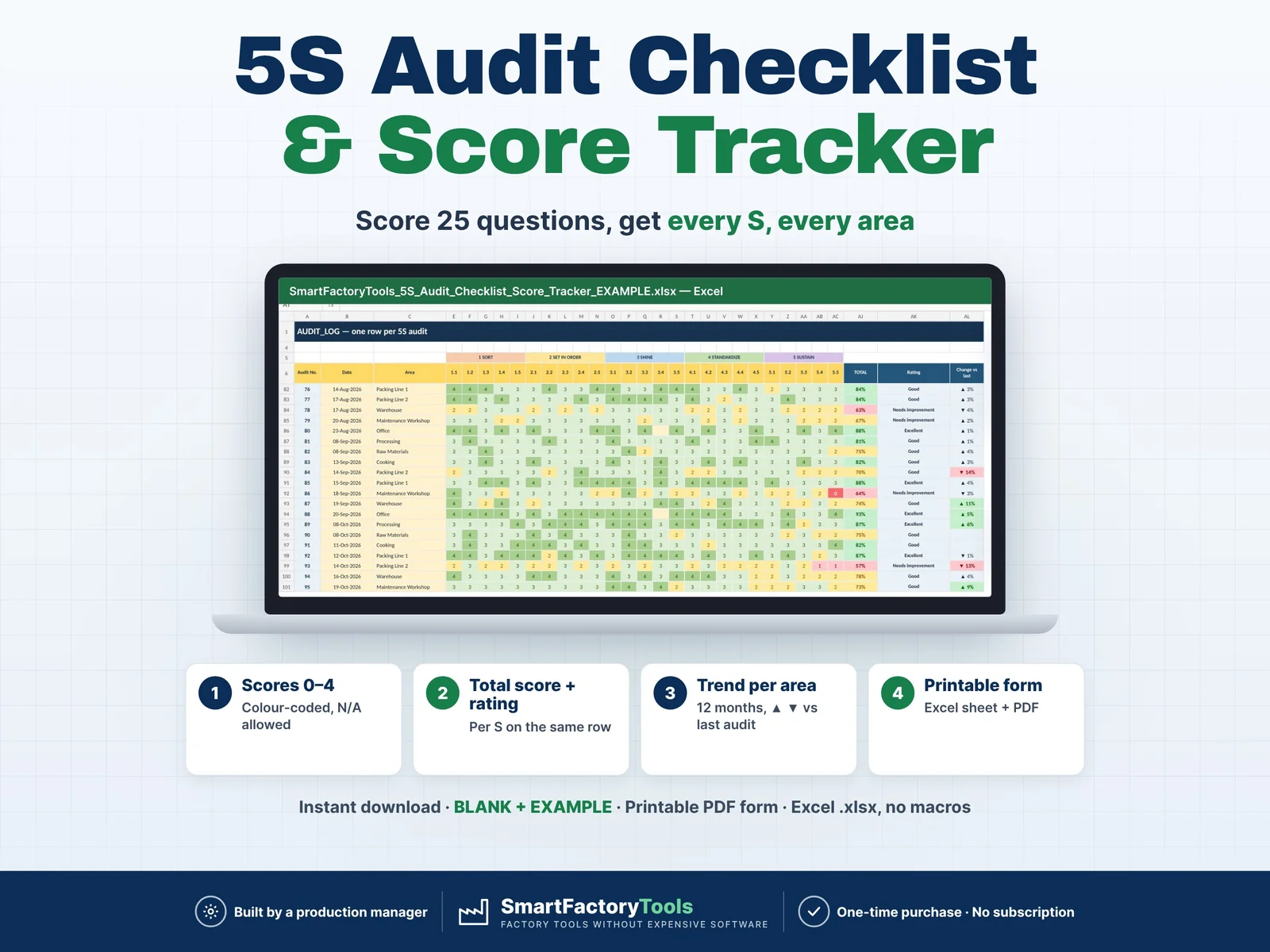
Score every area with the same 25 questions — Excel calculates the score per S, the total, the trend per area and the weakest S for you. Printable audit form included.
- Score every area with the same 25 questions (0–4, N/A allowed)
- Score per S, total and rating calculated on the same row
- 12-month trend per area, ▲ ▼ vs the last audit
- Instant download: BLANK + EXAMPLE · Printable PDF form
- Built by a production manager · one-time purchase, no subscription, no macros
▶ REQUIRES MICROSOFT EXCEL (DESKTOP) 2016 OR NEWER — Windows or Mac.
Not for Google Sheets, Apple Numbers or mobile apps.
The SmartFactoryTools 5S Audit Checklist & Score Tracker turns paper 5S audits into numbers you can manage: walk the area with the printed form, type the scores into one row — and see which areas improve, which slip and which S needs work first.
No macros. No subscription. Built by a production manager who runs 5S audits in a food plant.
WHAT IT DOES
- 25 standard 5S audit questions — 5 per S (Sort, Set in order, Shine, Standardize, Sustain) — fully editable
- Scores 0–4 per question, colour-coded red → green; blank = not applicable (not counted)
- Automatic score per S, total %, rating (Excellent / Good / Needs improvement / Poor — limits editable)
- Change vs the previous audit of the same area (▲ / ▼)
- TREND: monthly score per area for 12 months, colour vs your target, latest vs previous, weakest S, status (on target / dropping / below target)
- 5S profile chart of any area — latest vs previous audit
- Plant average per month with trend chart
- AUDIT_FORM: printable A4 form for any area — blank for the shop floor, or filled from a logged audit
- Data checks: unknown area, missing date, scores outside 0–4, future dates
WHAT'S INCLUDED (ZIP)
- BLANK workbook — ready for your site
- EXAMPLE workbook — fictional food plant, 8 areas, 95 audits over 12 months
- Printable 5S Audit Form (PDF, A4, one page)
- Quick Start Guide (PDF, 2 pages)
Sheets: START_HERE · SETUP · AUDIT_LOG · AUDIT_FORM · TREND · FAQ · LICENSE
HOW IT WORKS
- Enter your areas, owners and auditors (edit the questions if you like)
- Print the form and audit the area — score each question 0–4
- Type the scores into one row of the audit log
- Read the trend, the weakest S and the areas below target
WHO IT'S FOR
Lean and continuous improvement coordinators · Production supervisors · Plant, operations and quality managers · Warehouse managers · Food, packaging, assembly and metal plants · Workshops, laboratories and offices running 5S.
LIMITS
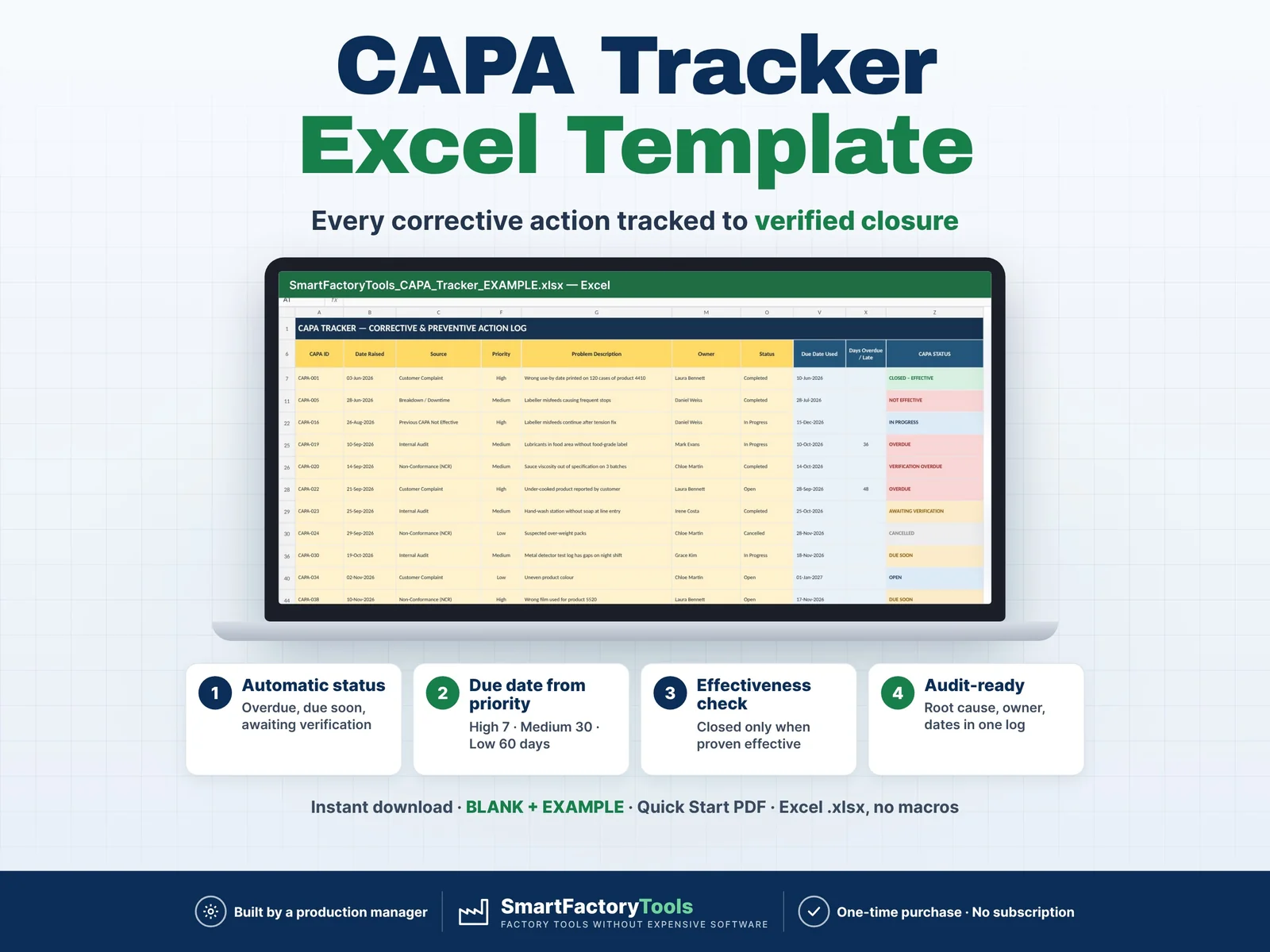
- Scores audits and shows trends — action tracking is not included (see our CAPA Tracker)
- 5 questions per S (25 in total); 6S safety questions can be written into the five groups
- No photos, no mobile / tablet app
- Up to 40 areas · 10 auditors · 1,000 audits
- Fully editable inputs. Need it set up with your data or adapted to your plant? See the Setup & Customization section in our shop.
FAQ
Q: Does it work in Google Sheets or on an iPad?
A: No. It is built and tested for Microsoft Excel 2016 or newer on Windows or Mac desktop.
Q: Can I change the questions?
A: Yes — all 25 texts are editable in SETUP. The printable sheet uses your questions; the PDF form uses the standard ones.
Q: An office area does not need all questions.
A: Leave those scores blank — they count as "not applicable" and are not included in the score.
Q: Is the file locked?
A: Formulas are protected against accidental changes, without a password. Your input cells are always editable.
DIGITAL DOWNLOAD
This is a digital product. No physical item will be shipped. After purchase, download the ZIP from your Etsy account on a computer, unzip it and open the workbook in Excel.
LICENSE
For use within your own company or organisation. You may print and copy the audit form internally. Resale, sharing or redistribution is not permitted.
© SmartFactoryTools
 Lean & Continuous Improvement