 Quality Management
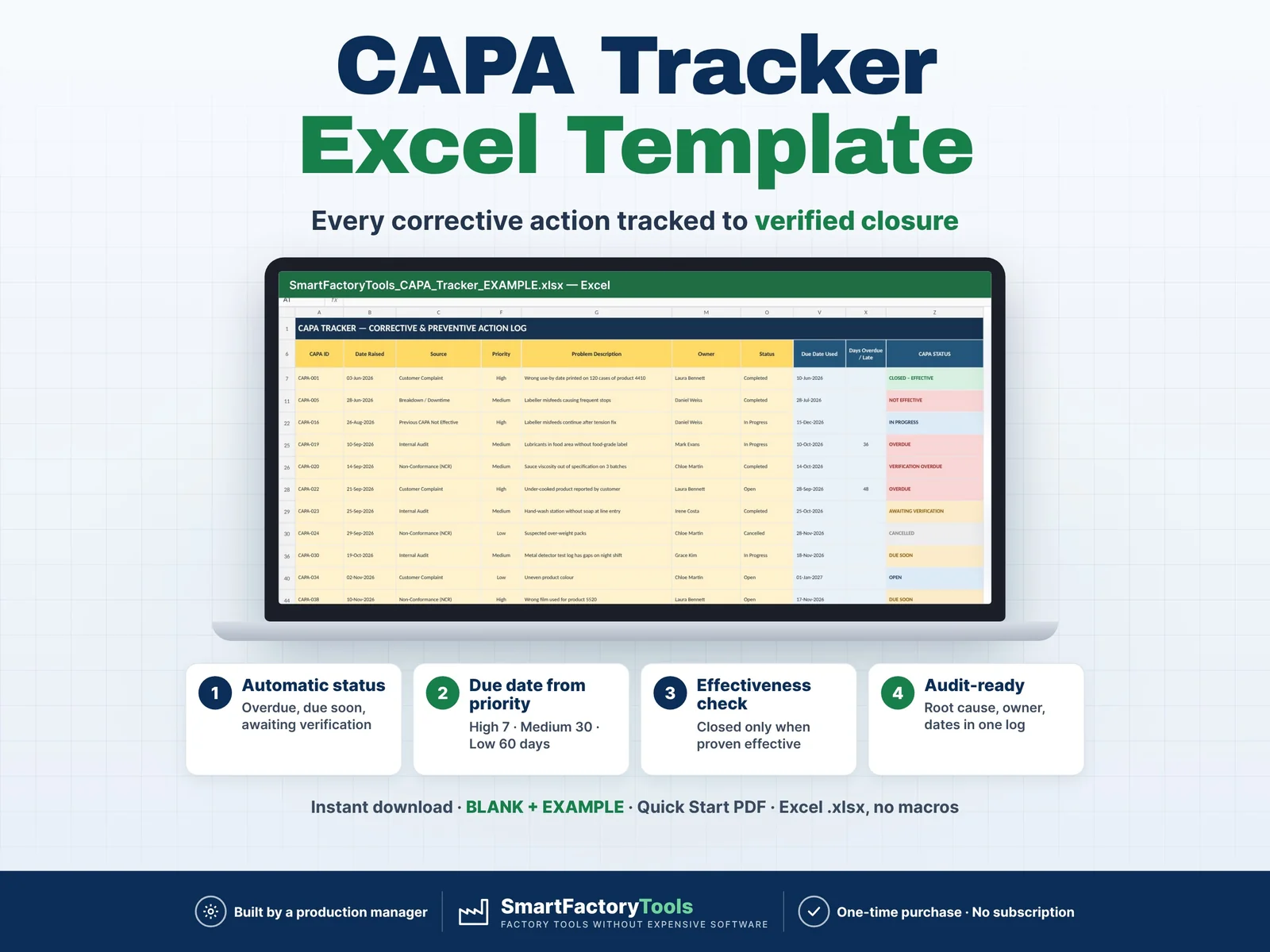
CAPA Tracker
Track every corrective and preventive action from problem to verified closure — and be ready for your next audit.
€9.99
View details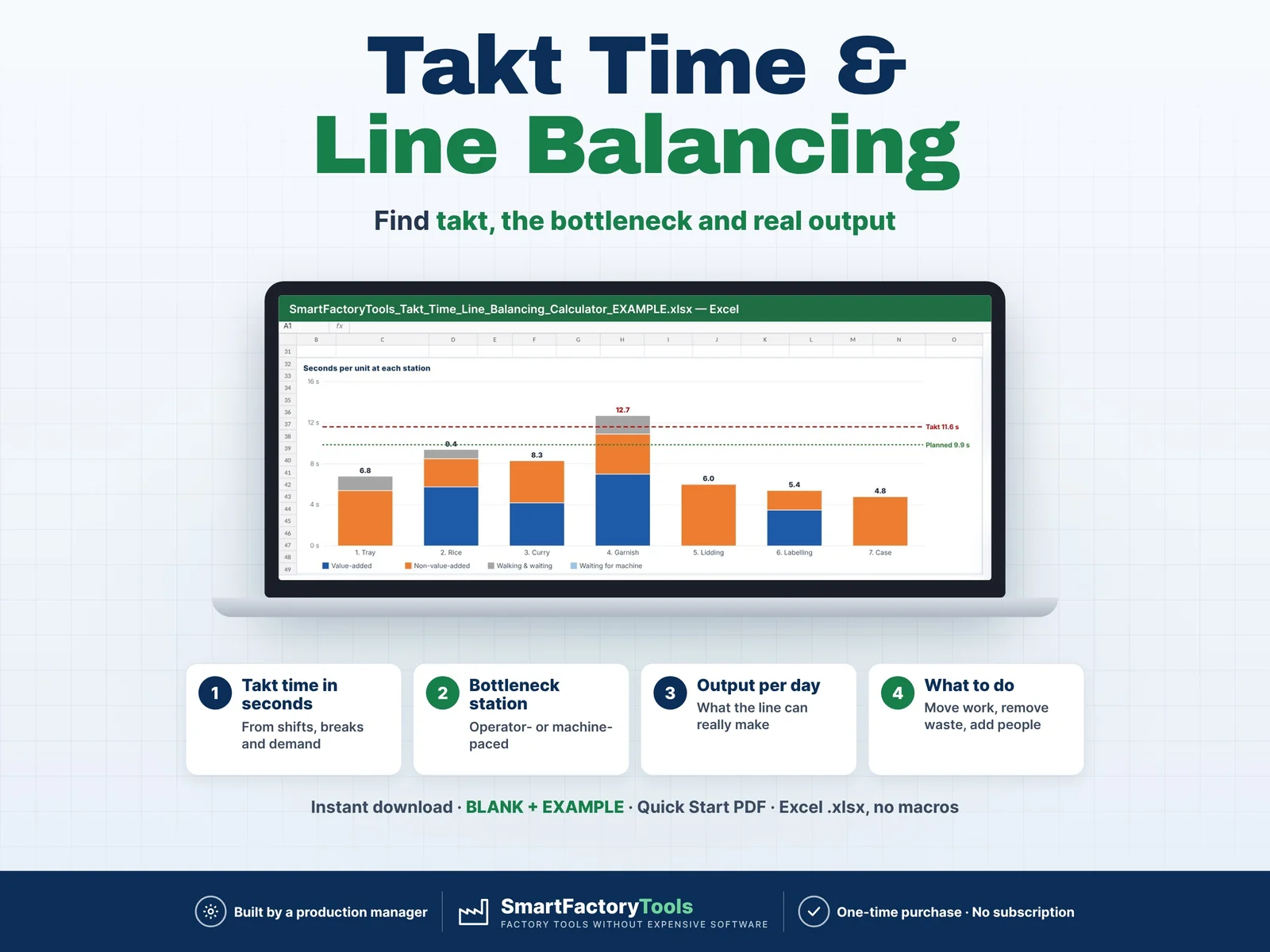
Lean & Continuous Improvement
Enter your shifts, customer demand and the task times of each station – Excel calculates takt time, finds the bottleneck, shows what the line can really make per day and tells you where to move work.
€7.99
SKU: SFT-TAKT-01 · Digital download (Microsoft Excel)
Purchase and download through Etsy. Opens in a new tab.
Want to try the maths first? Use our free Takt Time Calculator, no purchase needed.
Enter your shifts, customer demand and the task times of each station – Excel calculates takt time, finds the bottleneck, shows what the line can really make per day and tells you where to move work.
▶ Requires Microsoft Excel 2016 or newer on a Windows or Mac computer. Not for Google Sheets, Apple Numbers or mobile apps.
The line has 7 stations and 8 people – but which station really sets the pace? Is it the operators, or the machine? Can the line make today's demand? This Takt Time & Line Balancing Calculator answers these questions in minutes, without a stopwatch spreadsheet you have to build yourself. It also handles the two things most simple takt calculators get wrong: batch tasks (refill a hopper every 50 units, close a case of 6) and machine-paced stations (a sealer or flow-wrapper running 900 units per hour).
Built by a production manager who balances food packing lines.
Workbook sheets: START_HERE · HOW_IT_WORKS · SETUP · TASKS · BALANCE · FAQ · LICENSE
The HOW_IT_WORKS sheet explains every field and every calculation with a worked example, plus the most common mistakes.
Production managers, industrial and process engineers, lean and CI leaders, supervisors and small manufacturers – food packing, ready meals, assembly, packaging, electronics – who balance manual or semi-automatic lines in Excel.
Q: Does it work in Google Sheets?
A: No. It is built and tested for Microsoft Excel 2016 or newer on Windows or Mac desktop.
Q: A task is done once per batch or per case – how do I enter it?
A: Enter the time of one cycle and how many units it serves in "Units per cycle", e.g. 74 s for a batch of 84. The file uses 0.88 s per unit.
Q: My packing machine runs 850 units per hour – where does that go?
A: In SETUP, "Machine rate" of that station. If the machine is slower than the people, the station shows "pace set by: Machine" and the advice says more people will not help.
Q: What does 0.5 operators mean?
A: One person shared 50 % between two stations.
Q: Can I balance several products?
A: Use one file per product (or product family) – save a copy and change the times.
This is a digital product – nothing is shipped. After purchase, download the ZIP from Etsy (Purchases and Reviews) on a computer, unzip it and open the files in Excel.
For use within your own company or organisation, at any number of sites. Reselling, sharing or uploading the template is not permitted. © SmartFactoryTools
Quality ManagementTrack every corrective and preventive action from problem to verified closure — and be ready for your next audit.
€9.99
View details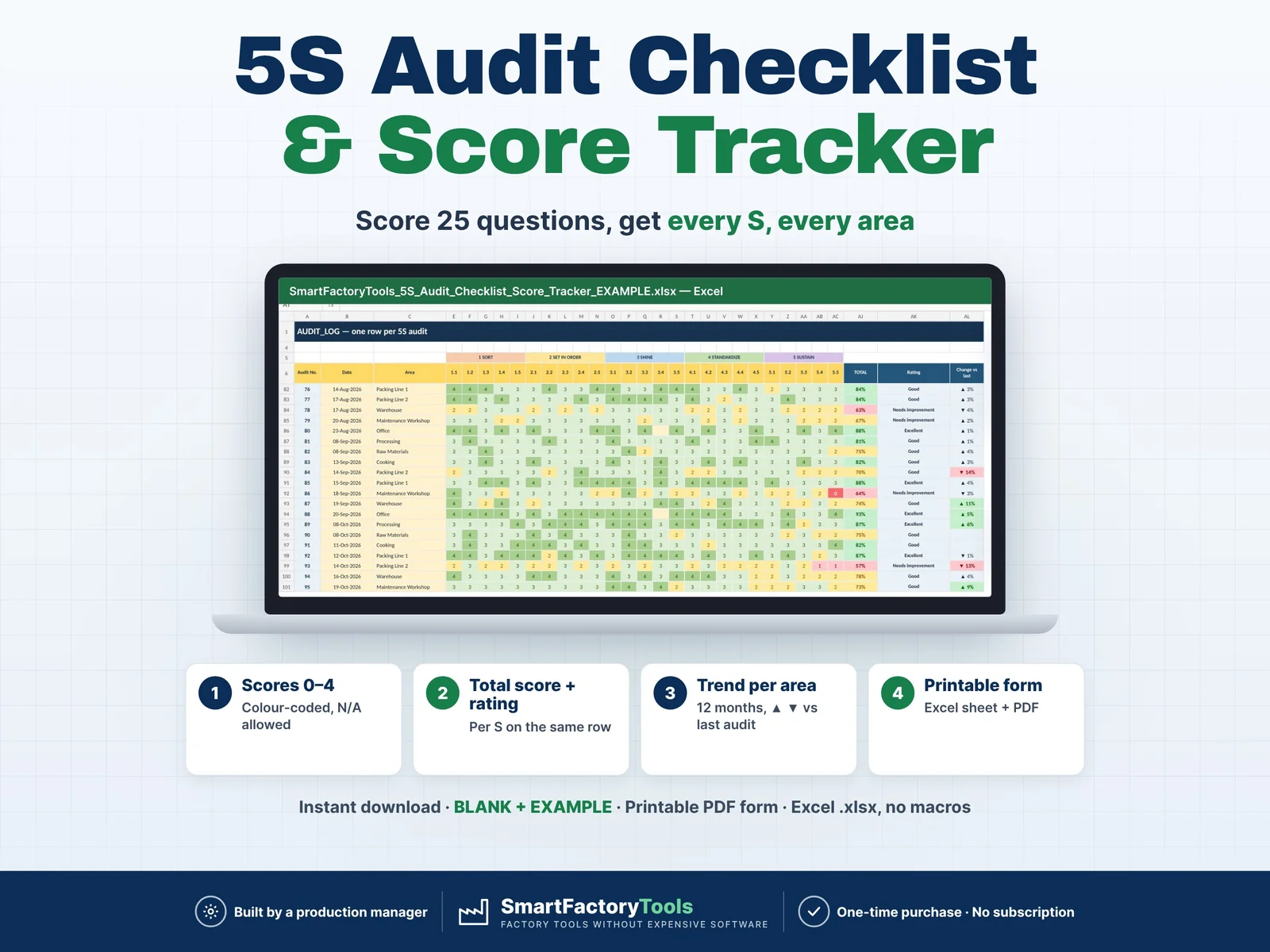 Lean & Continuous Improvement
Score every area with the same 25 questions — Excel calculates the score per S, the total, the trend per area and the weakest S for you. Printable audit form included.
€9.99
View details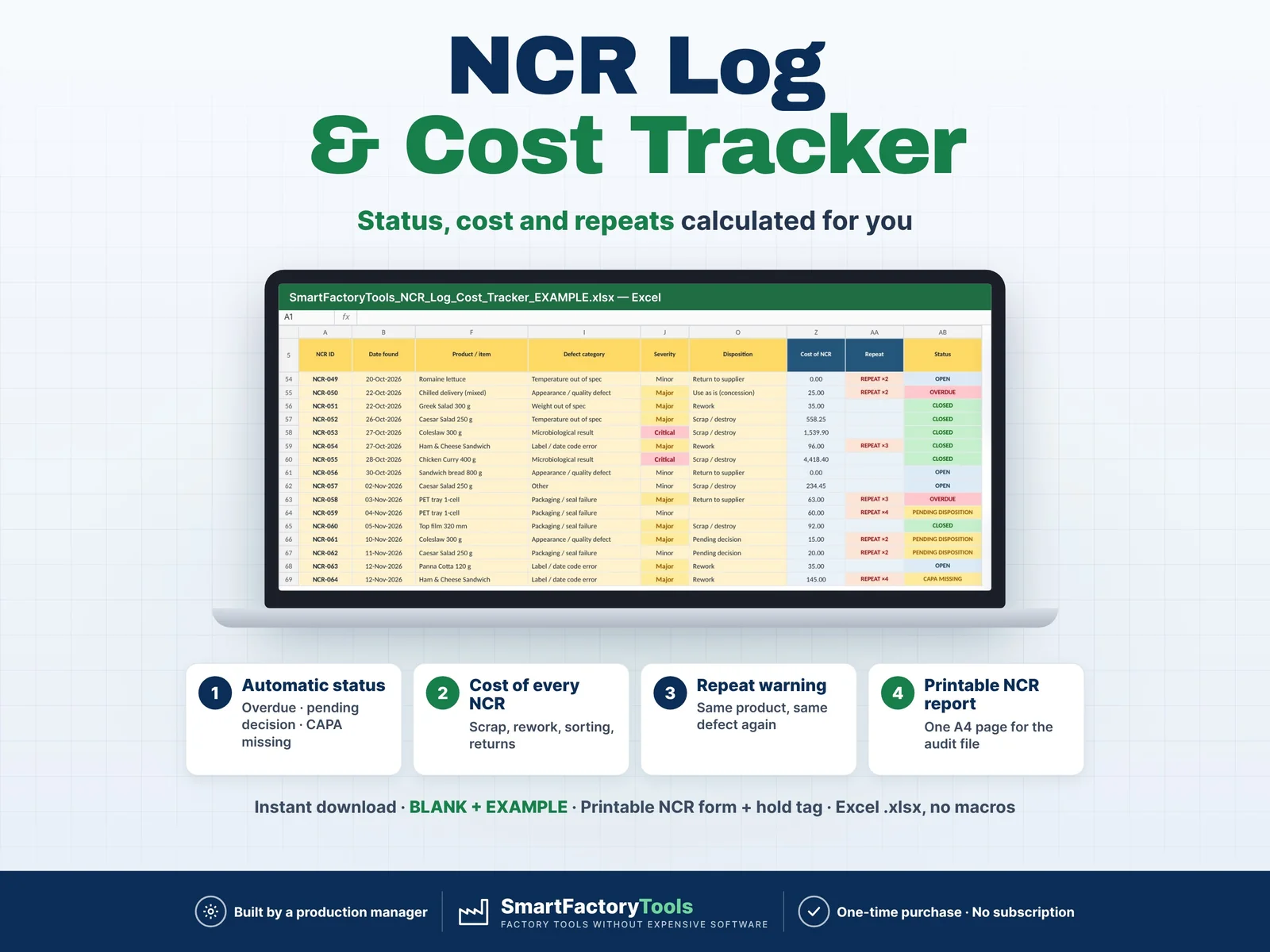 Quality Management
Track every non-conforming product in one Excel log – status, target date, cost and repeat defects are calculated for you.
€9.99
View details