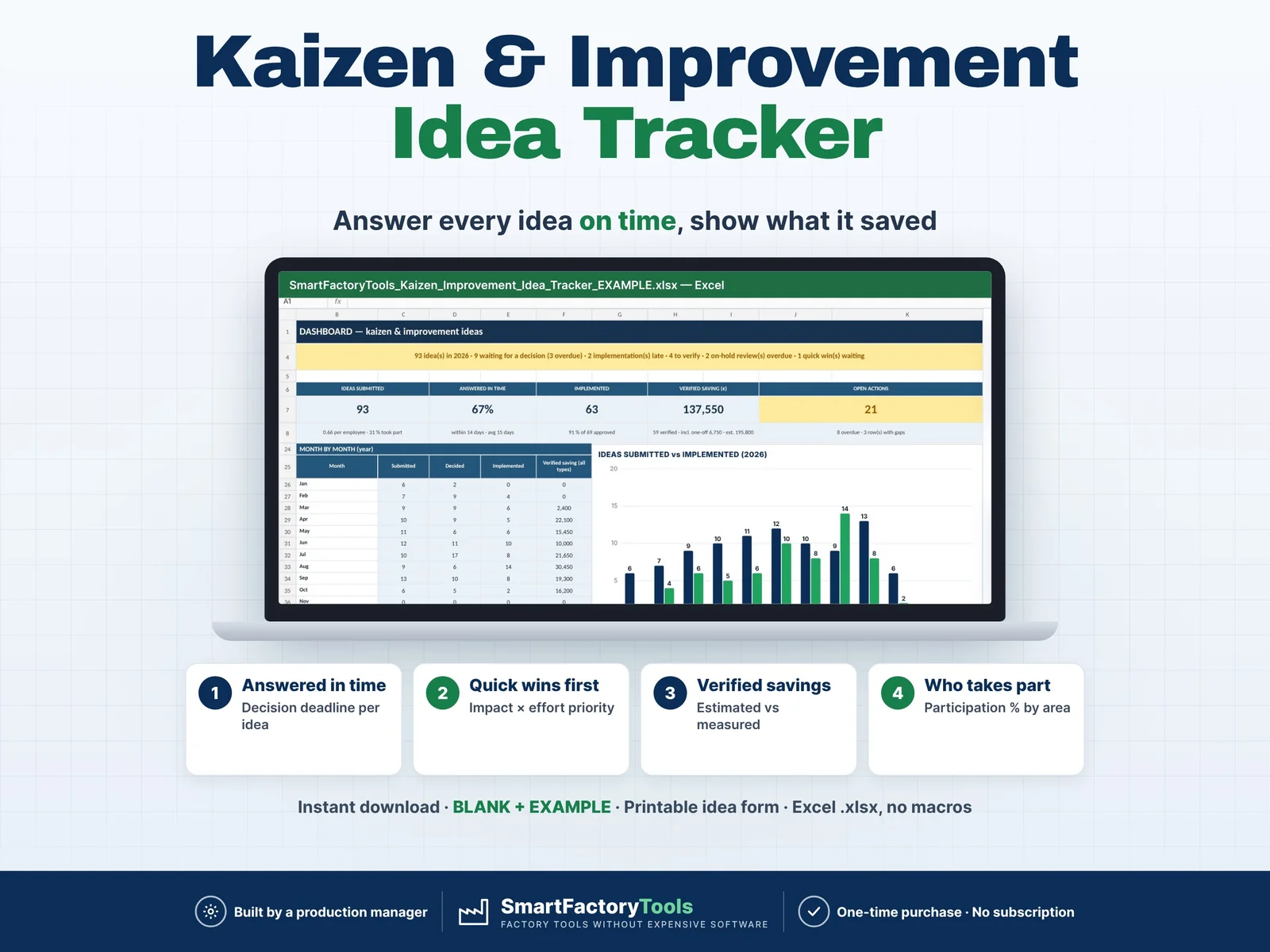
Run your employee kaizen / suggestion programme in Excel: collect every improvement idea, answer it on time, implement the best ones and show what they really saved.
- Decision deadline for every idea – answered on time
- Quick wins first with impact × effort priority
- Verified savings – estimated vs measured
- Instant download: BLANK + EXAMPLE · Printable idea form
- Built by a production manager · one-time purchase, no subscription, no macros
▶ Requires Microsoft Excel 2016 or newer on a computer (Windows or Mac). Not for Google Sheets, Apple Numbers or mobile apps.
Most idea programmes die the same way: ideas go into a box or an e-mail folder, nobody answers for weeks, approved ideas are never finished, and at the end of the year nobody can say what the programme saved. This tracker gives every idea a fixed ID, a status and one concrete next action – and shows on one dashboard which decisions, implementations and reviews are overdue. Built by a production manager who runs improvement work in a food plant.
WHAT IT DOES
- IDEAS: up to 500 ideas with fixed Idea IDs (KZ-001 … – or your own numbering): date, submitter, area, category, title, current situation, proposed improvement
- SCORE: impact 1–5 and effort 1–5 → automatic priority: Quick win, Major project, Fill-in or Reconsider
- SCORING GUIDE: impact scale for safety, quality, productivity and people (a safety idea with no saving can still be a 5) and an effort scale – with your own money and cost bands
- DECISION DEADLINE: answer every idea within your target days (default 14) – after that the idea turns red as "Decision overdue"
- STATUS for every idea: New, Decision overdue, In progress, Implementation overdue, Implemented, Verification overdue, Verified, Rejected, On hold, Review overdue
- NEXT ACTION per idea, e.g. "Give the submitter an answer – waiting 22 days" or "Late 11 days – agree a new date or escalate"
- REJECTED needs a reason, ON HOLD needs a review date, VERIFIED needs a verified date AND a result (before → after) – a date alone does not close an idea
- BENEFIT TYPE: recurring saving, one-off saving, capacity / time freed or non-financial – estimated vs verified saving, payback in months for recurring savings
- CHECK column: missing or duplicate ID, rejected without reason, verified without result, dates in the wrong order, text in number cells – all gaps of a row at once
- DASHBOARD (one year at a time): ideas submitted, answered in time %, implemented, verified saving, open and overdue actions; pipeline by status; priority overview; month by month with chart; by area with ideas per person and participation %; by category; by benefit type; action list – most overdue first
- PEOPLE: top 10 submitters by recognition points (your own points, or none) and open / overdue ideas per implementation owner
- IDEA_REPORT: choose an Idea ID → one A4 page with before, idea, result, numbers and a thank-you to the submitter – for the notice board or the idea file
- IDEA_FORM: printable improvement idea form for operators without a computer
WHAT'S INCLUDED (ZIP)
- SmartFactoryTools_Kaizen_Improvement_Idea_Tracker_v1.0_BLANK.xlsx – ready for your own programme
- SmartFactoryTools_Kaizen_Improvement_Idea_Tracker_v1.0_EXAMPLE.xlsx – a fictional food plant with 93 ideas from January to October
- Printable_Idea_Form.pdf – A4 idea form for the idea box
- Quick_Start_Guide.pdf – 2 pages, the first 10 minutes
Sheets: START_HERE, SETUP, IDEAS, SCORING_GUIDE, DASHBOARD, PEOPLE, IDEA_REPORT, IDEA_FORM, FAQ, LICENSE
HOW IT WORKS
- SETUP (about 10 minutes): areas and headcount, categories, people, your targets (answer within 14 days, verify within 30 days) and optional points.
- COLLECT: operators fill the idea form – you type the idea on IDEAS next to a free Idea ID.
- SCORE AND DECIDE at your weekly idea review: impact, effort, benefit type, decision with date and note.
- IMPLEMENT: owner, target date, implemented date, cost.
- VERIFY: verified date, result before → after and the measured saving. Print the one-page report and thank the submitter.
Start small: date, submitter, area and the idea are enough on day one.
WHO IT'S FOR
Production and plant managers, lean / continuous improvement coordinators, quality and HSE managers, supervisors and small manufacturers who want a simple employee suggestion system without buying software – food, packaging, assembly, metal, plastics or any other plant.
LIMITS
- 500 ideas, 20 areas, 12 categories, 200 people per workbook. The dashboard shows one year at a time (ideas counted by submission year).
- Savings are what you enter – the file keeps estimated, verified, one-off and yearly savings apart, but it does not check them. Your team decides which ideas are worth doing.
- Not included: reward money or payroll, e-mail reminders, photo storage (write a photo reference instead), A3 reports, project Gantt charts.
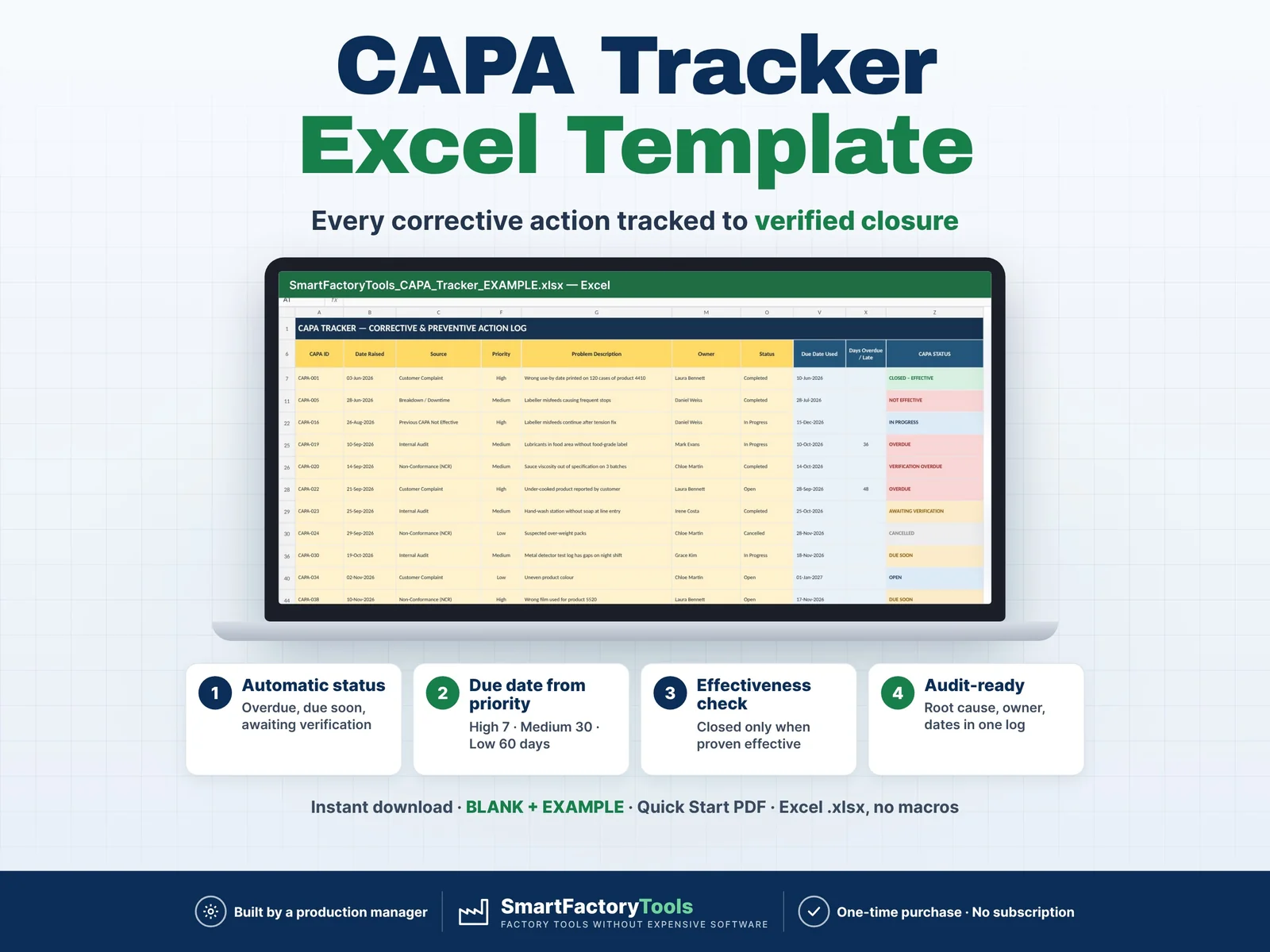
- Proactive improvement ideas – for corrective actions after audits, complaints or non-conformances see the SmartFactoryTools CAPA Tracker.
FAQ
Q: Can I use my own idea numbers?
A: Yes. The IDs are fixed values, not formulas – overwrite them with your own numbering. Duplicates are flagged.
Q: What about ideas without a money saving?
A: Choose "Non-financial" and leave the saving blank. They are counted, decided and implemented like all others – the impact score shows their value.
Q: Do I have to use points?
A: No. Set all points on SETUP to 0 and PEOPLE simply shows ideas and implemented ideas per person.
Q: Can I change the categories and targets?
A: Yes – areas, categories, people, answer and verify days, priority limits and points are all on SETUP.
Q: Is the file protected?
A: Formulas are protected without a password to prevent accidental damage. Review › Unprotect Sheet removes it.
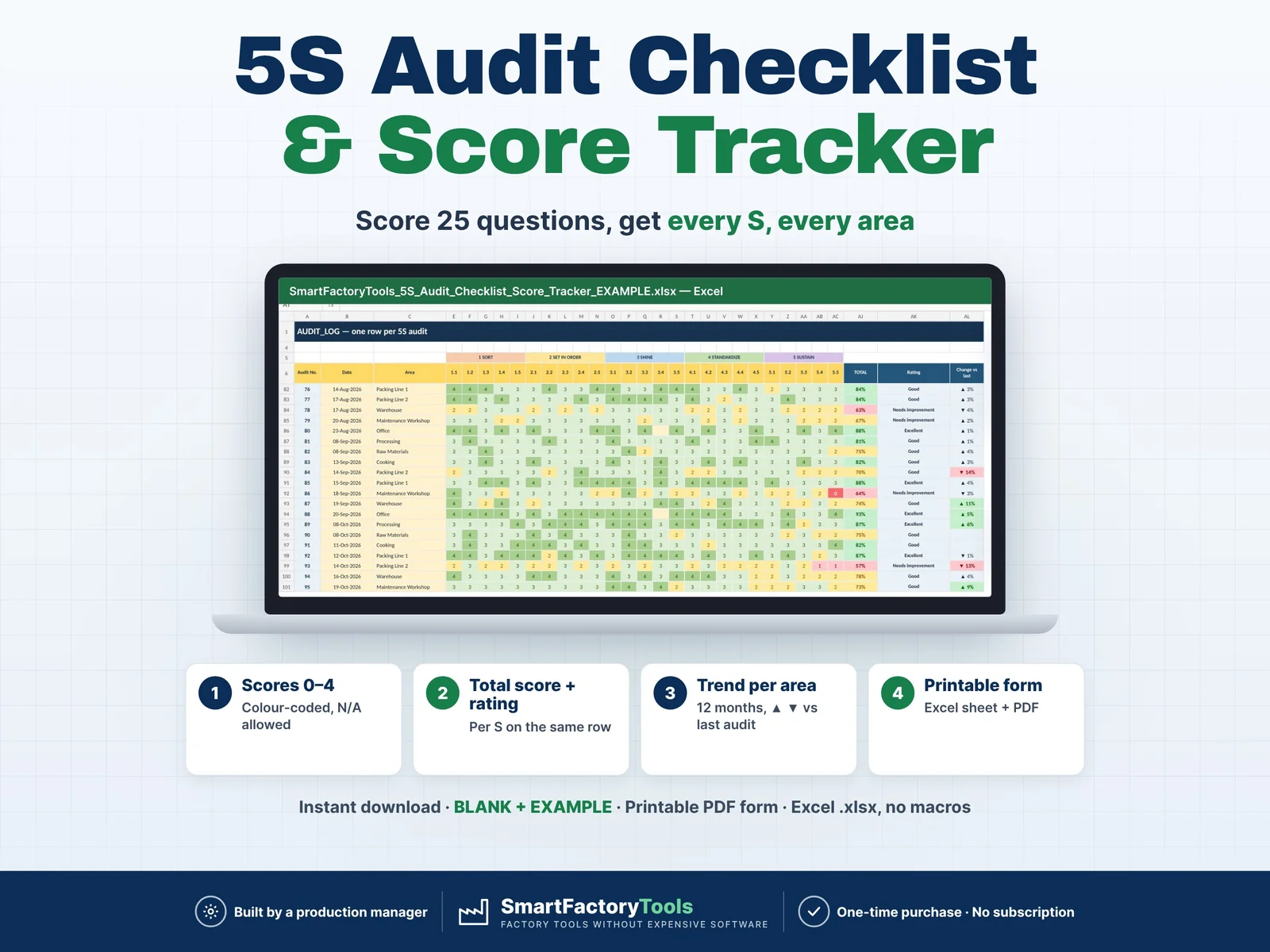
Related SmartFactoryTools templates: CAPA Tracker, Root Cause Analysis Toolkit (5 Why + Fishbone), 5S Audit Checklist & Score Tracker.
DIGITAL DOWNLOAD
This is a digital product – nothing is shipped. After payment, download the ZIP from your Etsy account (Purchases), unzip it on a computer and open the files in Microsoft Excel.
LICENSE
For use in the buyer's own company or organisation, at any number of sites. Reselling, sharing or uploading the template (original or modified) is not permitted. © SmartFactoryTools
 Lean & Continuous Improvement