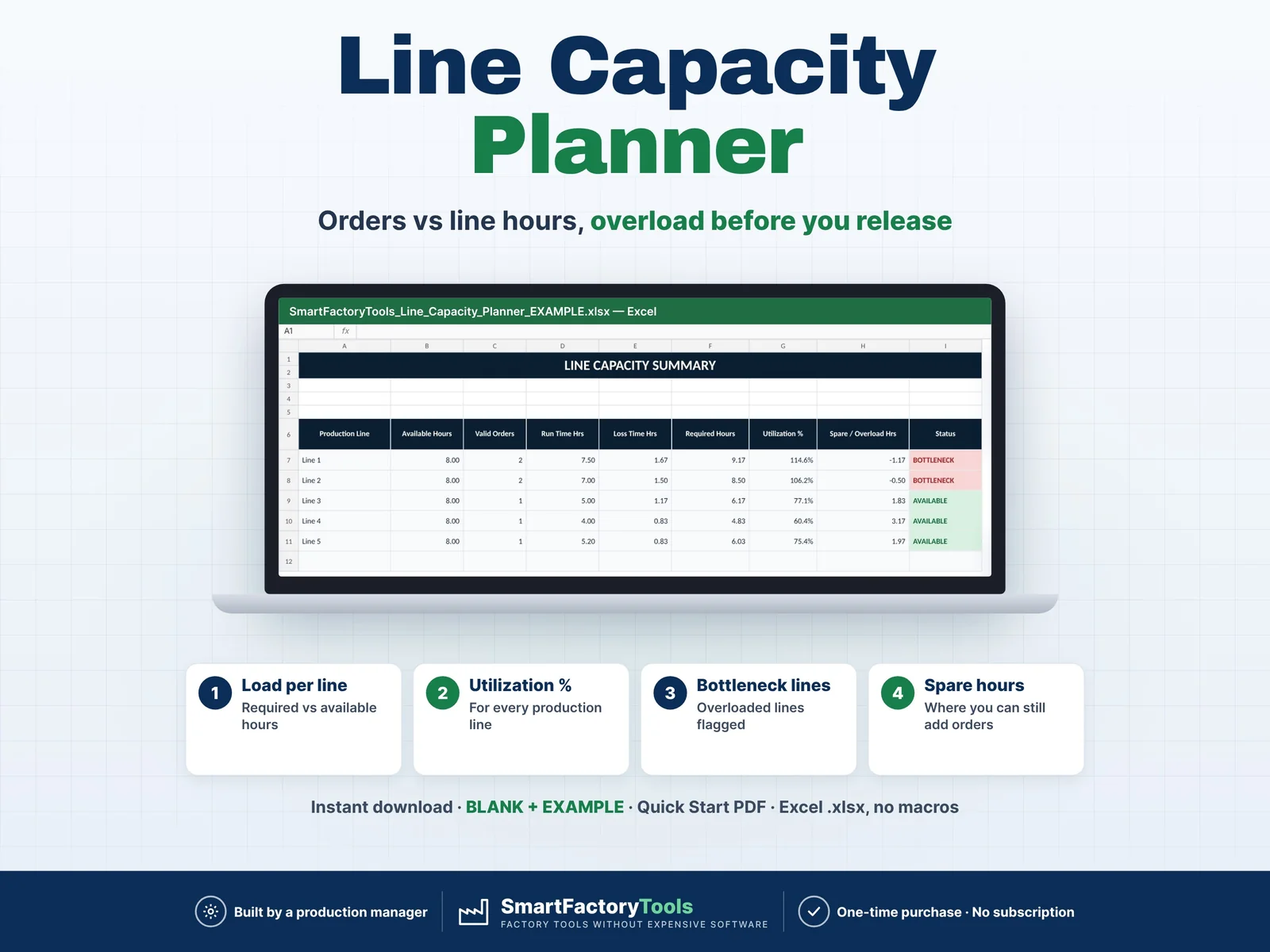
- Load per line – required vs available hours
- Utilization % for every production line
- Overloaded lines flagged, spare hours shown
- Instant download: BLANK + EXAMPLE · Quick Start PDF
- Built by a production manager · one-time purchase, no subscription, no macros
▶ Requires Microsoft Excel on a Windows or Mac computer (Excel 2016 or newer). Not for Google Sheets, Apple Numbers or mobile apps.
Line Capacity Planner – Excel Template
Turn your production orders into a clear line-by-line capacity plan.
Enter your production orders, assign each order to a production line, add demand quantities, production rates, setup time, changeover time and other planned losses — the workbook automatically calculates the required hours for each order and summarizes the total workload by production line.
Quickly see which lines have spare capacity and which lines are becoming bottlenecks before the production plan is released.
WHAT THIS TEMPLATE HELPS YOU DO
- Plan multiple production orders in one workbook
- Assign orders to different production lines
- Calculate required production hours automatically
- Include setup time and changeover time
- Include additional planned production losses
- Aggregate workload automatically by production line
- Compare required hours with available line hours
- Calculate production line utilization %
- Identify overloaded production lines
- See spare capacity and overload hours separately
- Detect production bottlenecks
- Review key production capacity KPIs on a visual dashboard
- Check data quality before using the production plan
5 ORGANIZED SHEETS INCLUDED
1. START
Quick instructions and guidance for setting up the template.
2. ORDERS
Enter your production plan including:
- Order / SKU
- Product
- Production Line
- Demand Quantity
- Production Rate / Hour
- Setup Time
- Changeover Time
- Other Planned Losses
Required production hours are calculated automatically.
3. LINE CAPACITY
Automatically groups the production workload by line and calculates:
- Valid orders
- Run time
- Loss time
- Total required hours
- Available hours
- Line utilization %
- Spare or overload hours
- Bottleneck status
4. DASHBOARD
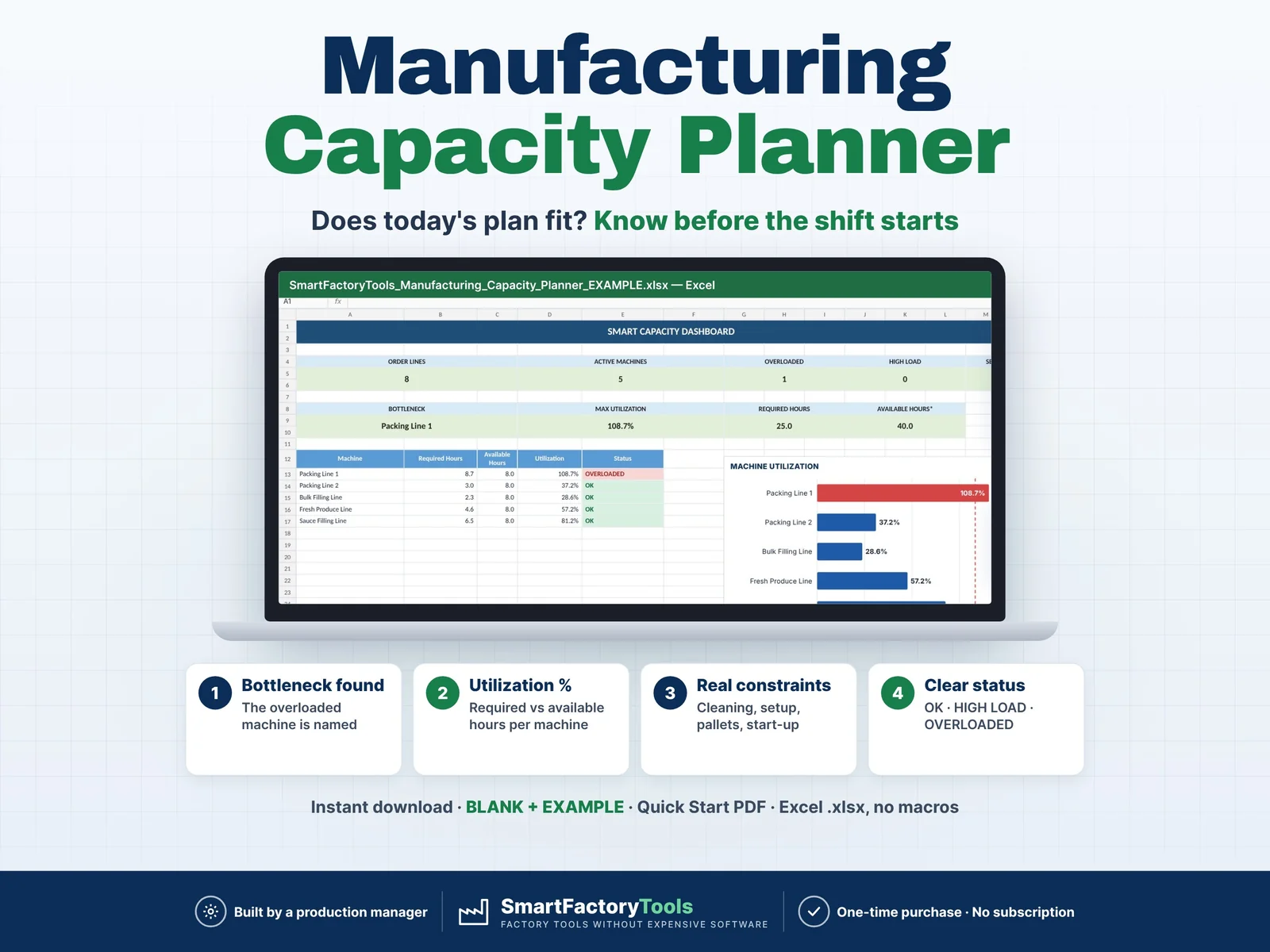
Get a clear overview of your production plan with:
- Valid Orders
- Active Production Lines
- Overloaded Lines
- Maximum Utilization
- Total Required Hours
- Total Available Hours
- Total Overload Hours
- Total Spare Hours
- Capacity charts
- Automatic data check
5. SETTINGS
Customize your production lines, available hours, departments and other planning parameters.
HOW IT WORKS
- Set up your production lines
- Enter your production orders
- Assign each order to a line
- Add production rates and planned losses
- Review the automatically calculated line capacity
- Use the dashboard to identify bottlenecks and available capacity
BUILT FOR
- Production Planners
- Production Managers
- Manufacturing Managers
- Shift Supervisors
- Operations Managers
- Small Manufacturers
- Packaging Operations
- Assembly Operations
- Workshops
- Production Facilities
CAPACITY LOGIC
The workbook evaluates each production line independently.
Required production time is calculated from:
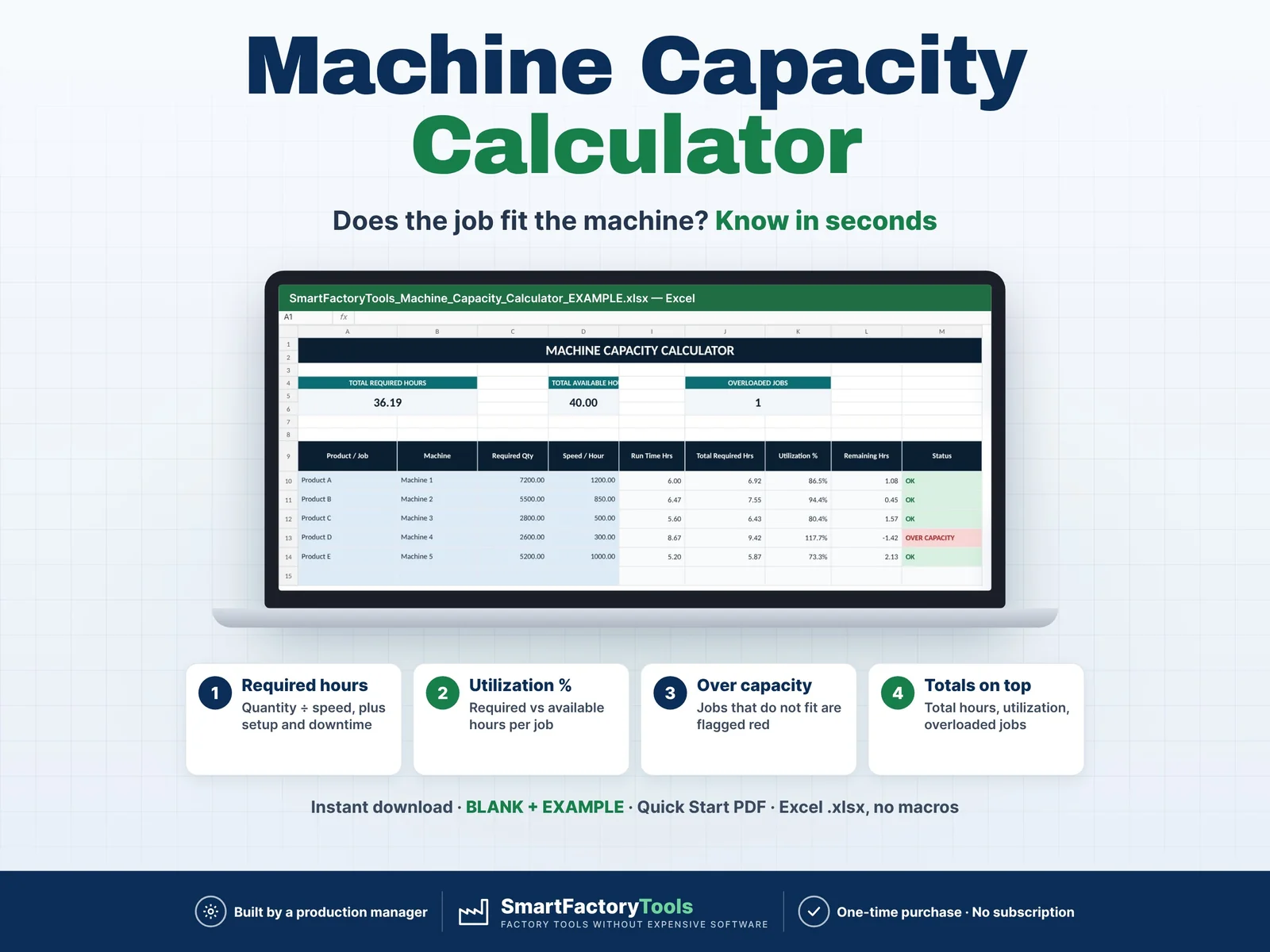
Demand Quantity ÷ Production Rate
plus:
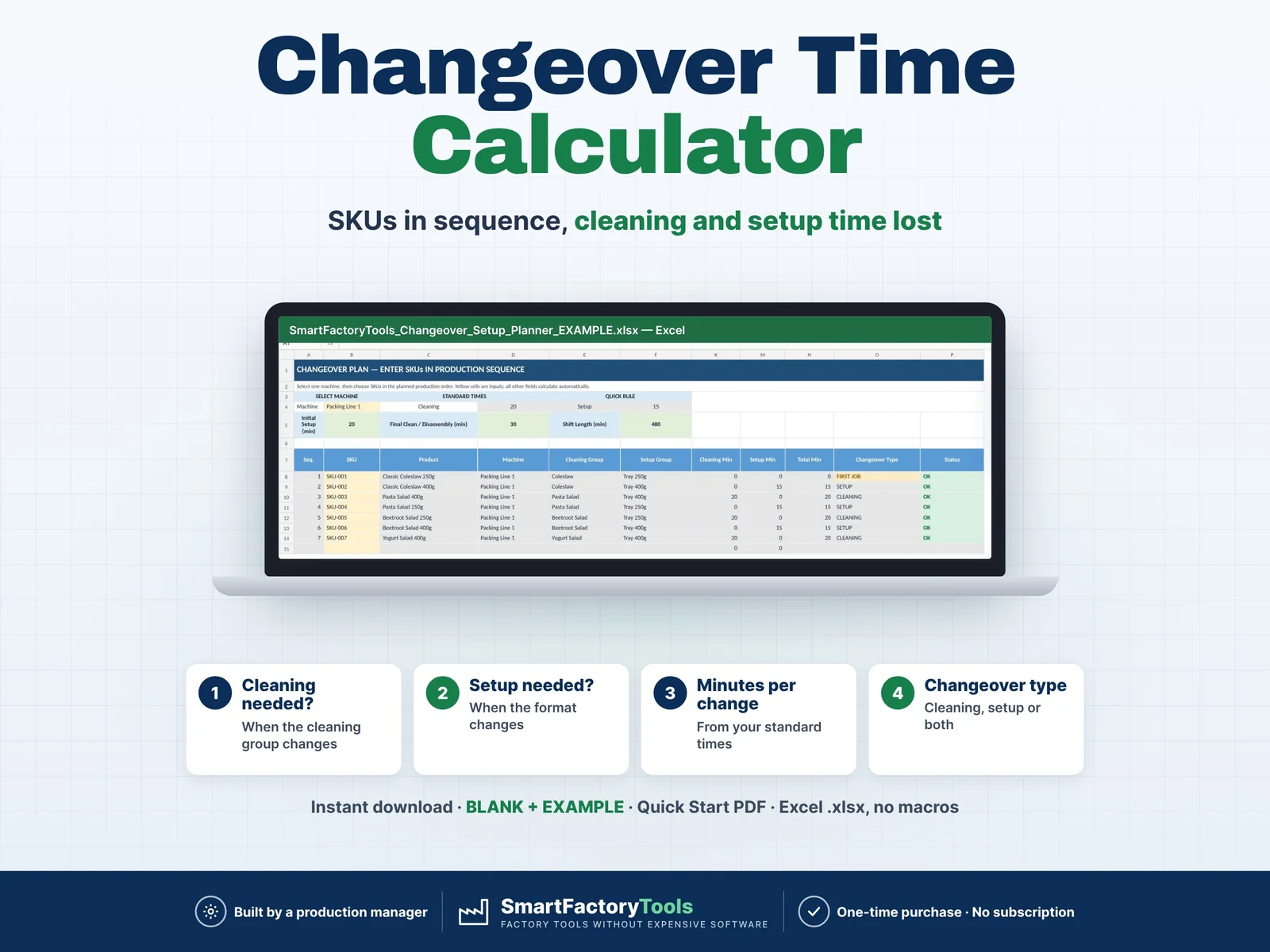
Setup Time + Changeover Time + Other Planned Losses
The workload from all valid orders assigned to the same production line is then combined and compared with the available hours for that line.
A line above available capacity is automatically identified as a BOTTLENECK.
Important: spare capacity on one production line does not automatically compensate for overload on another line unless the product can actually be transferred between those lines.
DATA VALIDATION
The workbook includes automatic checks for common input problems such as:
- Missing production line
- Missing or invalid demand quantity
- Missing production rate
- Duplicate production line names
- Missing available production hours
Calculated cells are protected against accidental changes (no password).
WHAT YOU RECEIVE
- ZIP file with:
- SmartFactoryTools_Line_Capacity_Planner_v1.2_BLANK.xlsx – sample lines in SETTINGS, empty order list for your own plan
- SmartFactoryTools_Line_Capacity_Planner_v1.2_EXAMPLE.xlsx – filled example: 7 orders on 5 lines, 2 lines overloaded
- Quick_Start_Guide.pdf – 2-page setup guide
- 7 organized worksheets incl. FAQ and LICENSE
- Built-in formulas
- Example production data (EXAMPLE file)
- Editable input areas
- Automatic capacity calculations
- Capacity dashboard and charts
- Instant digital download
SOFTWARE
Designed for use with Microsoft Excel.
Google Sheets compatibility is not guaranteed because some Excel functionality may behave differently.
IMPORTANT
This is a digital product. No physical item will be shipped.
The production data in the EXAMPLE file is for demonstration only – start your own plan in the BLANK file.
This template is a planning aid. Final production decisions should always consider your actual equipment, staffing, maintenance, quality, safety and operational constraints.
LICENSE
For personal or internal business use.
Redistribution, resale, sharing or uploading the original template for resale is not permitted.
 Production Planning