Skip to content
SmartFactoryTools
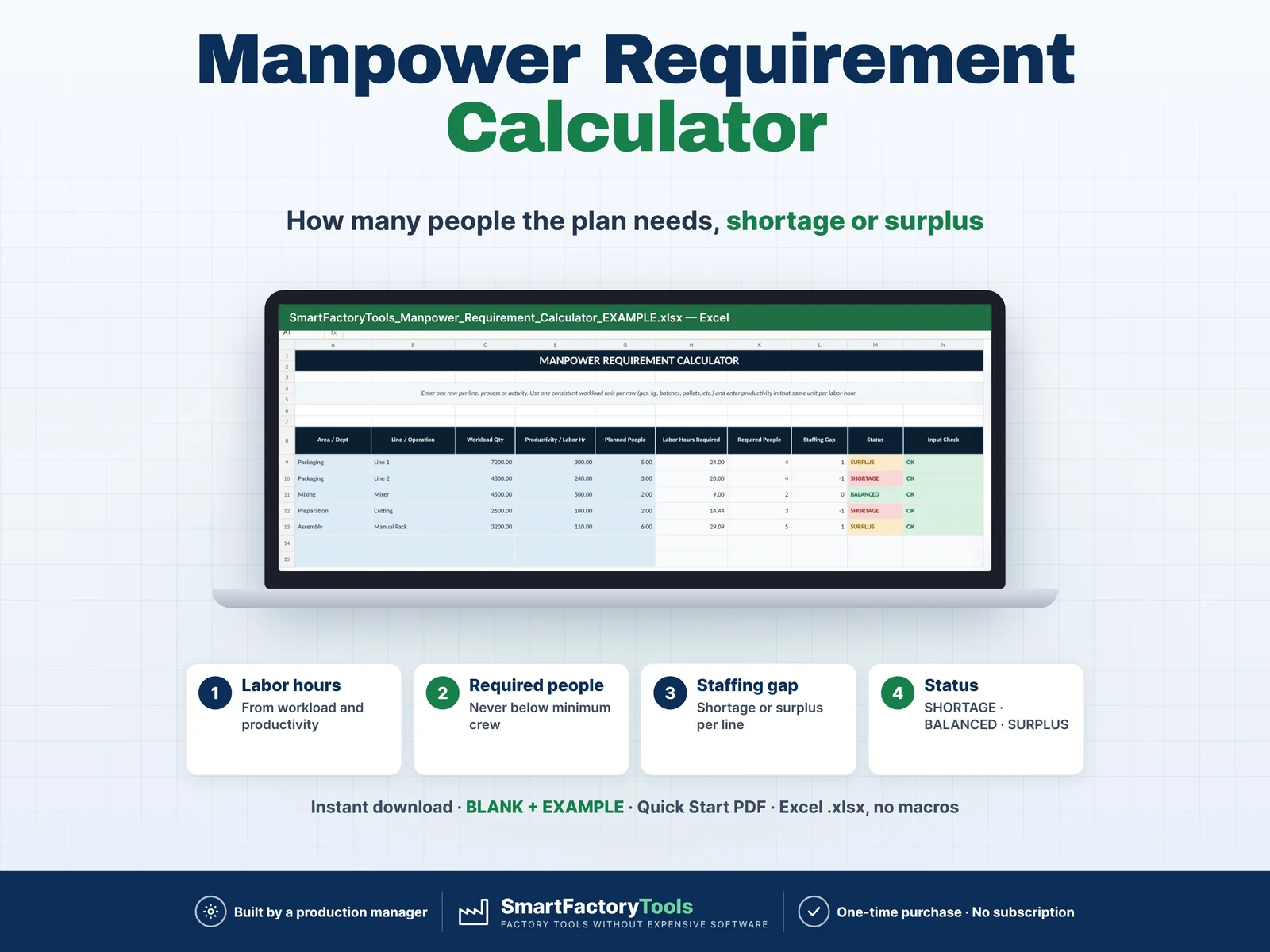
Manpower Requirement Calculator – main listing image

Workforce & Shifts

Manpower Requirement Calculator

Calculate how many people your production plan actually requires and quickly identify staffing shortages, balanced areas and surplus manpower. Enter your workload, labor productivity, minimum crew requirements and currently planned people. The workbook automatically calculates required labor hours, required headcount and staffing gaps for each production line, department or operation. Designed for production planners, supervisors, manufacturing managers and operations teams that need a fast and practical workforce planning tool.

€7.99

SKU: SFT-MRC-01 · Digital download (Microsoft Excel)

View on Etsy

Purchase and download through Etsy. Opens in a new tab.

Key features

  • Calculate required labor hours
  • Calculate required people per line or operation
  • Compare required people vs planned people
  • Identify staffing shortages
  • Identify surplus manpower
  • Identify balanced staffing areas
  • Include minimum crew requirements
  • Adjust for shift length and breaks
  • Adjust expected labor utilization
  • Calculate net productive hours per person
  • Highlight staffing gaps automatically
  • Review manpower KPIs in a visual dashboard
  • Reduce manual staffing calculations

Main benefits

  • Labour hours from workload and productivity
  • Required people per line – never below minimum crew
  • Shortage or surplus per line: SHORTAGE · BALANCED · SURPLUS
  • Instant download: BLANK + EXAMPLE · Quick Start PDF
  • Built by a production manager · one-time purchase, no subscription, no macros

Who this tool is for

  • Production Planners
  • Production Managers
  • Manufacturing Managers
  • Shift Supervisors
  • Operations Managers
  • Small Manufacturers
  • Packaging Lines
  • Assembly Operations
  • Food Manufacturing
  • Workshops
  • General Manufacturing Operations

How it works

  • The template uses a simple workforce planning logic:
  • Required Labor Hours = Workload ÷ Productivity per Labor Hour
  • Then:
  • Calculated People = Required Labor Hours ÷ Net Productive Hours per Person
  • The calculated result is rounded up to a whole person.
  • The final required manpower also respects the minimum crew requirement:
  • Required People = Higher of Calculated People or Minimum Crew
  • The template then compares required manpower with your planned staffing.

What's included

  • Quick instructions explaining how to configure and use the template.
  • The main workforce planning table.
  • Enter:
  • Area / Department
  • Line / Operation
  • Workload Quantity
  • Workload Unit
  • Productivity per Labor Hour
  • Minimum Crew
  • Planned People
  • The template automatically calculates:
  • Required Labor Hours
  • Net Hours per Person
  • Calculated People
  • Required People
  • Staffing Gap
  • Staffing Status
  • Input Check
  • Get a quick overview of your manpower plan with:
  • Valid Activities
  • Required People
  • Planned People
  • Shortage People
  • Surplus People
  • Shortage Areas
  • Total Labor Hours
  • Net Hours per Person
  • Required vs Planned People chart
  • Labor Hours by Activity chart
  • Automatic Data Check
  • Configure your planning assumptions:
  • Shift Length
  • Break / Non-productive Time
  • Expected Labor Utilization
  • Net Available Hours per Person
  • This lets the calculator reflect your own production environment and shift structure.
  • ZIP file with:
  • SmartFactoryTools_Manpower_Requirement_Calculator_v1.2_BLANK.xlsx – shift assumptions in SETTINGS, empty plan for your own lines
  • SmartFactoryTools_Manpower_Requirement_Calculator_v1.2_EXAMPLE.xlsx – filled example: 5 activities with shortage and surplus
  • Quick_Start_Guide.pdf – 2-page setup guide
  • 6 organized worksheets incl. FAQ and LICENSE
  • Calculated cells protected against accidental changes (no password)
  • Built-in formulas
  • Editable workload and staffing inputs
  • Example production data (EXAMPLE file)
  • Automatic workforce calculations
  • Visual manpower dashboard
  • Instant digital download

Software requirements

  • Requires Microsoft Excel on a Windows or Mac computer (Excel 2016 or newer). Not for Google Sheets, Apple Numbers or mobile apps.

Important limitations

  • Surplus manpower in one activity does not automatically mean those employees can cover another operation.
  • Skills, qualifications, training, safety requirements and operational constraints should always be considered before reassigning employees.
Full product description
  • Labour hours from workload and productivity
  • Required people per line – never below minimum crew
  • Shortage or surplus per line: SHORTAGE · BALANCED · SURPLUS
  • Instant download: BLANK + EXAMPLE · Quick Start PDF
  • Built by a production manager · one-time purchase, no subscription, no macros

▶ Requires Microsoft Excel on a Windows or Mac computer (Excel 2016 or newer). Not for Google Sheets, Apple Numbers or mobile apps.

Manpower Requirement Calculator – Excel Template

Calculate how many people your production plan actually requires and quickly identify staffing shortages, balanced areas and surplus manpower.

Enter your workload, labor productivity, minimum crew requirements and currently planned people. The workbook automatically calculates required labor hours, required headcount and staffing gaps for each production line, department or operation.

Designed for production planners, supervisors, manufacturing managers and operations teams that need a fast and practical workforce planning tool.

WHAT THIS TEMPLATE HELPS YOU DO

  • Calculate required labor hours
  • Calculate required people per line or operation
  • Compare required people vs planned people
  • Identify staffing shortages
  • Identify surplus manpower
  • Identify balanced staffing areas
  • Include minimum crew requirements
  • Adjust for shift length and breaks
  • Adjust expected labor utilization
  • Calculate net productive hours per person
  • Highlight staffing gaps automatically
  • Review manpower KPIs in a visual dashboard
  • Reduce manual staffing calculations

4 ORGANIZED SHEETS INCLUDED

1. START

Quick instructions explaining how to configure and use the template.

2. MANPOWER PLAN

The main workforce planning table.

Enter:

  • Area / Department
  • Line / Operation
  • Workload Quantity
  • Workload Unit
  • Productivity per Labor Hour
  • Minimum Crew
  • Planned People

The template automatically calculates:

  • Required Labor Hours
  • Net Hours per Person
  • Calculated People
  • Required People
  • Staffing Gap
  • Staffing Status
  • Input Check

3. DASHBOARD

Get a quick overview of your manpower plan with:

  • Valid Activities
  • Required People
  • Planned People
  • Shortage People
  • Surplus People
  • Shortage Areas
  • Total Labor Hours
  • Net Hours per Person
  • Required vs Planned People chart
  • Labor Hours by Activity chart
  • Automatic Data Check

4. SETTINGS

Configure your planning assumptions:

  • Shift Length
  • Break / Non-productive Time
  • Expected Labor Utilization
  • Net Available Hours per Person

This lets the calculator reflect your own production environment and shift structure.

HOW THE CALCULATION WORKS

The template uses a simple workforce planning logic:

Required Labor Hours = Workload ÷ Productivity per Labor Hour

Then:

Calculated People = Required Labor Hours ÷ Net Productive Hours per Person

The calculated result is rounded up to a whole person.

The final required manpower also respects the minimum crew requirement:

Required People = Higher of Calculated People or Minimum Crew

The template then compares required manpower with your planned staffing.

STAFFING STATUS

SHORTAGE

Planned people are lower than required manpower.

BALANCED

Planned people match the requirement.

SURPLUS

More people are planned than currently required.

This gives production planners a quick way to identify where additional people may be needed and where manpower could potentially be reassigned.

IDEAL FOR

  • Production Planners
  • Production Managers
  • Manufacturing Managers
  • Shift Supervisors
  • Operations Managers
  • Small Manufacturers
  • Packaging Lines
  • Assembly Operations
  • Food Manufacturing
  • Workshops
  • General Manufacturing Operations

IMPORTANT PLANNING NOTE

Surplus manpower in one activity does not automatically mean those employees can cover another operation.

Skills, qualifications, training, safety requirements and operational constraints should always be considered before reassigning employees.

WHAT YOU RECEIVE

  • ZIP file with:
  • SmartFactoryTools_Manpower_Requirement_Calculator_v1.2_BLANK.xlsx – shift assumptions in SETTINGS, empty plan for your own lines
  • SmartFactoryTools_Manpower_Requirement_Calculator_v1.2_EXAMPLE.xlsx – filled example: 5 activities with shortage and surplus
  • Quick_Start_Guide.pdf – 2-page setup guide
  • 6 organized worksheets incl. FAQ and LICENSE
  • Calculated cells protected against accidental changes (no password)
  • Built-in formulas
  • Editable workload and staffing inputs
  • Example production data (EXAMPLE file)
  • Automatic workforce calculations
  • Visual manpower dashboard
  • Instant digital download

SOFTWARE

Designed for Microsoft Excel.

Google Sheets compatibility is not guaranteed because some Excel formatting and functionality may behave differently.

DIGITAL PRODUCT

This is a digital product.

No physical item will be shipped.

The data in the EXAMPLE file is for demonstration only – start your own plan in the BLANK file.

LICENSE

For personal or internal business use only.

Redistribution, resale, sublicensing, sharing or selling modified or unmodified versions of this template is not permitted.

Related tools

Skills Matrix & Coverage Risk Planner – main listing imageWorkforce & Shifts

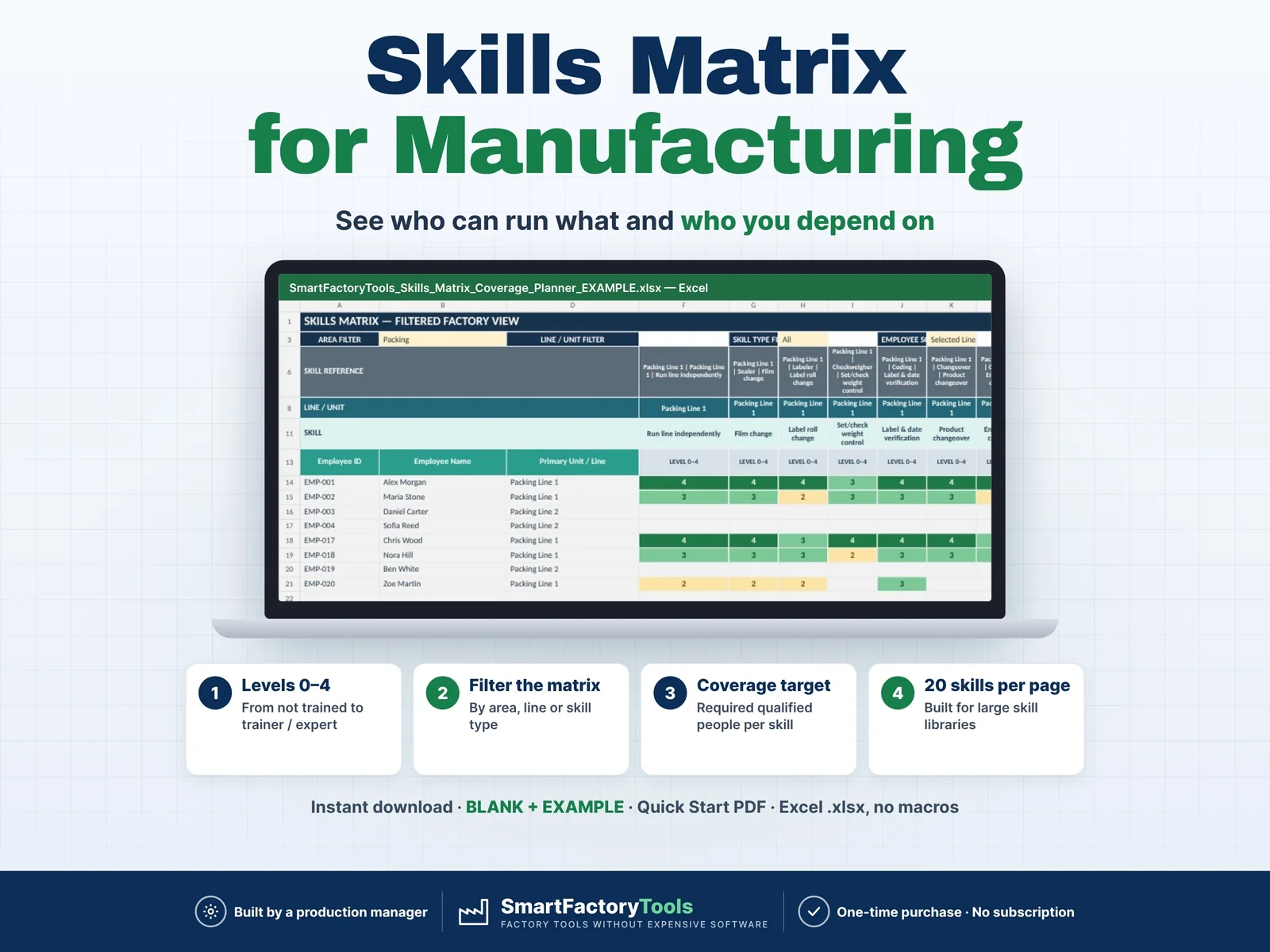
Skills Matrix & Coverage Risk Planner

Build a clear employee skills matrix, identify single-person dependencies, and see exactly where cross-training is needed before qualification gaps become production risks.

€19.99

View details
Training Matrix & Certification Expiry Tracker – main listing imageWorkforce & Shifts

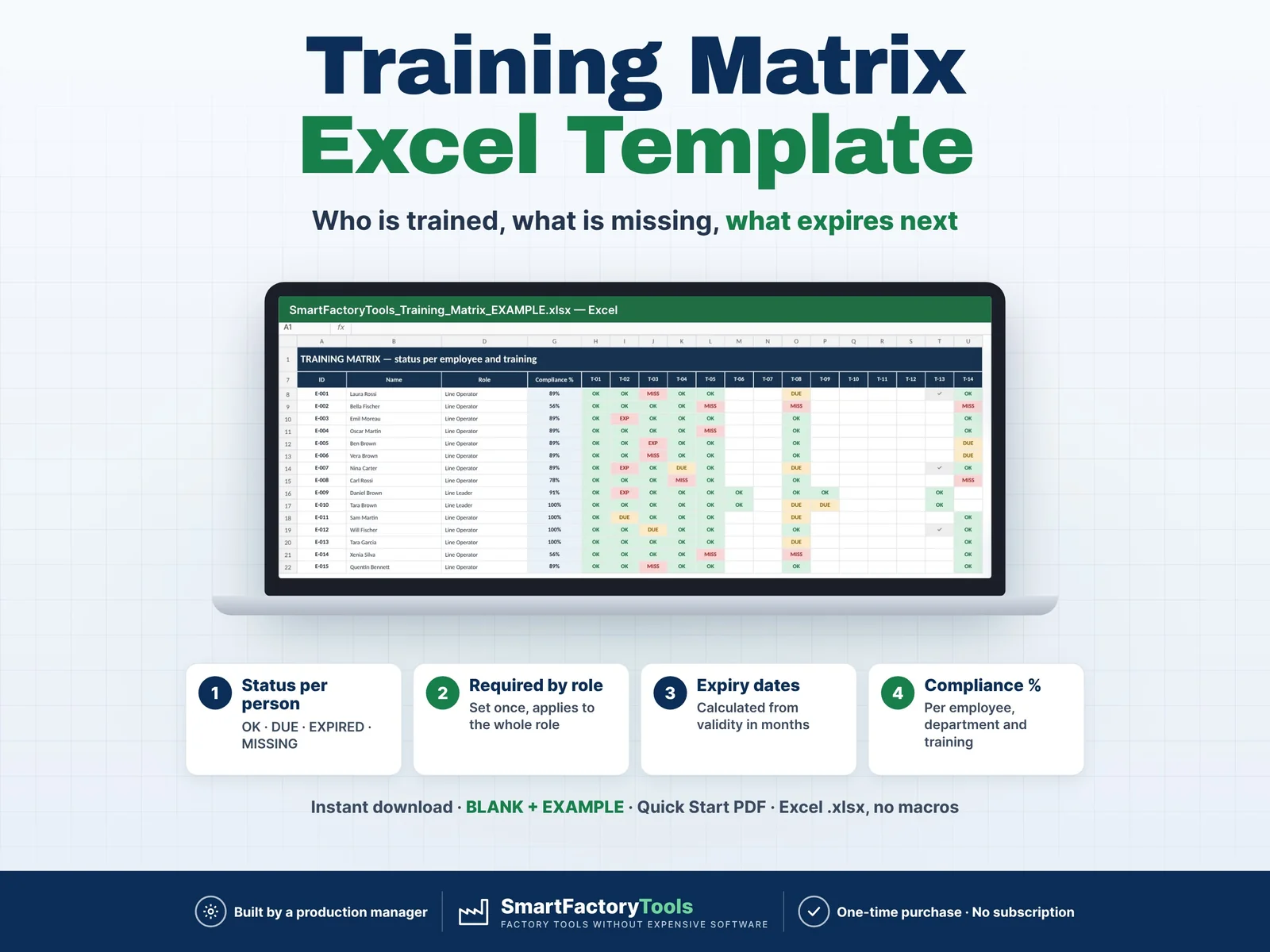
Training Matrix & Certification Expiry Tracker

Know who is trained, what is missing and what expires next — for every employee, by role.

€19.99

View details
Certification & Training Expiry Tracker – main listing imageWorkforce & Shifts

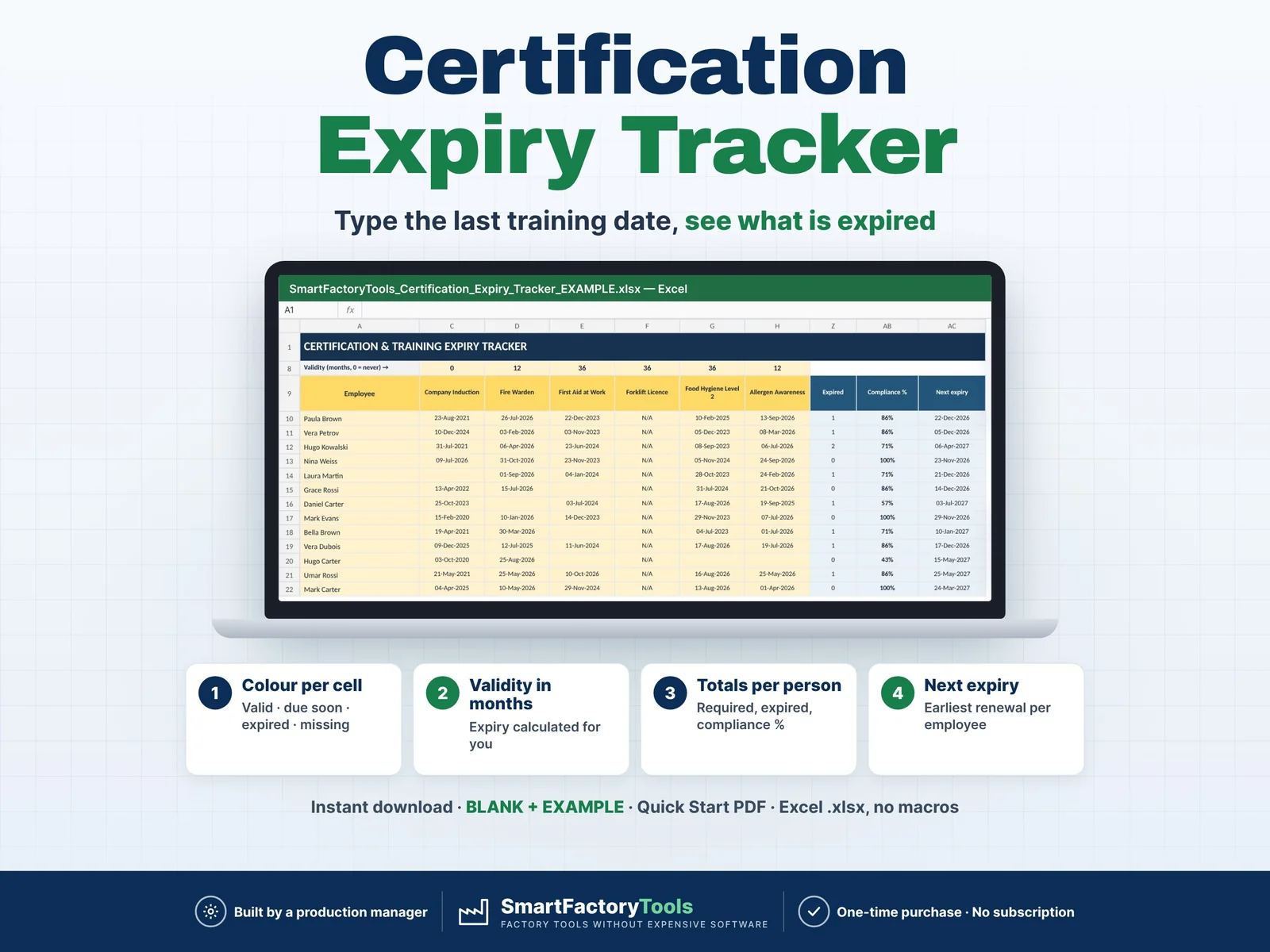
Certification & Training Expiry Tracker

Type the date of the last training — Excel shows what is valid, due soon, expired or missing.

€9.99

View details