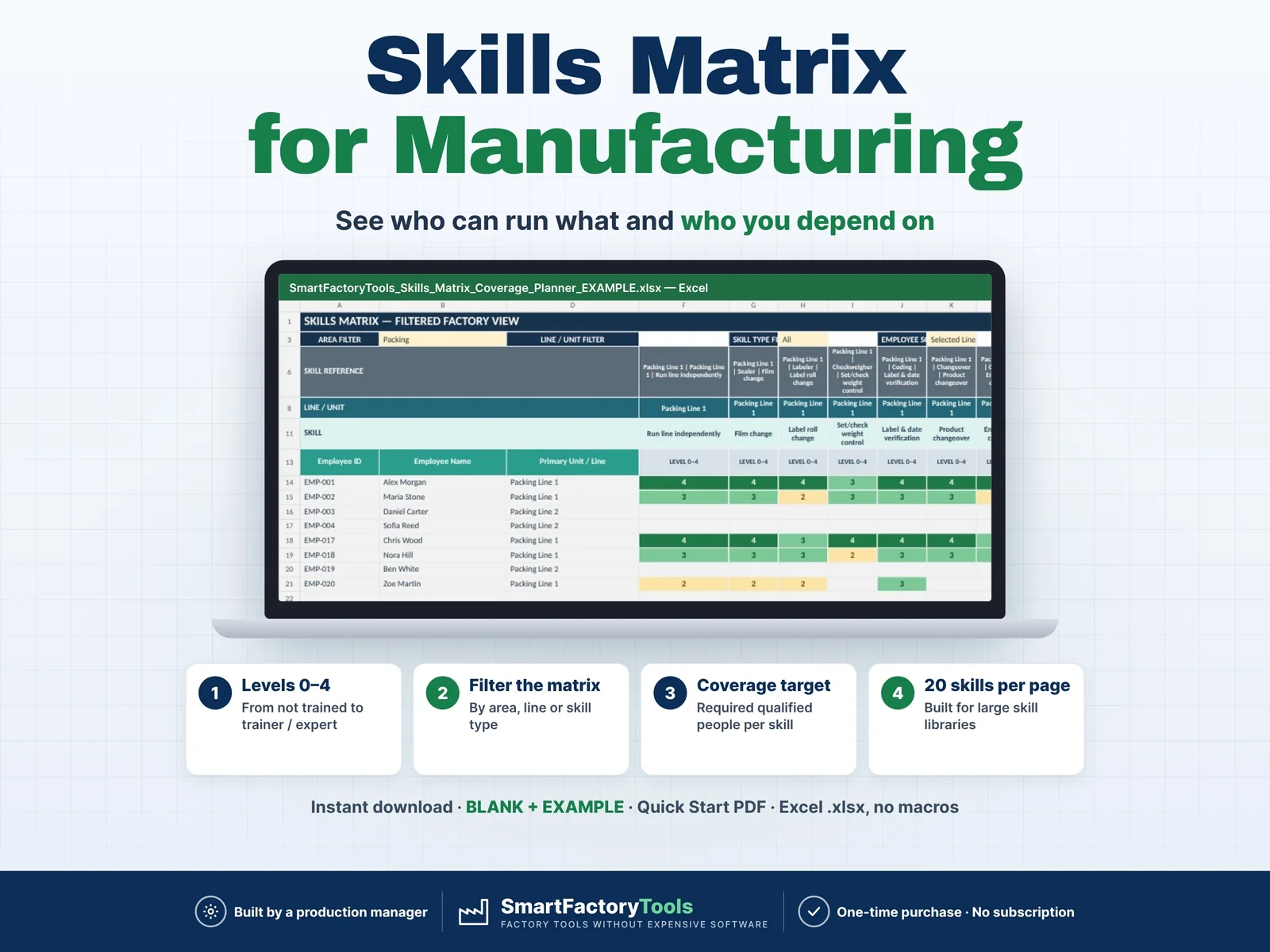
- Skill levels 0–4, from not trained to trainer
- Filter the matrix by area, line or skill type
- Coverage target – required qualified people per skill
- Instant download: BLANK + EXAMPLE · Quick Start PDF
- Built by a production manager · one-time purchase, no subscription, no macros
▶ Requires Microsoft Excel on a Windows or Mac computer (Excel 2016 or newer). Not for Google Sheets, Apple Numbers or mobile apps.
Manufacturing Skills Matrix & Coverage Risk Planner — Excel Template
Build a clear employee skills matrix, identify single-person dependencies, and see exactly where cross-training is needed before qualification gaps become production risks.
This Excel workbook is designed for manufacturing and production teams that need more than a basic employee-versus-skill table. It combines qualification levels, required coverage, trainer visibility, filtered matrix views, employee detail, coverage risk analysis and a management dashboard.
WHAT THIS TEMPLATE HELPS YOU DO
- Create your own manufacturing skill structure
- Organize skills by Area, Line / Unit, Machine / Process and Skill Type
- Assign employee qualification levels from 0 to 4
- Identify qualified operators and trainers
- Detect skills with no qualified coverage
- Detect single-person dependency risks
- Compare qualified people against required coverage
- Highlight under-covered skills
- Prioritize cross-training needs
- Review one employee’s full qualification profile
- Browse large skill libraries with filters and pagination
- Monitor key workforce qualification risks on a dashboard
WHAT'S IN THE ZIP
- SmartFactoryTools_Skills_Matrix_Coverage_Planner_v1.2_BLANK.xlsx — empty employee list, skill library and qualifications, ready for your plant
- SmartFactoryTools_Skills_Matrix_Coverage_Planner_v1.2_EXAMPLE.xlsx — filled example: 20 employees, 22 skills, real coverage risks
- Quick_Start_Guide.pdf — 2-page setup guide
INCLUDED SHEETS
- START HERE — instructions, qualification scale and risk logic
- EMPLOYEES — workforce master data
- SKILLS — fully customizable factory skill library
- EMPLOYEE SKILLS — fast qualification entry
- SKILLS MATRIX — filtered visual skills matrix with 20 skills per page
- EMPLOYEE DETAIL — detailed qualification profile for one employee
- COVERAGE RISK — full coverage and training-gap analysis
- DASHBOARD — management overview of priority risks
- FAQ — answers to the most common questions
- LICENSE — terms of use
QUALIFICATION LEVELS
0 — Not trained
1 — Awareness
2 — Works with support
3 — Independent / Qualified
4 — Trainer / Expert
COVERAGE RISK LOGIC
NO COVERAGE — no active employee currently meets the minimum qualified level.
SINGLE POINT — only one active qualified employee covers the skill, creating dependency risk.
UNDER TARGET — qualified employees exist, but the Required Coverage target is not met.
OK — coverage is at or above the target with more than one qualified employee.
CUSTOMIZABLE FOR YOUR FACTORY
The workbook is not limited to a predefined list of jobs or machines. You can add your own:
- Areas / departments
- Production lines
- Machines
- Processes
- Skills
- Coverage requirements
- Qualification thresholds
Designed for production environments where some employees may have only a few skills while senior or multi-skilled operators may have 20+ qualifications.
DESIGNED FOR
- Production Managers
- Manufacturing Managers
- Production Planners
- Operations Managers
- Factory Supervisors
- Training Coordinators
- Quality / Food Safety Teams
- Small and Medium Manufacturers
EASY TO USE
Yellow cells are user inputs.
Calculated areas are visually separated and protected against accidental changes (no password).
The EXAMPLE file includes sample production data so you can understand the logic; the BLANK file is ready for your own information.
SOFTWARE
Microsoft Excel / Excel 365 recommended.
No macros.
Compatibility with Google Sheets, Apple Numbers, LibreOffice and other spreadsheet applications is not guaranteed.
DIGITAL PRODUCT
Instant digital download.
No physical product will be shipped.
The ZIP file contains the BLANK and EXAMPLE workbooks and a Quick Start Guide (PDF).
SCOPE
This template focuses on structural qualification and coverage analysis.
Not included:
- Vacation / sick-leave availability
- Shift-specific coverage
- Training plans
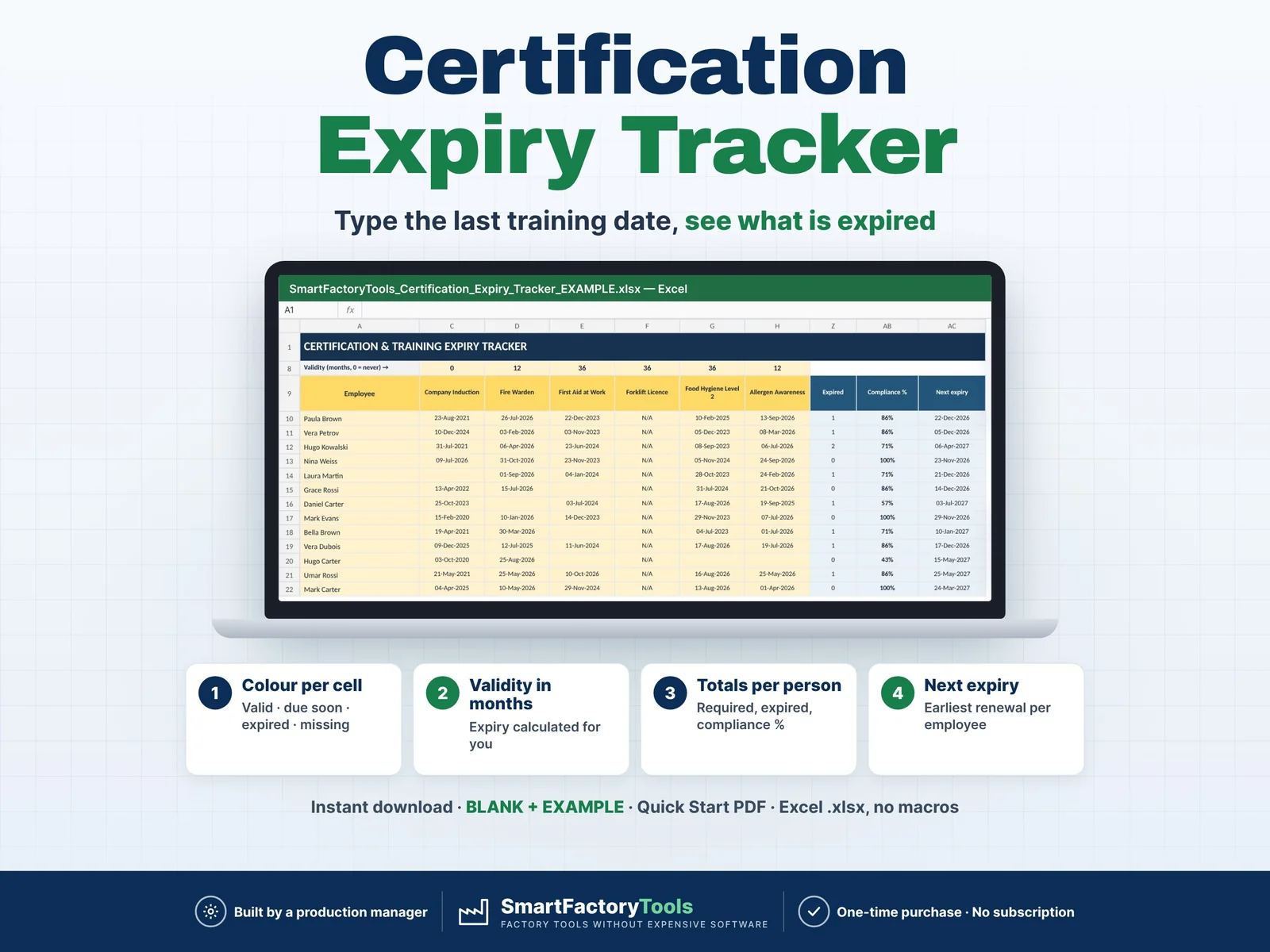
- Qualification / certification expiry
- Role-based competency targets
- What-if absence simulations
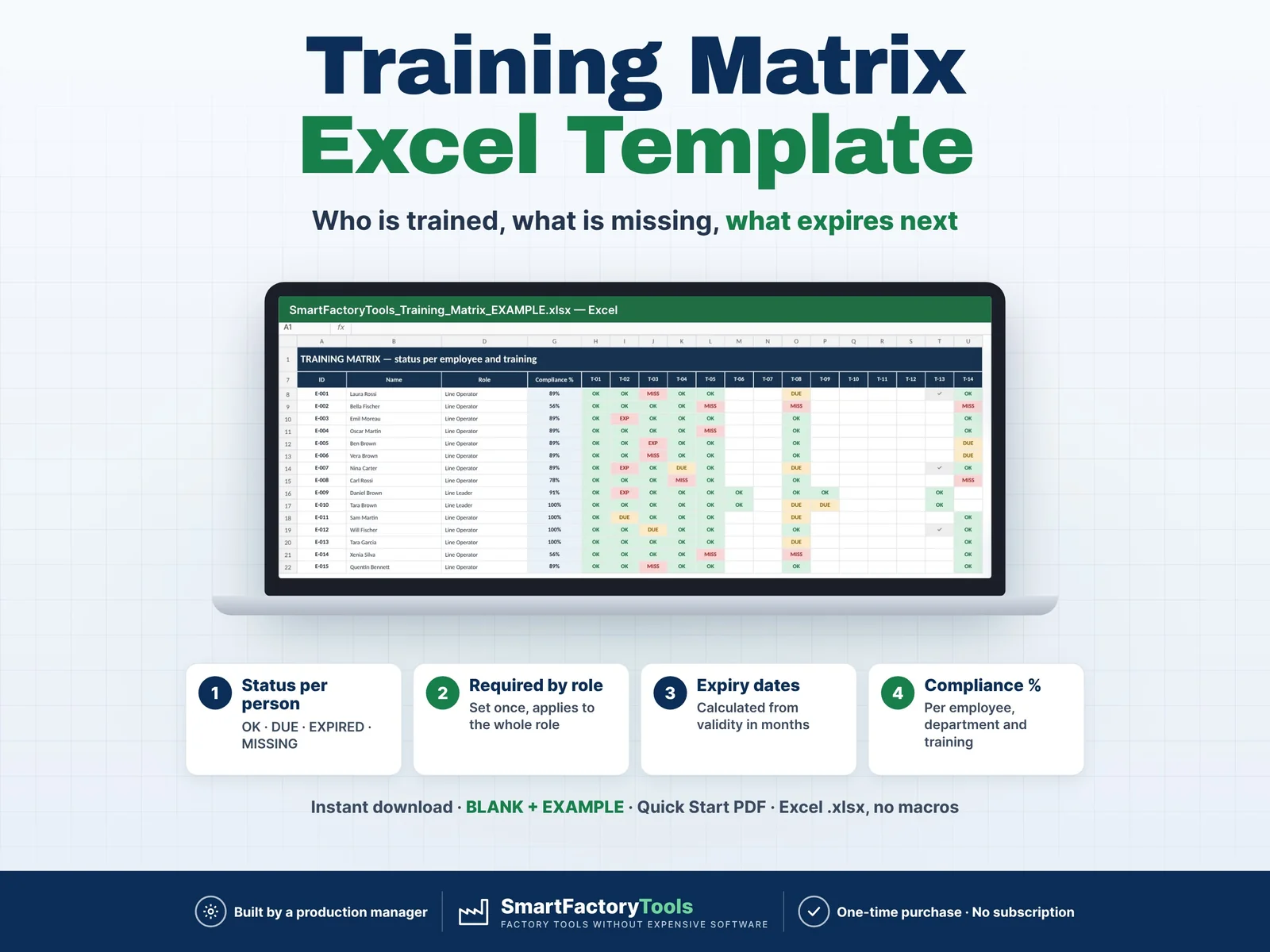
For required trainings by role and certification expiry dates, see our Training Matrix Excel Template.
For the daily line-up — who goes to which line and position on today's shift, from who is present — see our Daily Operator Assignment Board. It imports the skill levels from this Skills Matrix by copy & paste (level scale translated automatically), so there is no double entry.
IMPORTANT
This workbook is a production-planning and competency-management aid. Users should verify inputs and calculation results before making operational, quality or safety-critical decisions.
Created by SmartFactoryTools using practical manufacturing planning logic and AI-assisted development, followed by human review and testing.
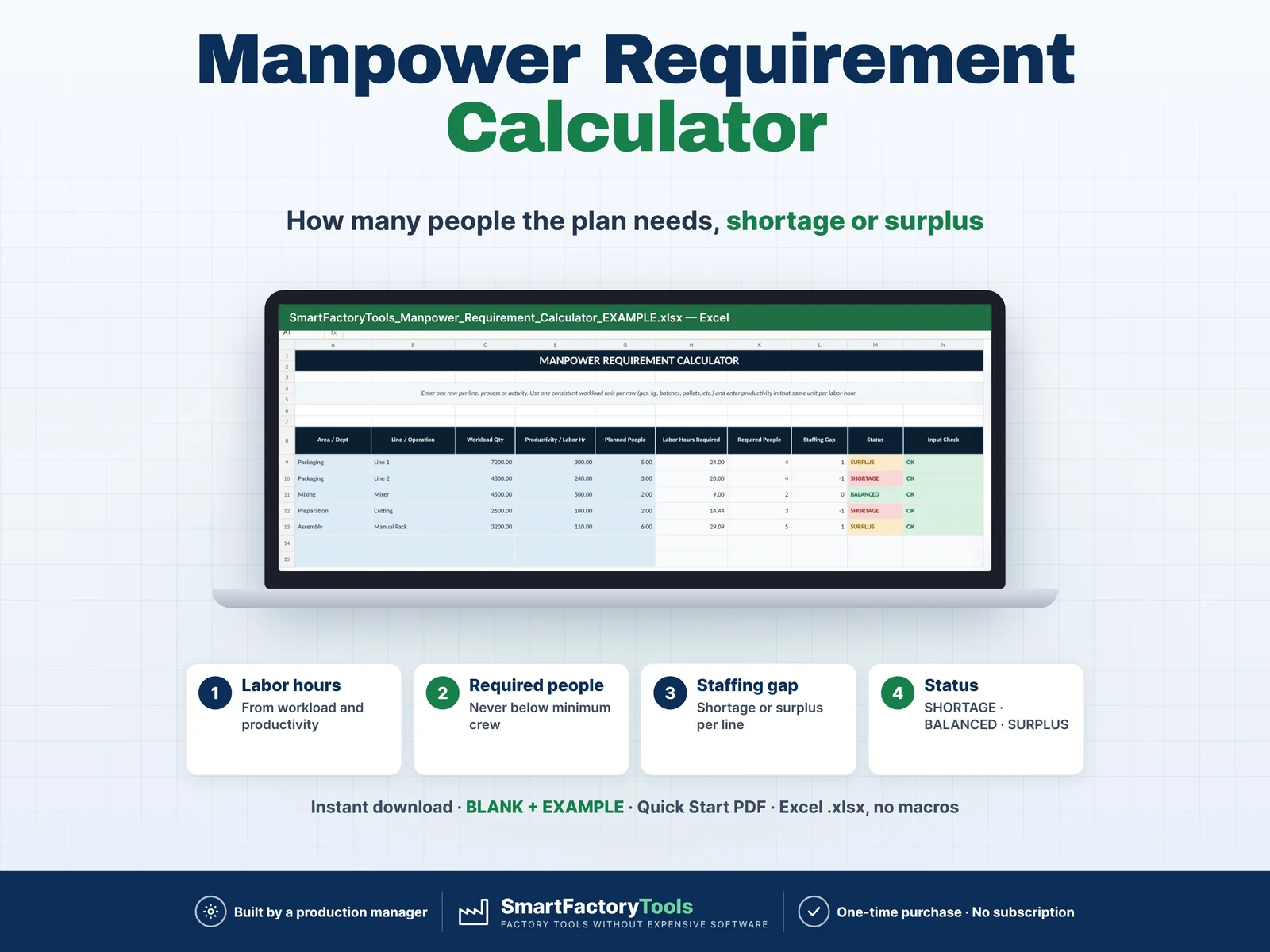 Workforce & Shifts