Skip to content
SmartFactoryTools
Overtime Calculator & Monthly Overtime Sheet – main listing image

Workforce & Shifts

Overtime Calculator & Monthly Overtime Sheet

Calculate overtime pay per employee in Excel – and print one monthly overtime sheet per person to sign and hand to payroll.

€8.99

SKU: SFT-OTCALC-01 · Digital download (Microsoft Excel)

View on Etsy

Purchase and download through Etsy. Opens in a new tab.

Key features

  • Overtime pay = hours × hourly rate × pay multiplier – calculated per row
  • Up to 6 overtime types with your own multipliers (e.g. Weekday 1.5, Sunday 2.0, Night 1.25)
  • Monthly summary: hours per overtime type, total hours and overtime pay per person
  • Company monthly limit per person (your own threshold) – OK · NEAR · OVER
  • Printable monthly overtime sheet per employee: every row, rate, multiplier, pay, total and signature lines (employee, supervisor, payroll)
  • Year view: hours per person and month, year hours and pay, monthly chart
  • Pay rise during the year: enter the new rate and the date it starts – older overtime keeps the old rate
  • Check column on every row: ✖ rows (wrong date, unknown person, no valid rate …) are not counted until fixed, ⚠ notes for missing approval names or duplicates
  • Protected formulas (no password), dropdowns for employees and overtime types

Main benefits

  • Pay = hours × rate × multiplier (time and a half, double time …)
  • Your own overtime types: weekday, Sunday, holiday, night
  • Monthly limit check per person: OK · NEAR · OVER
  • Instant download: BLANK + EXAMPLE · Printable overtime record
  • Built by a production manager · one-time purchase, no subscription, no macros
  • Overtime pay = hours × hourly rate × pay multiplier – calculated per row
  • Up to 6 overtime types with your own multipliers (e.g. Weekday 1.5, Sunday 2.0, Night 1.25)
  • Monthly summary: hours per overtime type, total hours and overtime pay per person
  • Company monthly limit per person (your own threshold) – OK · NEAR · OVER
  • Printable monthly overtime sheet per employee: every row, rate, multiplier, pay, total and signature lines (employee, supervisor, payroll)
  • Year view: hours per person and month, year hours and pay, monthly chart
  • Pay rise during the year: enter the new rate and the date it starts – older overtime keeps the old rate
  • Check column on every row: ✖ rows (wrong date, unknown person, no valid rate …) are not counted until fixed, ⚠ notes for missing approval names or duplicates
  • Protected formulas (no password), dropdowns for employees and overtime types

Who this tool is for

  • Production supervisors and team leaders
  • Production and operations managers
  • Small business owners (manufacturing, food, warehouse, workshops)
  • HR and payroll administrators who receive overtime from departments

How it works

  • 1. SETUP (5 minutes) – year, currency, company monthly limit, overtime types with pay multiplier, reasons
  • 2. EMPLOYEES – name, department, hourly rate, own limit (optional)
  • 3. OT_LOG – one row per overtime: date, employee, hours, type (+ reason, approved by)
  • 4. MONTH_SUMMARY – choose the month: hours, pay and limit status per person
  • 5. EMPLOYEE_SHEET – choose employee and month, print, sign, hand to payroll
  • Example: 8 hours Sunday overtime × 19.20 €/h × 2.0 = 307.20 €.

What's included

  • Overtime Calculator BLANK workbook (.xlsx) – for your own data
  • EXAMPLE workbook (.xlsx) – fictional food plant, 18 people, overtime January–September
  • Quick Start Guide (PDF, 2 pages)
  • Printable Overtime Record (PDF, A4) – paper form for the shop floor
  • Sheets: START_HERE · SETUP · EMPLOYEES · OT_LOG · MONTH_SUMMARY · YEAR_VIEW · EMPLOYEE_SHEET · FAQ · LICENSE

Software requirements

  • Requires Microsoft Excel 2016 or newer on a computer (Windows or Mac). Not for Google Sheets, Apple Numbers or Excel mobile apps.

Important limitations

  • A calculation aid – it does not apply labour law, tax or payroll rules. Overtime types, multipliers and limits are your company rules.
  • Enter hours worked as a number (breaks deducted): 1 h 30 min = 1.5. No start / end time entry, no clock-in.
  • Multipliers do not add up automatically – for combined cases (e.g. night on a public holiday) add a combined type.
  • 60 people · 1,500 overtime rows · one year per file.
  • Need overtime budgets, reasons analysis, weekly / yearly limits or start / end times? See the SmartFactoryTools Overtime & Labour Hours Tracker in our shop.
Full product description

Calculate overtime pay per employee in Excel – and print one monthly overtime sheet per person to sign and hand to payroll.

  • Pay = hours × rate × multiplier (time and a half, double time …)
  • Your own overtime types: weekday, Sunday, holiday, night
  • Monthly limit check per person: OK · NEAR · OVER
  • Instant download: BLANK + EXAMPLE · Printable overtime record
  • Built by a production manager · one-time purchase, no subscription, no macros

▶ Requires Microsoft Excel 2016 or newer on a computer (Windows or Mac). Not for Google Sheets, Apple Numbers or Excel mobile apps.

Overtime is often written on paper, added up by hand at month end and checked again by payroll. This Overtime Calculator does the maths for you: enter each overtime once – date, employee, hours, type – and Excel calculates the pay with the hourly rate of the person and the pay multiplier of the overtime type (time and a half, double time, night, Sunday, public holiday …). At month end you choose the month and get hours and pay for every person, a limit check and a printable page per employee.

Built by a production manager for supervisors and small businesses who need correct overtime numbers fast – without a time & attendance system.

WHAT IT DOES

  • Overtime pay = hours × hourly rate × pay multiplier – calculated per row
  • Up to 6 overtime types with your own multipliers (e.g. Weekday 1.5, Sunday 2.0, Night 1.25)
  • Monthly summary: hours per overtime type, total hours and overtime pay per person
  • Company monthly limit per person (your own threshold) – OK · NEAR · OVER
  • Printable monthly overtime sheet per employee: every row, rate, multiplier, pay, total and signature lines (employee, supervisor, payroll)
  • Year view: hours per person and month, year hours and pay, monthly chart
  • Pay rise during the year: enter the new rate and the date it starts – older overtime keeps the old rate
  • Check column on every row: ✖ rows (wrong date, unknown person, no valid rate …) are not counted until fixed, ⚠ notes for missing approval names or duplicates
  • Protected formulas (no password), dropdowns for employees and overtime types

WHAT'S INCLUDED

  • Overtime Calculator BLANK workbook (.xlsx) – for your own data
  • EXAMPLE workbook (.xlsx) – fictional food plant, 18 people, overtime January–September
  • Quick Start Guide (PDF, 2 pages)
  • Printable Overtime Record (PDF, A4) – paper form for the shop floor

Sheets: START_HERE · SETUP · EMPLOYEES · OT_LOG · MONTH_SUMMARY · YEAR_VIEW · EMPLOYEE_SHEET · FAQ · LICENSE

HOW IT WORKS

  1. SETUP (5 minutes) – year, currency, company monthly limit, overtime types with pay multiplier, reasons
  2. EMPLOYEES – name, department, hourly rate, own limit (optional)
  3. OT_LOG – one row per overtime: date, employee, hours, type (+ reason, approved by)
  4. MONTH_SUMMARY – choose the month: hours, pay and limit status per person
  5. EMPLOYEE_SHEET – choose employee and month, print, sign, hand to payroll

Example: 8 hours Sunday overtime × 19.20 €/h × 2.0 = 307.20 €.

WHO IT'S FOR

  • Production supervisors and team leaders
  • Production and operations managers
  • Small business owners (manufacturing, food, warehouse, workshops)
  • HR and payroll administrators who receive overtime from departments

LIMITS – PLEASE READ

  • A calculation aid – it does not apply labour law, tax or payroll rules. Overtime types, multipliers and limits are your company rules.
  • Enter hours worked as a number (breaks deducted): 1 h 30 min = 1.5. No start / end time entry, no clock-in.
  • Multipliers do not add up automatically – for combined cases (e.g. night on a public holiday) add a combined type.
  • 60 people · 1,500 overtime rows · one year per file.
  • Need overtime budgets, reasons analysis, weekly / yearly limits or start / end times? See the SmartFactoryTools Overtime & Labour Hours Tracker in our shop.

FAQ

Q: Can I change the overtime types and multipliers?

A: Yes – up to 6 types with your own names and multipliers.

Q: What happens when an hourly rate changes?

A: Enter the new rate and its start date. Rows before that date keep the old rate.

Q: Is the monthly limit a legal limit?

A: No. It is your own planning threshold – the file only warns (NEAR / OVER).

Q: Does it work in Google Sheets?

A: No. It is built and tested for Microsoft Excel 2016 or newer on a computer.

DIGITAL DOWNLOAD

This is an instant digital download – no physical item will be shipped. After purchase you receive one ZIP file with the workbooks and PDFs. Colours and layout on your screen may differ slightly from the listing images.

LICENSE

For use in your own company or organisation. Resale, sharing or redistribution of the files is not permitted.

© SmartFactoryTools – Factory tools without expensive software.

Related tools

Skills Matrix & Coverage Risk Planner – main listing imageWorkforce & Shifts

Skills Matrix & Coverage Risk Planner

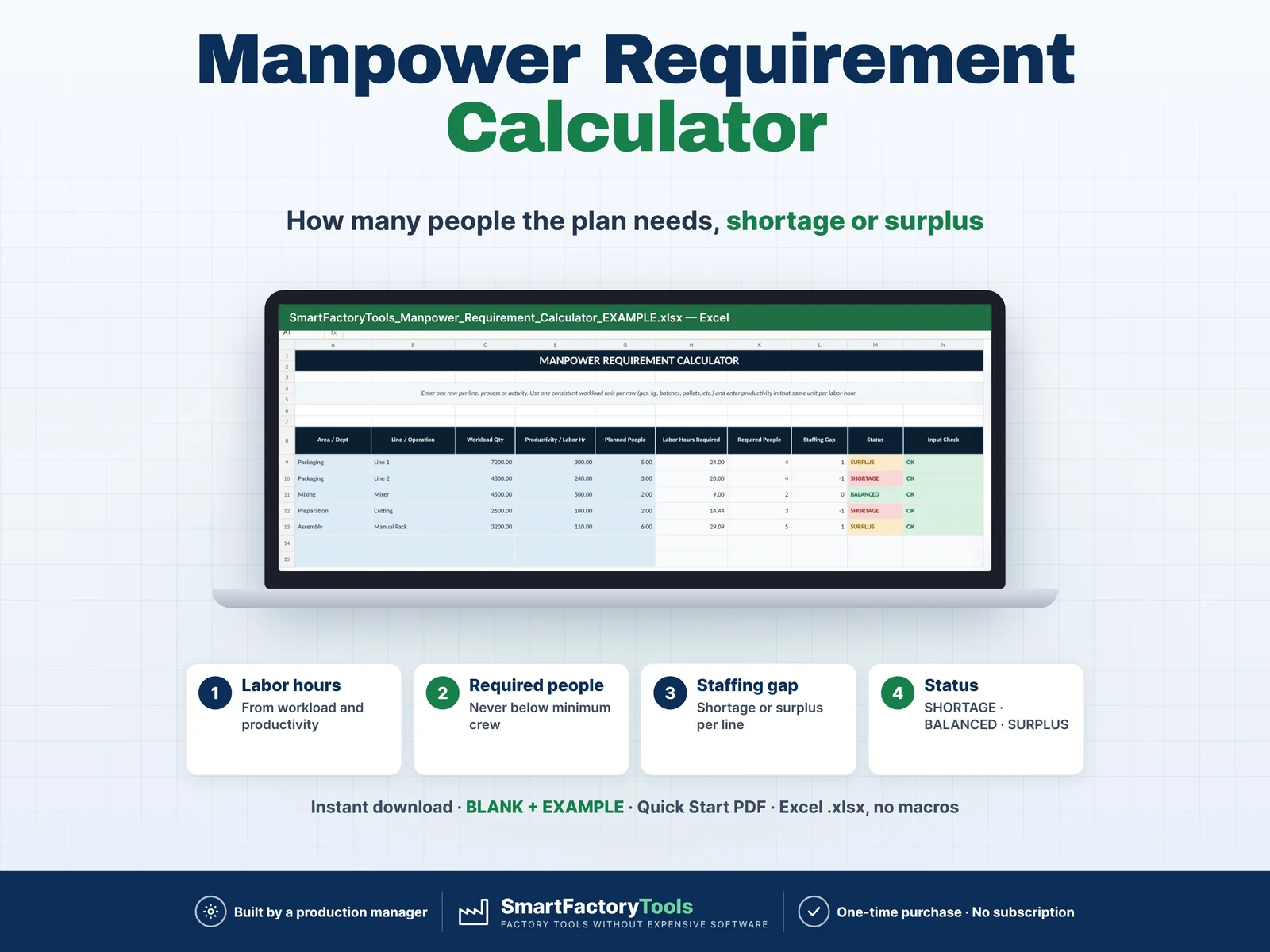
Build a clear employee skills matrix, identify single-person dependencies, and see exactly where cross-training is needed before qualification gaps become production risks.

€19.99

View details
Manpower Requirement Calculator – main listing imageWorkforce & Shifts

Manpower Requirement Calculator

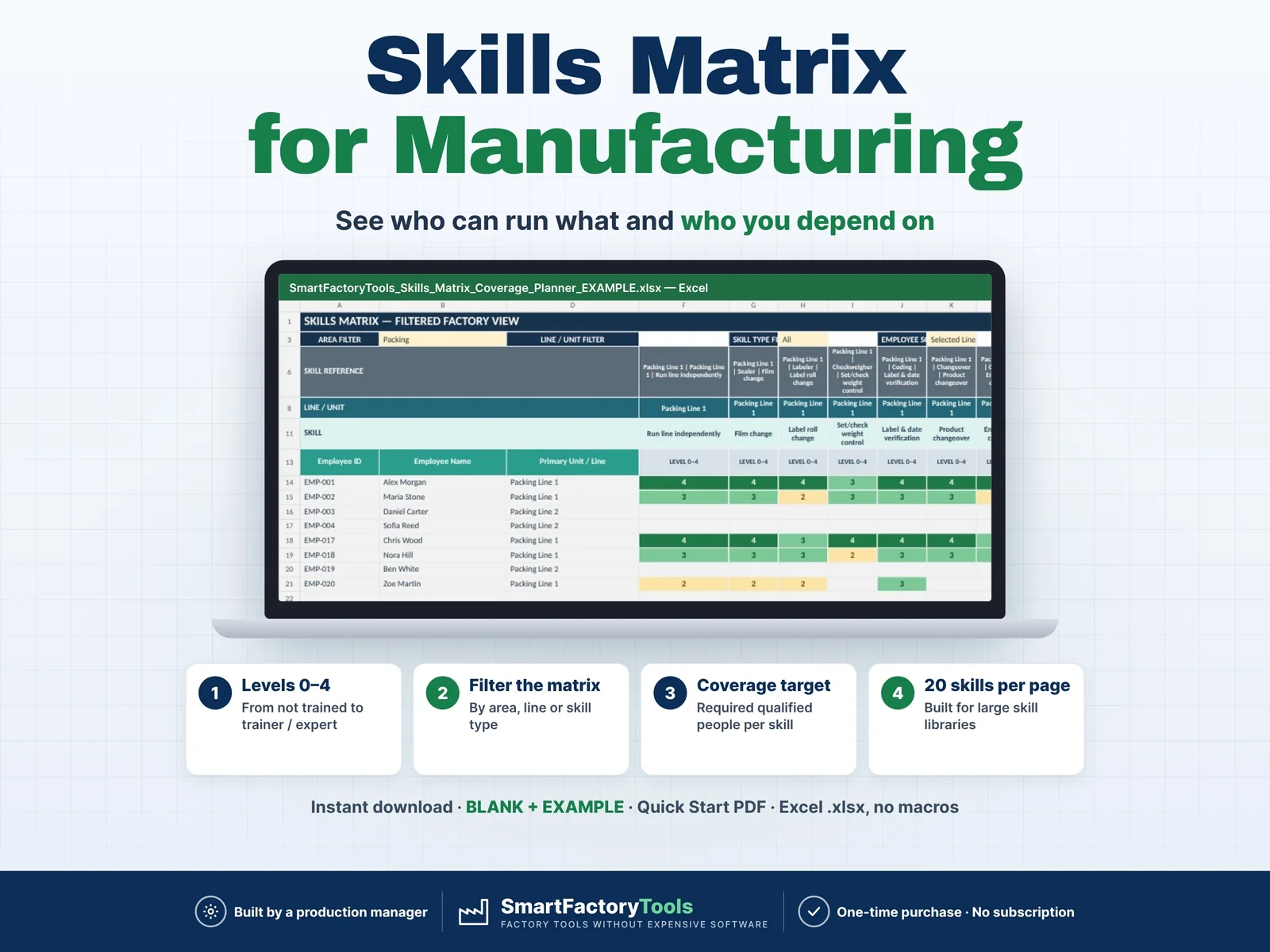
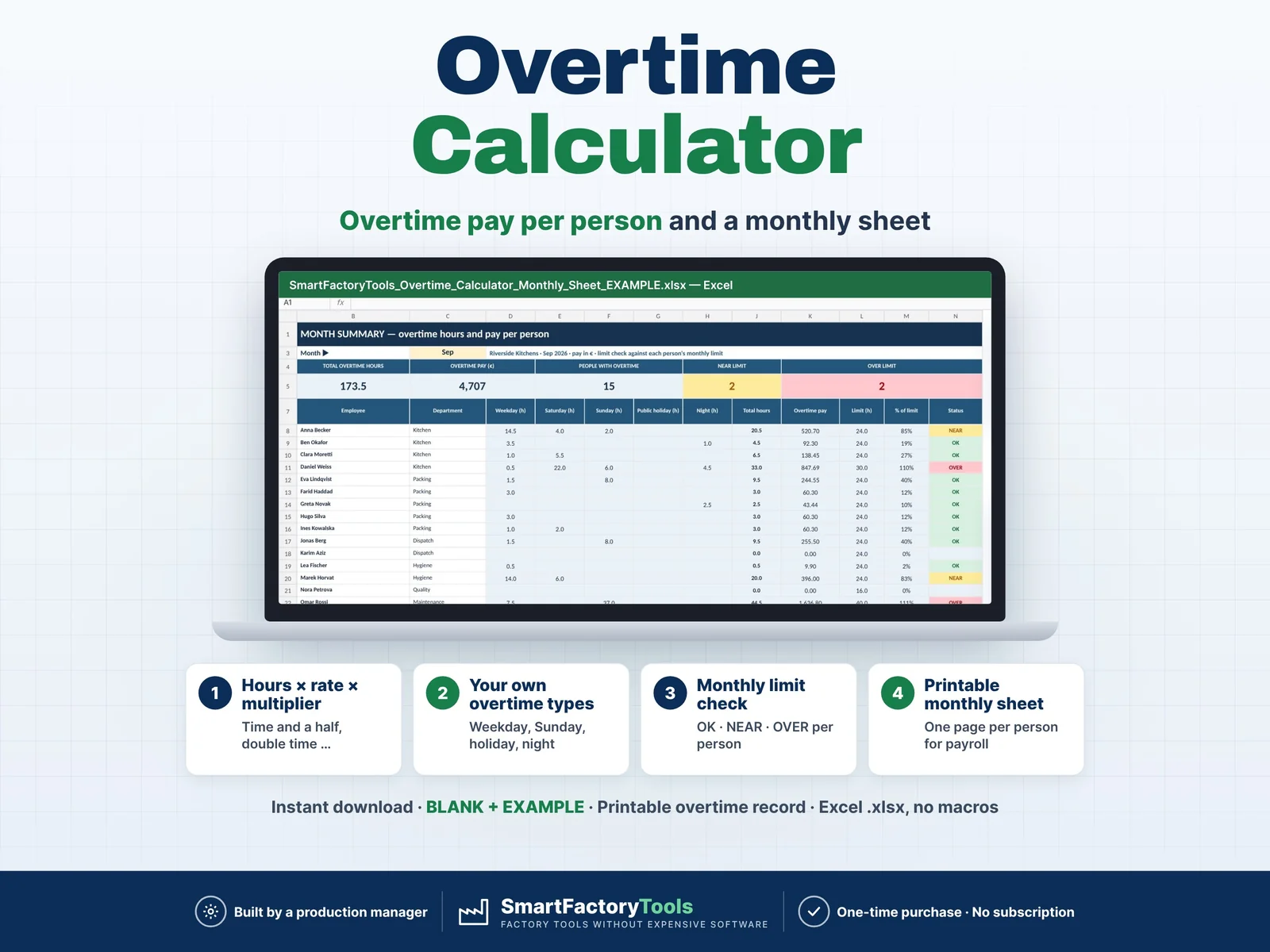
Calculate how many people your production plan actually requires and quickly identify staffing shortages, balanced areas and surplus manpower. Enter your workload, labor productivity, minimum crew requirements and currently planned people. The workbook automatically calculates required labor hours, required headcount and staffing gaps for each production line, department or operation. Designed for production planners, supervisors, manufacturing managers and operations teams that need a fast and practical workforce planning tool.

€7.99

View details
Training Matrix & Certification Expiry Tracker – main listing imageWorkforce & Shifts

Training Matrix & Certification Expiry Tracker

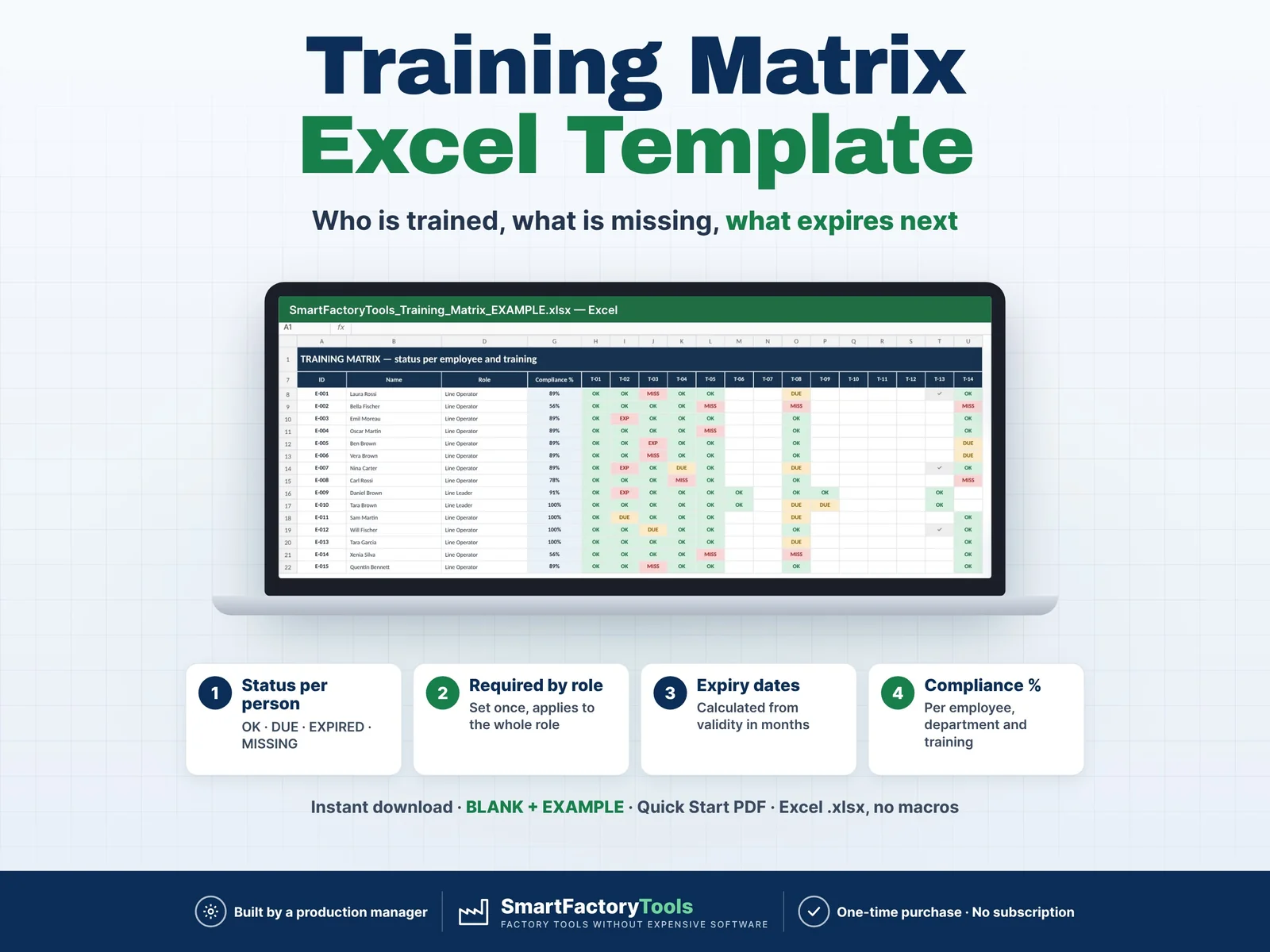
Know who is trained, what is missing and what expires next — for every employee, by role.

€19.99

View details