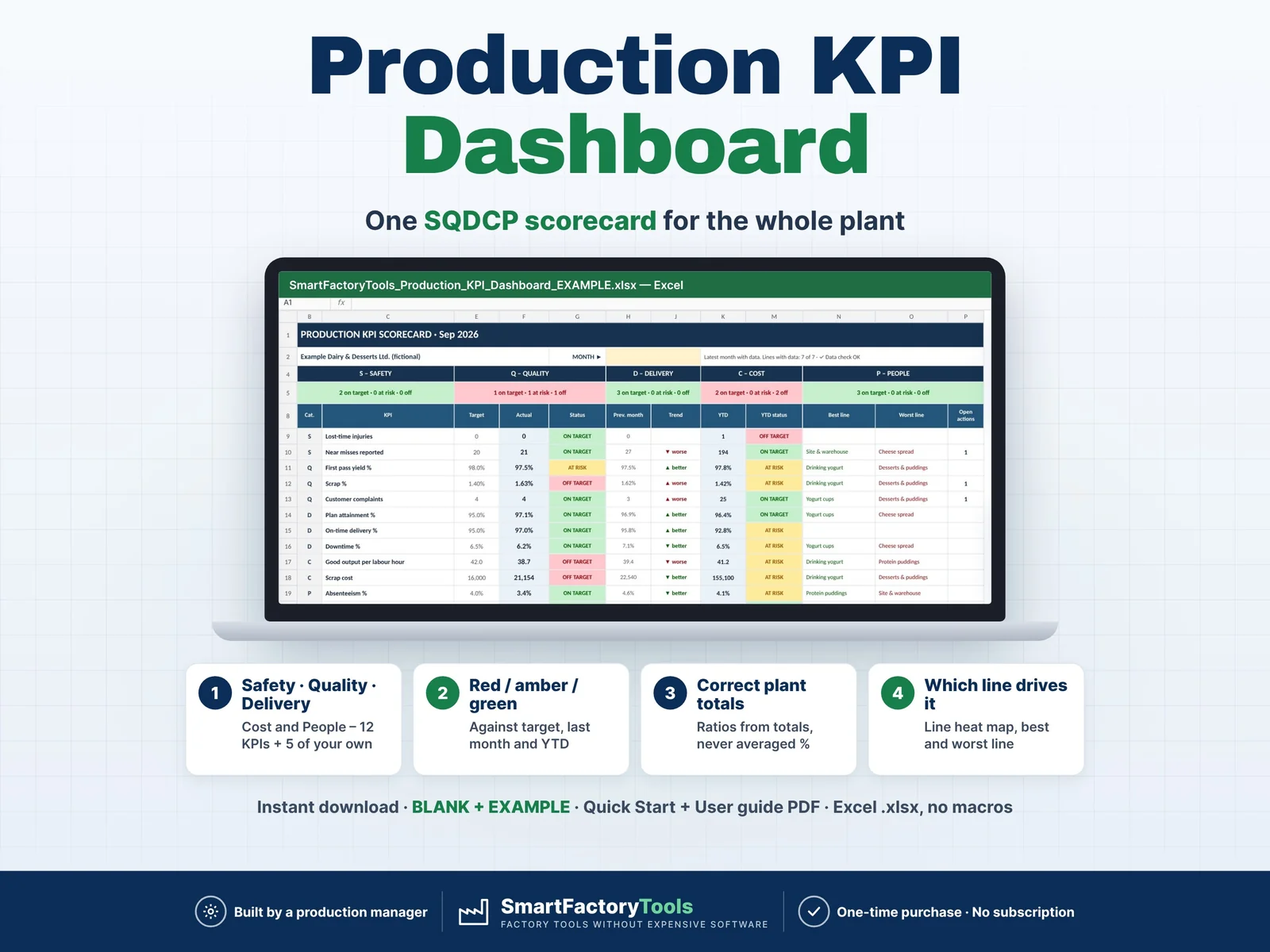
One monthly KPI scorecard for the whole plant – Safety, Quality, Delivery, Cost and People against target, in Excel, built by a production manager.
- 12 SQDCP KPIs + 5 of your own, red / amber / green vs target
- Last month and year-to-date comparison
- Correct plant totals – ratios from totals, never averaged %
- Instant download: BLANK + EXAMPLE · Quick Start + User guide PDF
- Built by a production manager · one-time purchase, no subscription, no macros
▶ Requires Microsoft Excel 2016 or newer on a computer (Windows or Mac). Not for Google Sheets, Apple Numbers or mobile apps.
Every month the same work: numbers from production reports, the downtime log, time & attendance and dispatch are copied into a slide by hand – and half the percentages are averaged the wrong way. This Production KPI Dashboard turns a few monthly totals per line into one printable SQDCP scorecard: every KPI against target in red / amber / green, compared with last month and year to date, with the line behind each red KPI and the actions to fix it.
WHAT IT DOES
- 12 standard KPIs calculated for you: lost-time injuries, near misses, first pass yield, scrap %, customer complaints, plan attainment, on-time delivery, downtime %, good output per labour hour, scrap cost, absenteeism, overtime
- Up to 5 of your own KPIs (energy per tonne, 5S score, water use …) with their own target and YTD method
- Correct plant and year-to-date values: ratios of totals (Σ scrap ÷ Σ output), never an average of line percentages
- Lines in different units (kg, pieces, litres) are never added up – plant values show "mixed units", or the simple average of the lines if you choose
- Red / amber / green against your targets, with optional amber limits and line targets
- SCORECARD: SQDCP tiles, actual vs target, change vs last month, YTD, best and worst line, 12-month colour strip, open and overdue actions, KPI definitions – one landscape page for the monthly review
- LINE HEAT MAP: every line × KPI against its own target, ranked by red KPIs – find the line that drives a red plant KPI
- TRENDS: all KPIs by month, YTD, a chart for any KPI and line, 6 key charts
- ACTIONS: owner, due date and follow-up for every red KPI – overdue actions turn red
- Partial month flag: a month with fewer lines or values than the month before is marked PARTIAL MONTH, so incomplete data is not read as the final result
- Lines can start or stop during the year (active-from / closed-after months) – a new line is judged only from its first month
- Choose your plan attainment definition: good output (actual − scrap) or everything produced
- DATA_GUIDE: where every number usually comes from and a 4-column minimum to start with – no new reporting system needed
- Detailed User Guide: plain-language definitions of SQDCP, first pass yield, plan attainment, OTIF, YTD, amber limits and more – so everyone in the review reads the numbers the same way
- Input checks: good output above actual, downtime above planned time, text in number cells, lines not set up
WHAT'S INCLUDED (ZIP)
- SmartFactoryTools_Production_KPI_Dashboard_v1.1_BLANK.xlsx – ready for your own plant
- SmartFactoryTools_Production_KPI_Dashboard_v1.1_EXAMPLE.xlsx – fictional dairy & desserts plant: 7 lines and areas, January–September, a new line from July, 7 actions
- Quick_Start_Guide.pdf – 2 pages, the first 15 minutes
- User_Guide.pdf – 11 pages: every term, input column and KPI explained with worked examples, how to set targets, special situations (mixed units, new lines, partial months, new year) and every check message
Sheets: START_HERE, SETUP, KPI_TARGETS, DATA_GUIDE, MONTHLY_DATA, CUSTOM_DATA, ACTIONS, SCORECARD, LINE_HEATMAP, TRENDS, IMPORT_SETUP, FAQ, LICENSE
HOW IT WORKS
- SETUP – plant name, first month of the 12-month period, your lines / areas with their output unit.
- KPI_TARGETS – a plant target per KPI; optional amber limits, line targets and your own KPIs.
- MONTHLY_DATA – at month end, monthly totals per line: output, scrap, hours, orders, complaints, injuries, absence. Leave blank what you do not measure.
- SCORECARD – choose the month, discuss the red KPIs, check the heat map, add actions, print.
WORKS WITH OTHER SMARTFACTORYTOOLS TOOLS (optional)
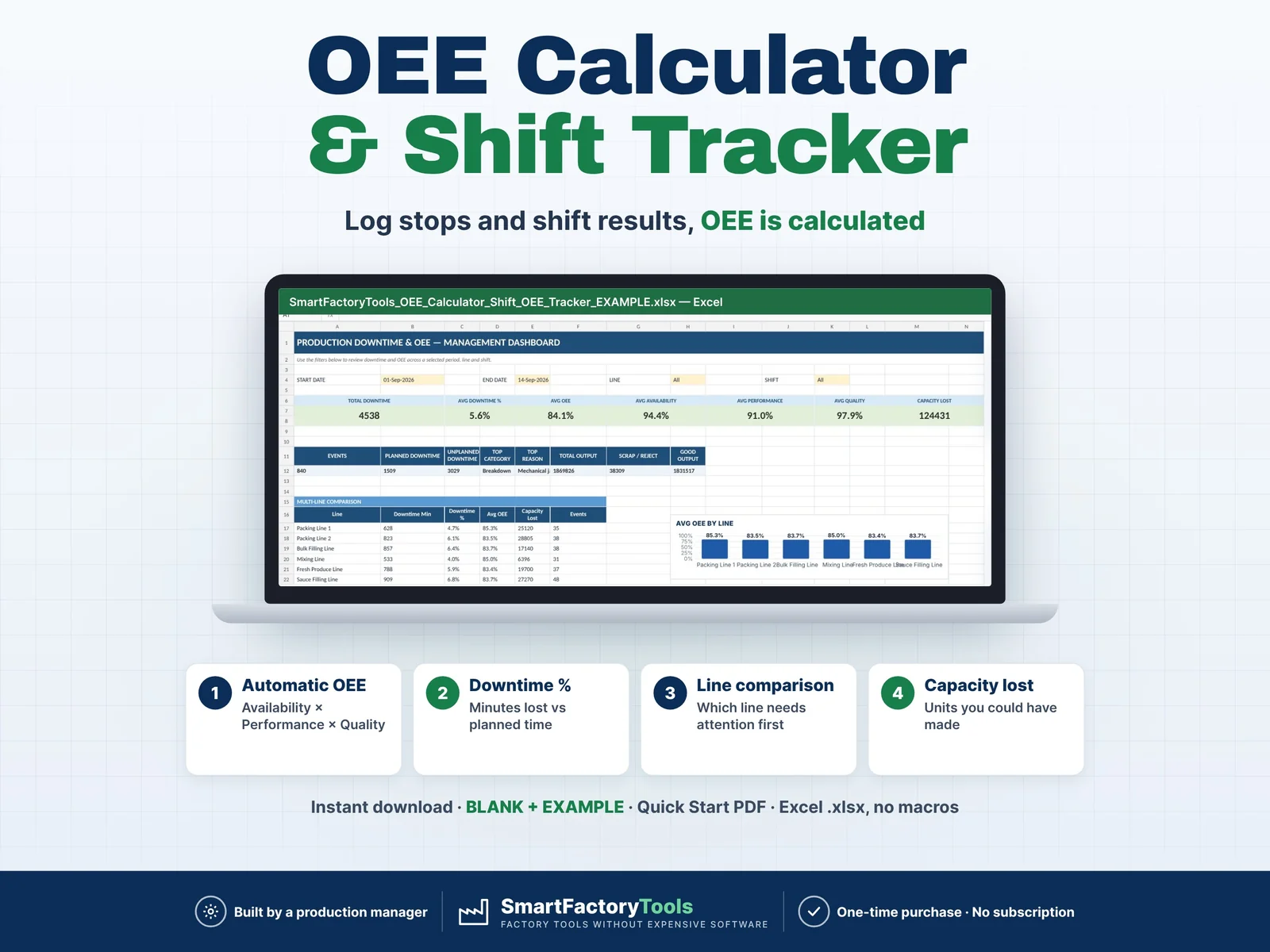
- MONTHLY_DATA can be filled from the SmartFactoryTools Shift Report and OEE Calculator (their MONTH_TOTALS sheets) – 3 pastes a month
- IMPORT_SETUP: plant name and lines from the Production Performance Bundle, and the MONTHLY_DATA row of each month
- Only this file? Ignore these sheets – nothing else changes. Nothing is linked: copy one named block, Paste Values.
WHO IT'S FOR
- Plant, operations and production managers preparing the monthly management review
- Continuous improvement, quality and HSE leads
- Small and medium manufacturers without an MES or BI system
- Food, dairy, bakery, packaging, plastics and assembly plants
LIMITS
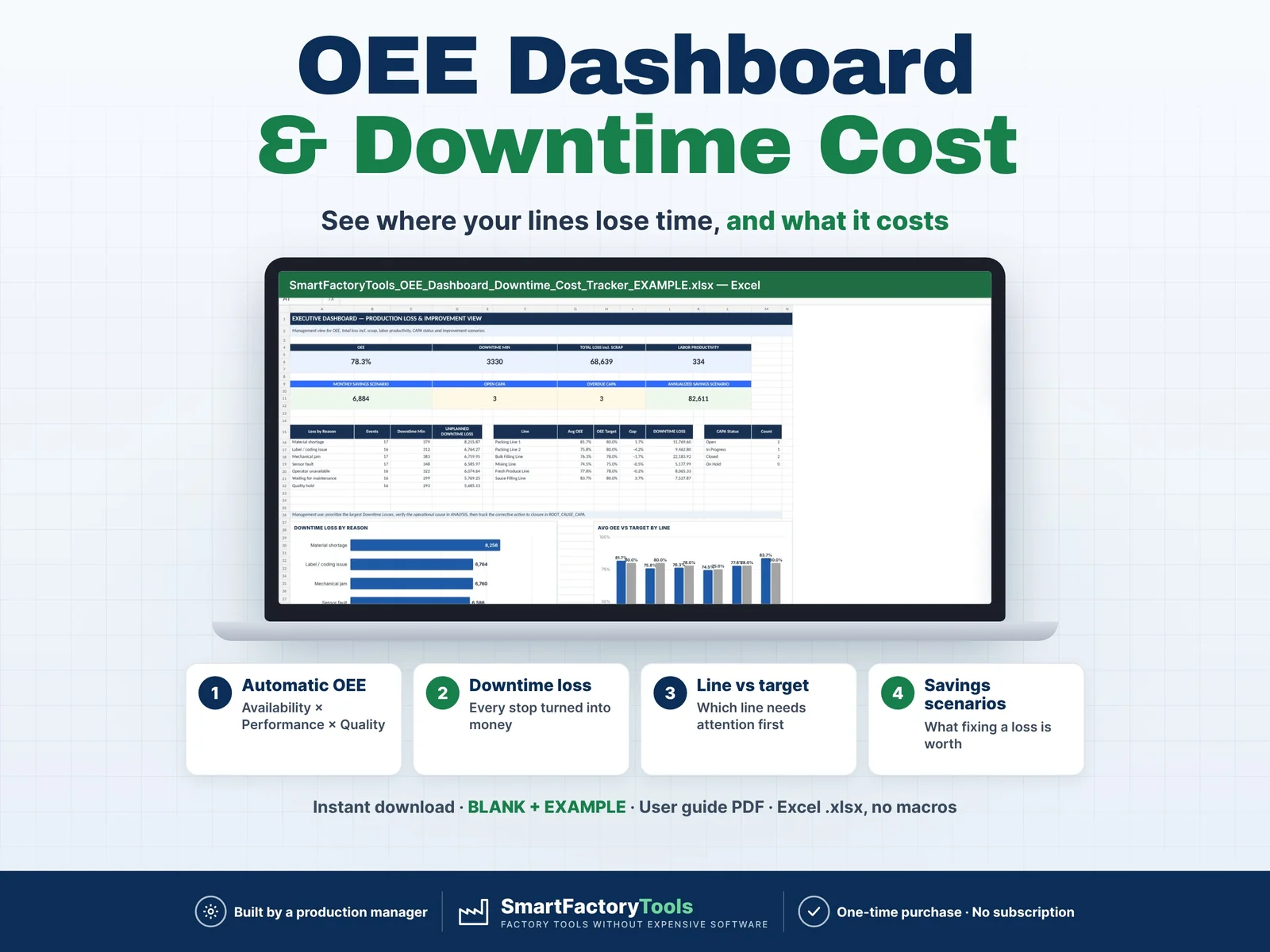
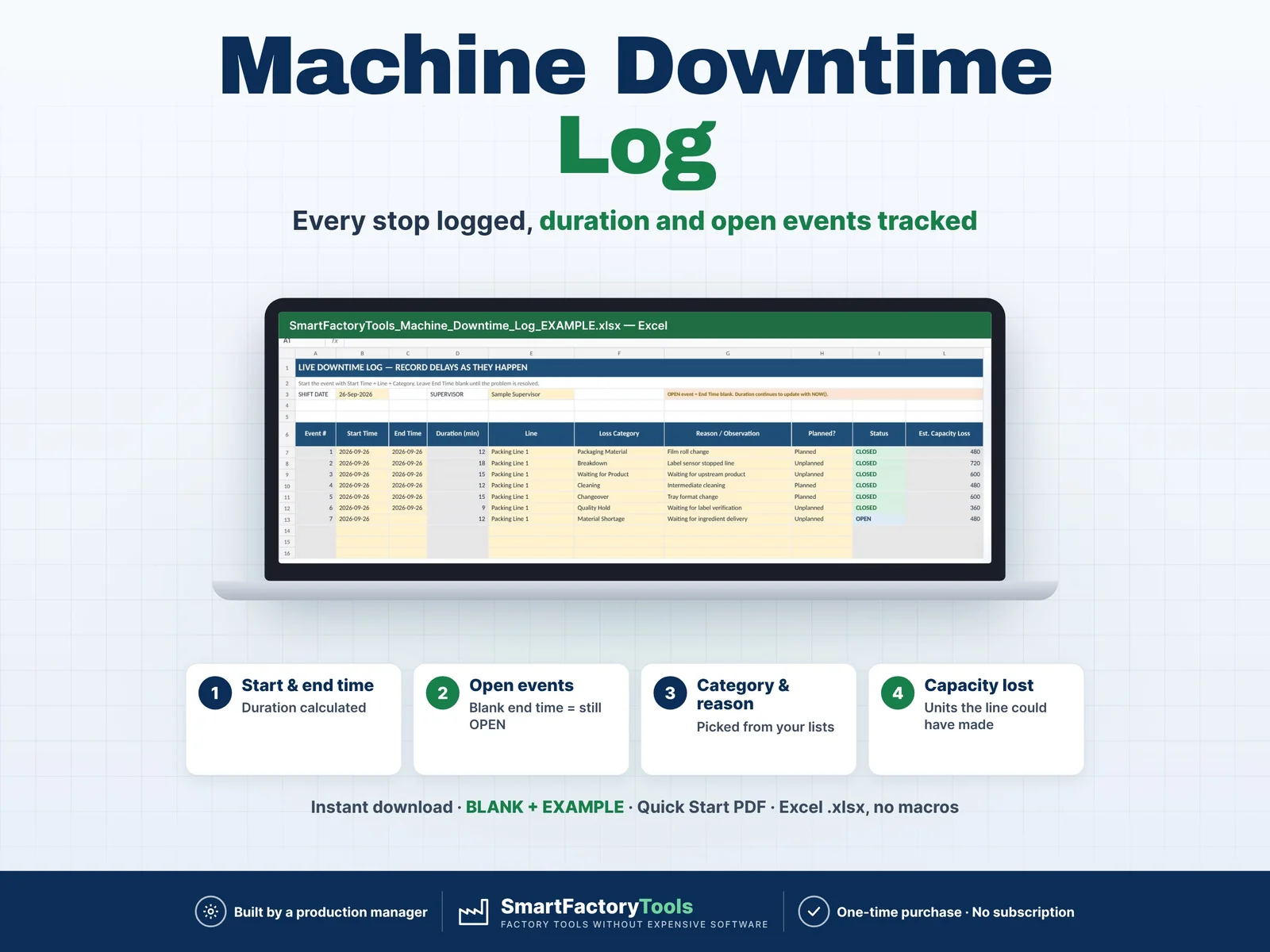
- Monthly totals: for daily tracking use a daily log (e.g. our Plan vs Actual Production Tracker, OEE Dashboard or Machine Downtime Log) and enter its month totals here
- No OEE calculation, no automatic import from other files, one plant per file
- 15 lines / areas · 12 months per file · 12 standard + 5 own KPIs · 50 actions
- Own KPIs are plant level only
- A reporting aid – results depend on the data entered
FAQ
Q: Does it work in Google Sheets or on an iPad?
A: No. It is built and tested for Microsoft Excel 2016 or newer on Windows or Mac desktop.
Q: Do I have to fill every column?
A: No. Start with planned output, actual output, scrap and downtime. Blank columns only switch off the KPIs that need them – nothing turns red because data is missing.
Q: Why are the plant percentages not the average of the lines?
A: A big line should weigh more than a small one, so the file adds up the base numbers of all lines and divides the totals – the same way for year to date.
Q: What about next year?
A: Save a copy, set the new first month and clear the monthly data. Lines and targets stay.
Q: Can I change the formulas?
A: Sheets are protected without a password to prevent accidental damage. Review › Unprotect Sheet unlocks them.
Related SmartFactoryTools templates: Plan vs Actual Production Tracker, OEE Dashboard & Downtime Cost Tracker, Machine Downtime Log, CAPA Tracker.
DIGITAL DOWNLOAD
This is a digital product – nothing is shipped. After purchase, download the ZIP on a computer, unzip it and open the files in Excel. Because of the digital nature of the product, returns are not accepted; if anything is unclear, message us and we will help.
LICENSE
For use within the buyer's own company or organisation. Resale, sharing, redistribution or uploading to other websites is not permitted. © SmartFactoryTools
 Maintenance