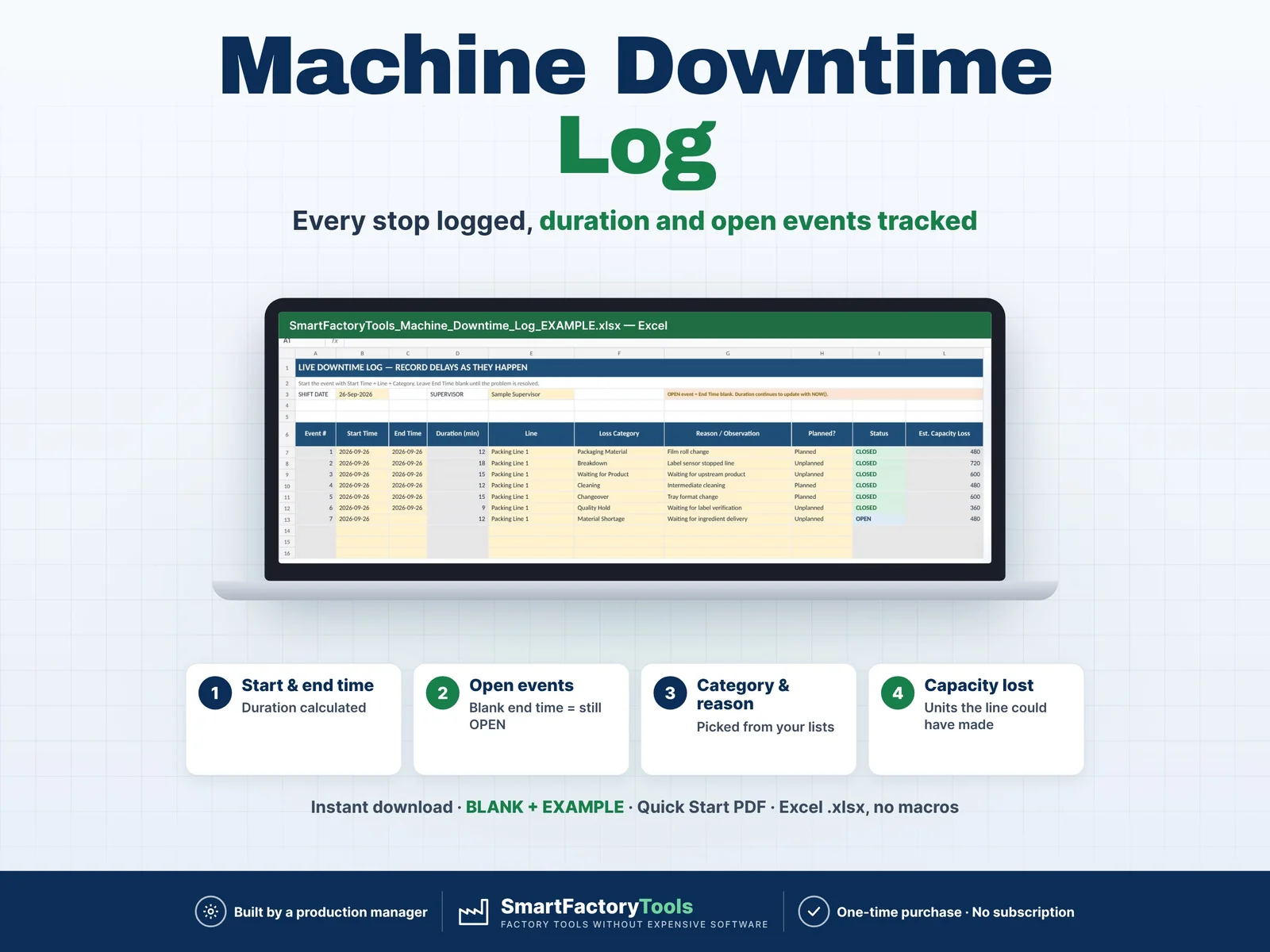
- Start and end time – duration calculated
- Blank end time = event still OPEN
- Category and reason picked from your own lists
- Instant download: BLANK + EXAMPLE · Quick Start PDF
- Built by a production manager · one-time purchase, no subscription, no macros
▶ Requires Microsoft Excel 2019 or newer (or Microsoft 365) on a Windows or Mac computer. Not for Google Sheets, Apple Numbers or mobile apps.
Machine Downtime Log & Capacity Loss Tracker
Track production delays as they happen and understand where your shift time is being lost.
The SmartFactoryTools Machine Downtime Log is a practical Excel tool for supervisors, production managers and manufacturing teams who need a simple way to record downtime events during a shift.
Enter each delay when it happens, select the production line and downtime category, and record the reason. The workbook automatically calculates downtime duration, tracks open events and summarizes the impact on productive time and estimated production capacity.
No macros. No complicated production software.
WHAT THIS TEMPLATE HELPS YOU DO
- Record downtime events during the shift
- Track Start Time and End Time
- Keep unresolved downtime events OPEN
- Calculate event duration automatically
- Record the production line
- Select a downtime category
- Add the observed reason
- Mark downtime as Planned or Unplanned
- Add actions and notes
- See total downtime minutes
- See productive time remaining
- Calculate downtime %
- Count total downtime events
- See how many events are still open
- Compare Planned vs Unplanned downtime
- Identify the top downtime category
- Find the longest downtime event
- Analyze downtime by category
- Estimate production capacity lost during downtime
LIVE DOWNTIME LOG
The main worksheet is designed to be used during the production shift.
When a delay begins, enter:
Start Time
Production Line
Loss Category
Reason / Observation
Planned or Unplanned
Leave End Time blank while the issue is still active.
The event remains marked as OPEN until an End Time is entered.
When the problem is resolved, enter the End Time and optionally record the action taken.
The workbook automatically calculates the event duration.
CUSTOMIZABLE PRODUCTION SETUP
Configure the template for your own factory.
The template includes space for:
13 production lines
For each line you can define:
Shift Length
Nominal Machine Speed — optional
Notes
Nominal speed is used only for the estimated capacity-loss calculation.
17 EDITABLE DOWNTIME CATEGORIES
Example categories included:
Breakdown
Cleaning
Setup / Adjustment
Changeover
Material Shortage
Packaging Material
Waiting for Product
Quality Hold
Staff Shortage
Planned Break
Maintenance
Other
Additional blank rows are included so you can create your own factory-specific downtime categories.
SHIFT SUMMARY
Select a production line and instantly review:
Total Downtime
Productive Time Remaining
Downtime %
Number of Events
Open Events
Estimated Capacity Lost
Planned Downtime
Unplanned Downtime
Longest Event
Top Downtime Category
The workbook also provides a visual Downtime by Category breakdown to help identify where the most production time is being lost.
OPEN EVENT TRACKING
Unresolved problems remain visible as OPEN events.
The Shift Summary includes a dedicated section showing current open issues with:
Start Time
Production Line
Category
Reason / Observation
Current Duration
Action / Note
This makes the workbook useful during the shift, not only for reporting after production is finished.
ESTIMATED CAPACITY LOSS
If you enter the nominal speed of the production line, the workbook estimates how much production capacity is represented by the downtime minutes.
Example:
40 units/min × 60 min downtime = approximately 2,400 units of production capacity
This is a capacity estimate only.
It does not represent lost sales, lost revenue, lost profit or OEE.
INCLUDED WORKSHEETS
START HERE
Simple instructions, color guide and workbook overview.
SETUP
Configure production lines, shift parameters and downtime categories.
LIVE DOWNTIME LOG
Record up to 100 downtime events per shift.
SHIFT SUMMARY
Review downtime, productive time, open issues and capacity impact.
FAQ and LICENSE
Answers to the most common questions and the terms of use.
WHAT'S IN THE ZIP
- SmartFactoryTools_Machine_Downtime_Log_v1.2_BLANK.xlsx – sample lines and categories, empty log for your own shift
- SmartFactoryTools_Machine_Downtime_Log_v1.2_EXAMPLE.xlsx – one shift with 7 logged stops (one still open), so you can immediately see how the tracker works
- Quick_Start_Guide.pdf – 2-page setup guide
Yellow cells are your inputs. Formula cells are protected against accidental changes (no password).
WHO IS THIS FOR?
Ideal for:
Production Managers
Production Supervisors
Shift Leaders
Operations Managers
Manufacturing Engineers
Continuous Improvement Teams
Production Planners
Food & Beverage Factories
Packaging Operations
Small and Medium Manufacturers
Lean Manufacturing Teams
SOFTWARE
Designed for Microsoft Excel (.xlsx).
No macros required.
This is a digital spreadsheet template. No physical item will be shipped.
LIMITS
This log focuses specifically on single-shift downtime tracking and capacity impact.
It does not include:
OEE calculation
Quality-loss analysis
Labor productivity analysis
Multi-day historical trends
Automatic root-cause analysis
Financial loss calculations
MES functionality
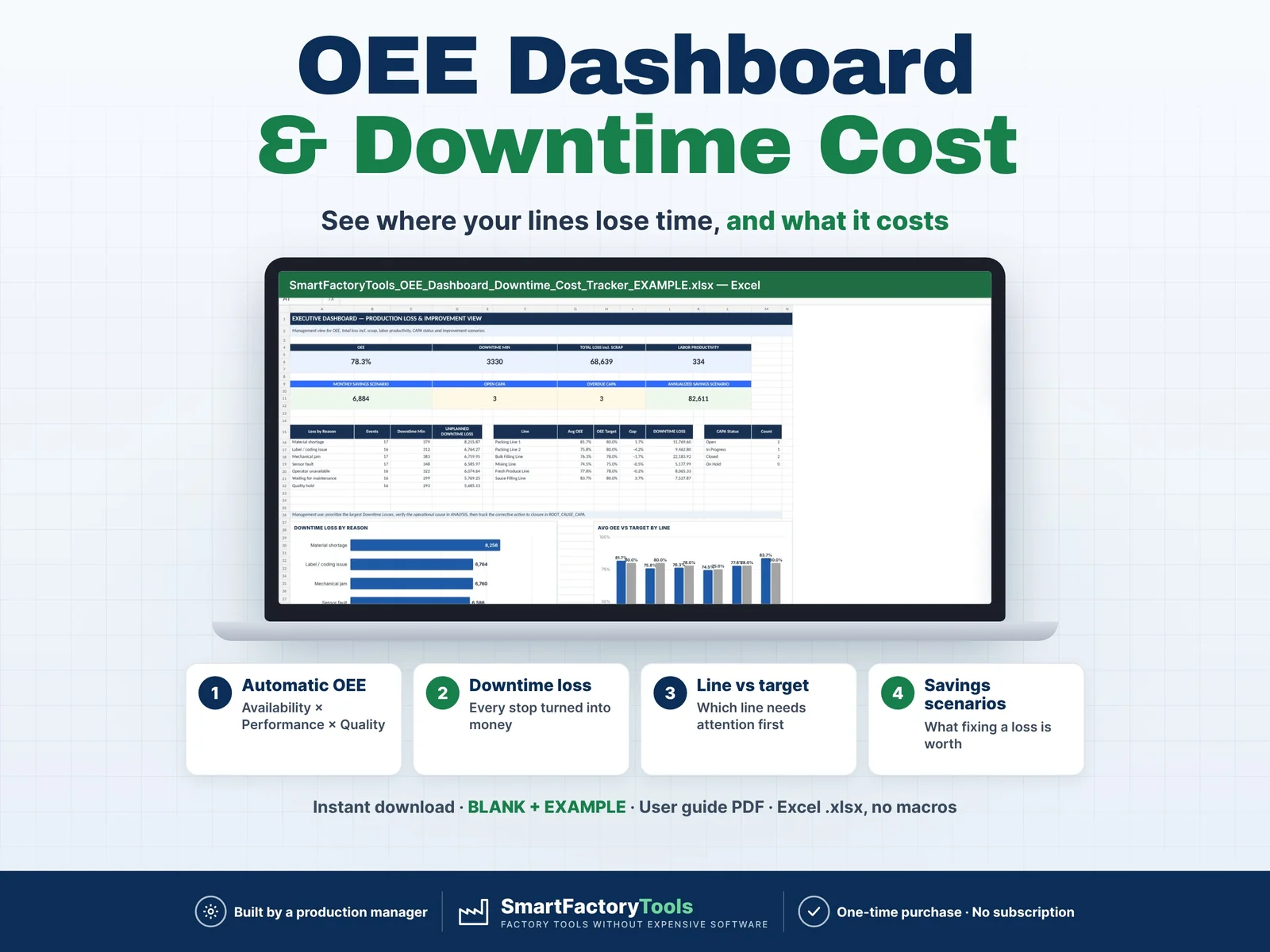
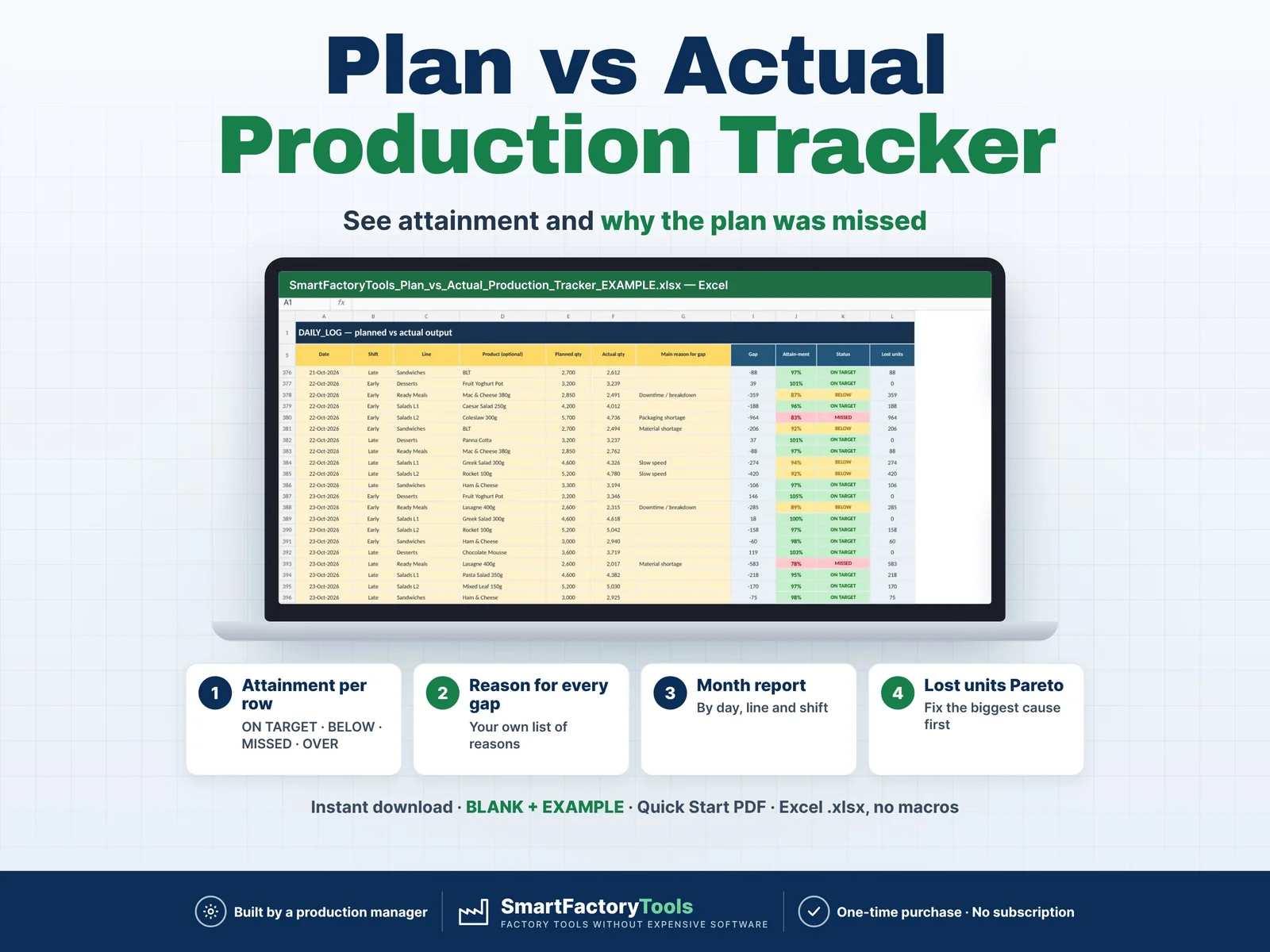
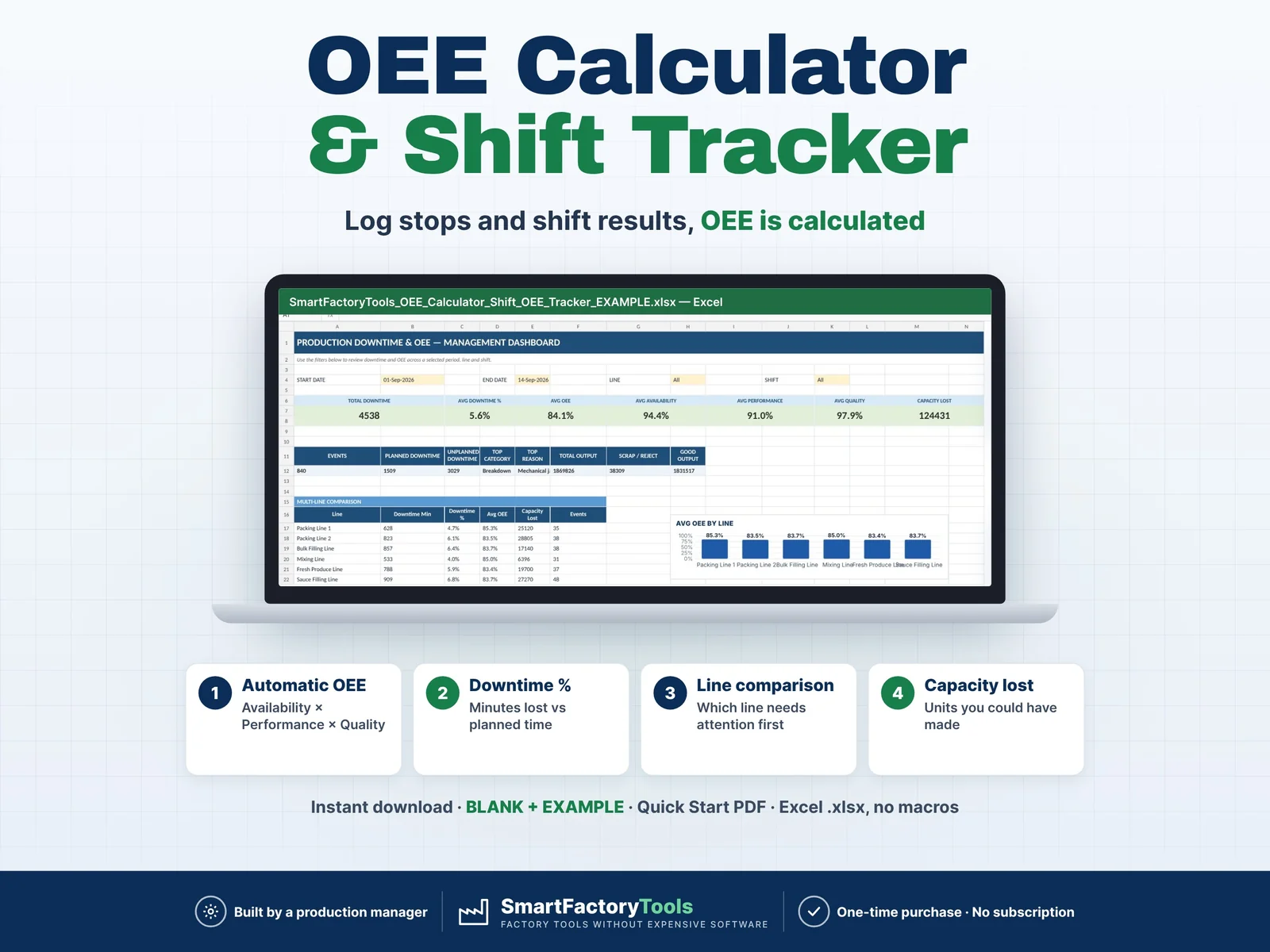
This keeps the log simple and practical for daily shop-floor use. Need OEE, shift results and Pareto analysis? See our OEE Calculator & Shift OEE Tracker.
 Operations Reporting