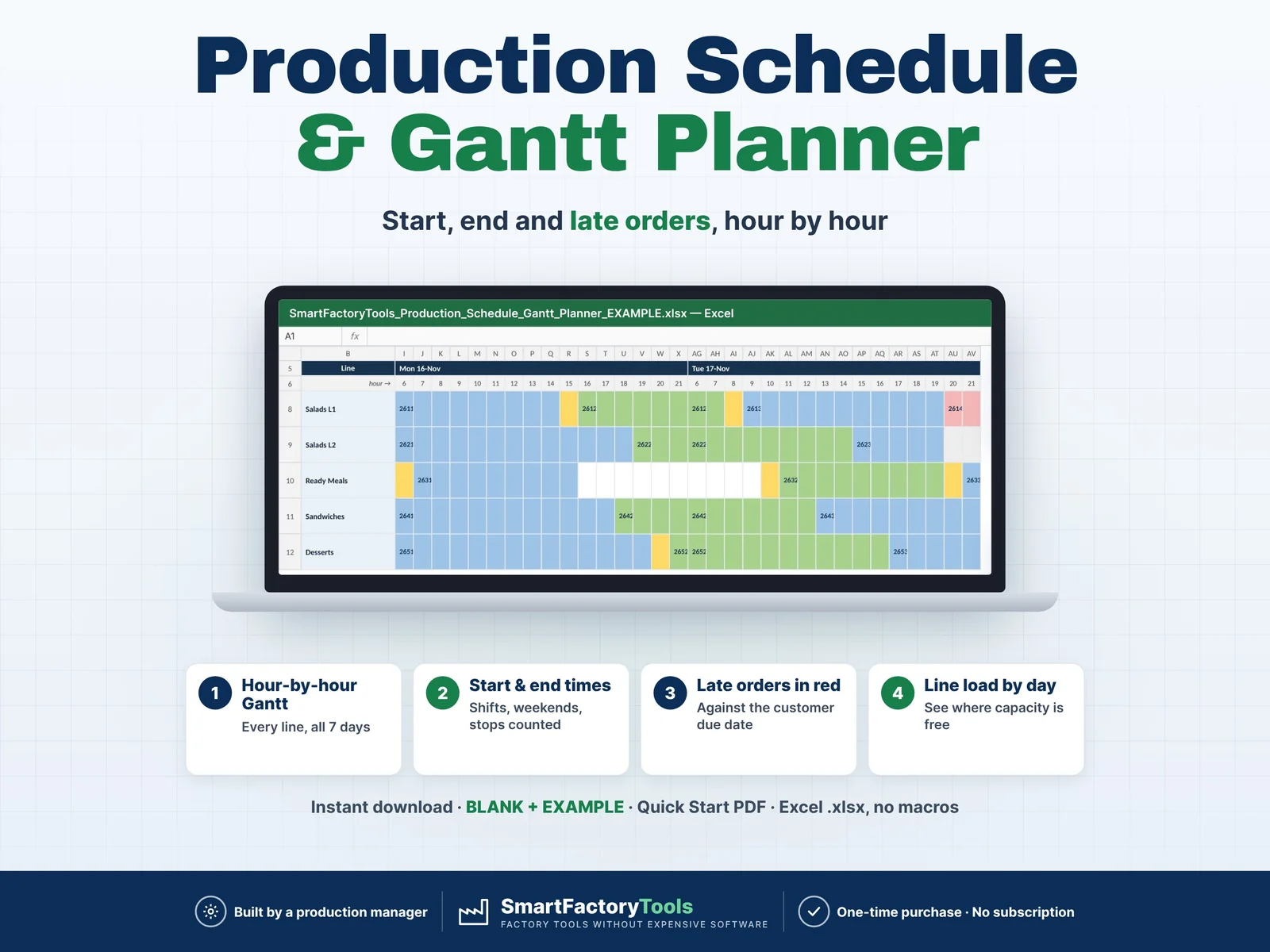
Put your orders in sequence on each line – Excel calculates the start and end time of every order, draws an hour-by-hour Gantt chart and shows which orders will be late.
- Hour-by-hour Gantt for every line, all 7 days
- Start and end times with shifts, weekends and stops
- Late orders in red against the customer due date
- Instant download: BLANK + EXAMPLE · Quick Start PDF
- Built by a production manager · one-time purchase, no subscription, no macros
▶ Requires Microsoft Excel 2016 or newer on a Windows or Mac computer. Not for Google Sheets, Apple Numbers or mobile apps.
You know the orders, the line speeds and the shifts – but when will each order really be finished once changeovers, nights, weekends and maintenance stops are counted? Most planners find the late order on Thursday. This Weekly Production Schedule does the time maths for you: change one sequence number and the whole line is re-planned.
Built by a production manager who plans food production lines every week.
WHAT IT DOES
- Start and end date & time of every order – only inside your working hours
- Run time from quantity ÷ rate per hour, plus changeover time before each order
- Working days with your own start and end time (past midnight and 24 h days work)
- Planned stops per line and day (maintenance, deep clean, no staff)
- Earliest start per order (material or release not ready yet) – the line waits
- Status for every order: ON TIME · LATE (with hours late) · NOT IN WEEK · CHECK
- GANTT chart: 7 days × 24 hours for up to 10 lines – orders, changeovers, stops and late orders in colour
- LINE LOAD: on-time %, available, changeover, run and idle hours per line, load % by line and by day, list of late and not-in-week orders
- Data checks: unknown product or line, no rate for that line, duplicate sequence, missing quantity
WHAT'S INCLUDED (ZIP)
- SmartFactoryTools_Production_Schedule_Gantt_Planner_v1.2_BLANK.xlsx – ready for your lines
- SmartFactoryTools_Production_Schedule_Gantt_Planner_v1.2_EXAMPLE.xlsx – fictional food plant: 5 lines, 14 products, 32 orders
- Quick_Start_Guide.pdf – 2 pages
Workbook sheets: START_HERE · SETUP · PRODUCTS · ORDERS · GANTT · LINE_LOAD · FAQ · LICENSE
HOW IT WORKS
- SETUP: week start date, working days and times, your lines with changeover minutes and planned stops.
- PRODUCTS: rate per hour on each line (blank = cannot run there).
- ORDERS: product, line, quantity, sequence and due date & time – then read the Gantt and line load, and change the sequence until the week works.
WHO IT'S FOR
Production planners, production and plant managers, supervisors and small manufacturers – food and drink, packaging, plastics, printing, assembly – who plan line by line in Excel or on a whiteboard and do not have an APS or ERP scheduler.
LIMITS
- Capacity: one week per file, 10 lines, 100 products, 80 orders
- You decide the sequence – the file calculates the times. No automatic optimisation
- One order runs on one line (no multi-step routings), no material, labour or sequence-dependent changeover matrix
- Gantt resolution is one hour (exact times are in ORDERS)
- No macros. Sheets are protected without a password to prevent accidental damage. Filters work in PRODUCTS and ORDERS
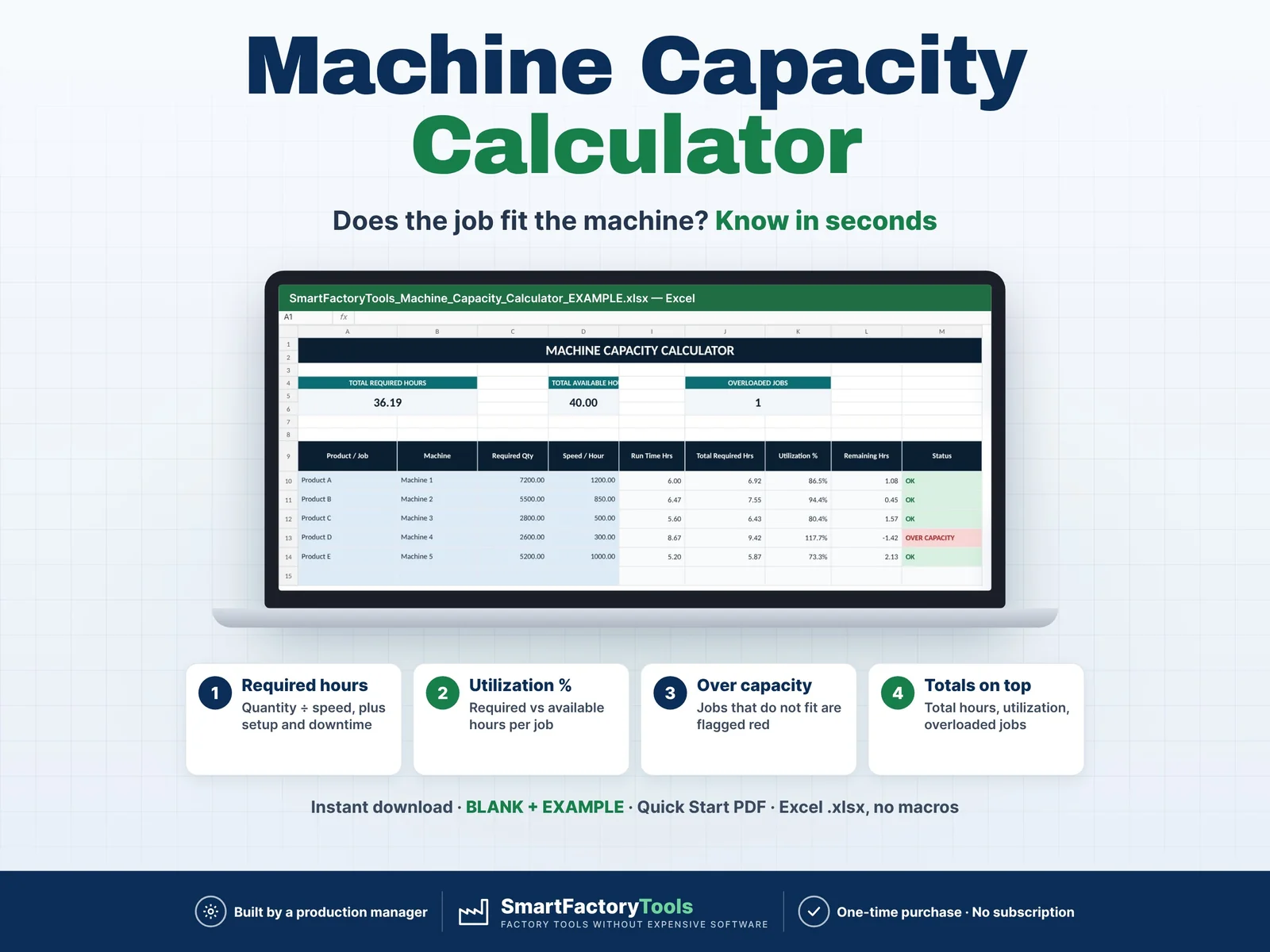
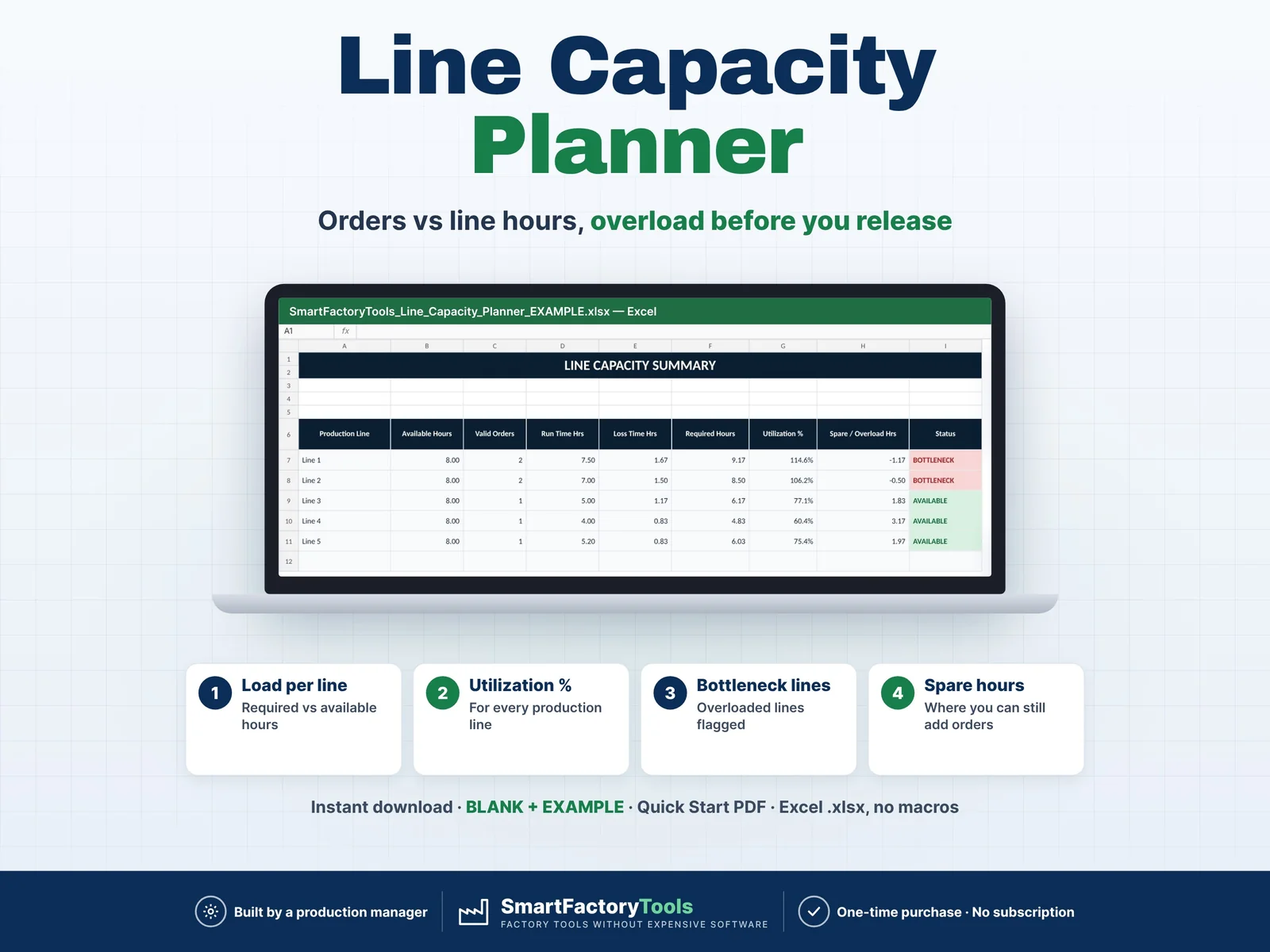
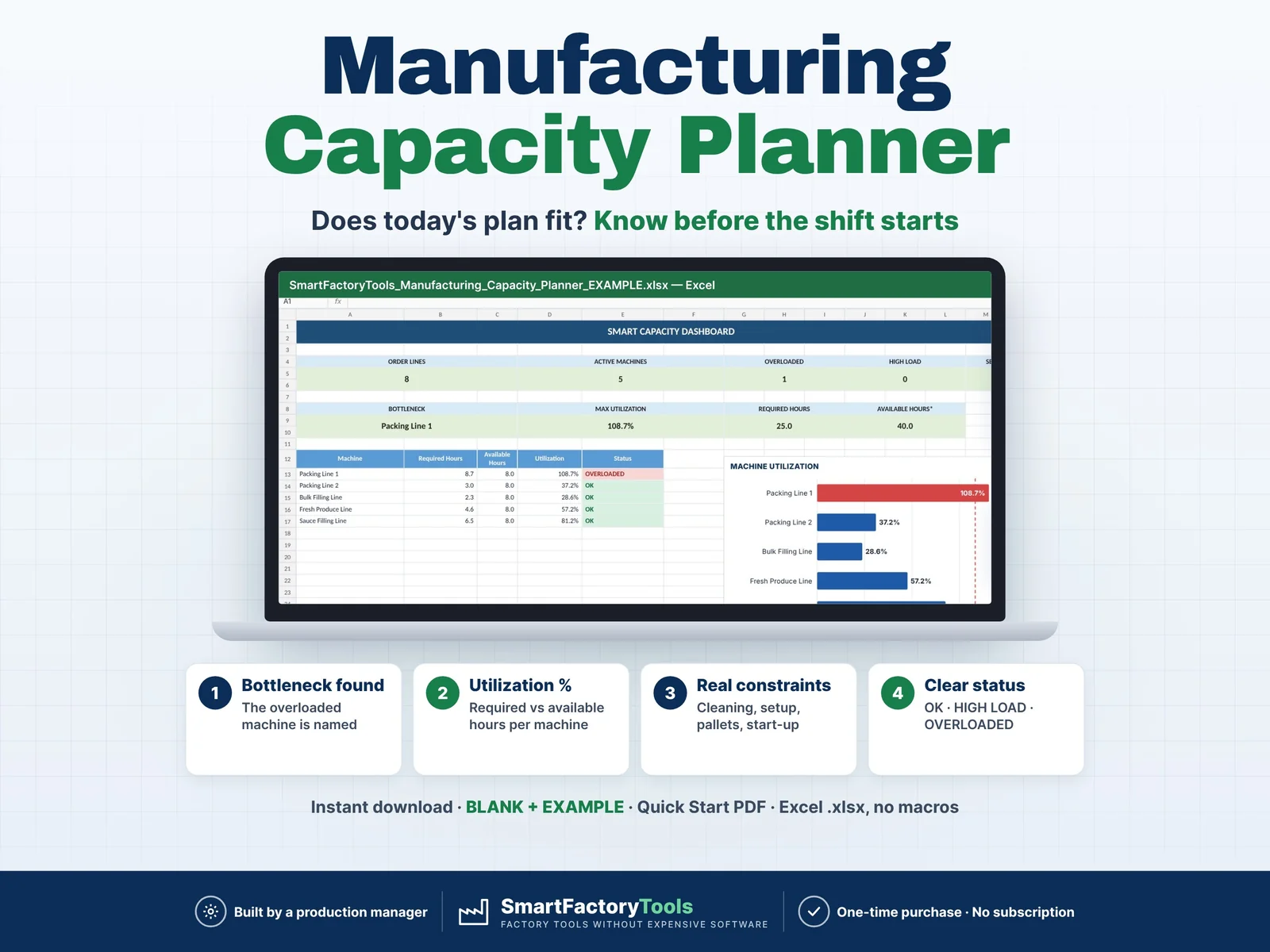
- Tip: check total capacity first with the SmartFactoryTools capacity planners, then plan the sequence here
FAQ
Q: Does it work in Google Sheets?
A: No. It is built and tested for Microsoft Excel 2016 or newer on Windows or Mac desktop.
Q: How do I move an order?
A: Change its sequence number or its line in ORDERS. Start and end times, Gantt and load update at once.
Q: Can I plan 3 shifts or 24/7?
A: Yes – set each day's start and end time (06:00–06:00 = 24 h) and use planned stops for breaks or maintenance.
Q: How do I plan the next week?
A: Save a copy, change the week start date, remove finished orders and add the new ones.
Q: Is the Gantt printable?
A: Yes – set to one A3 landscape page. LINE_LOAD prints on one A4 page.
DIGITAL DOWNLOAD
This is a digital product – nothing is shipped. After purchase, download the ZIP from Etsy (Purchases and Reviews) on a computer, unzip it and open the files in Excel.
LICENSE
For use within your own company or organisation, at any number of sites. Reselling, sharing or uploading the template is not permitted. © SmartFactoryTools
 Production Planning