 Operations Reporting
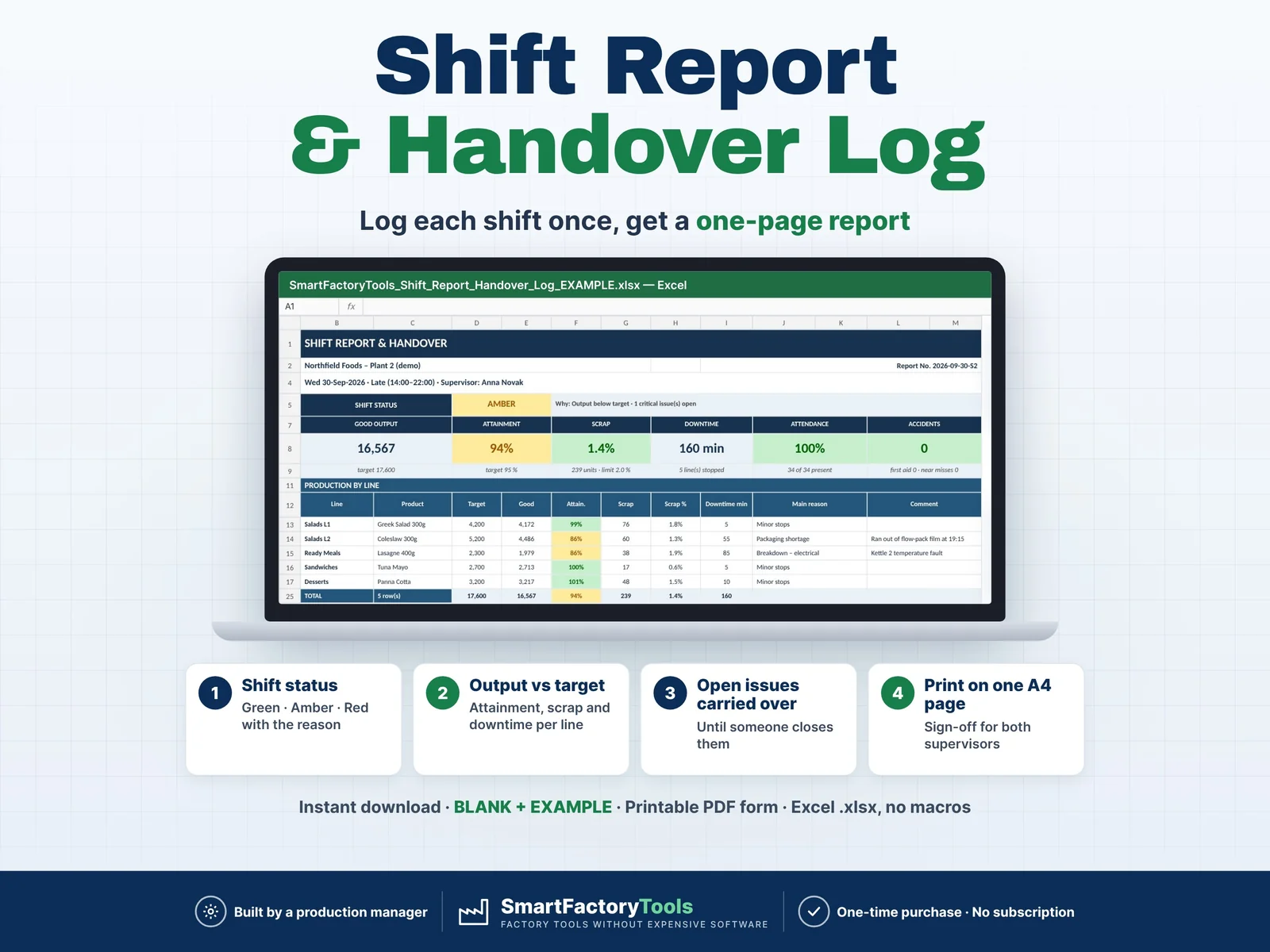
Daily Production Shift Report & Handover Log
Hand over every shift on one page – output, scrap, downtime, staffing, safety and every open issue the next shift must know.
€9.99
View details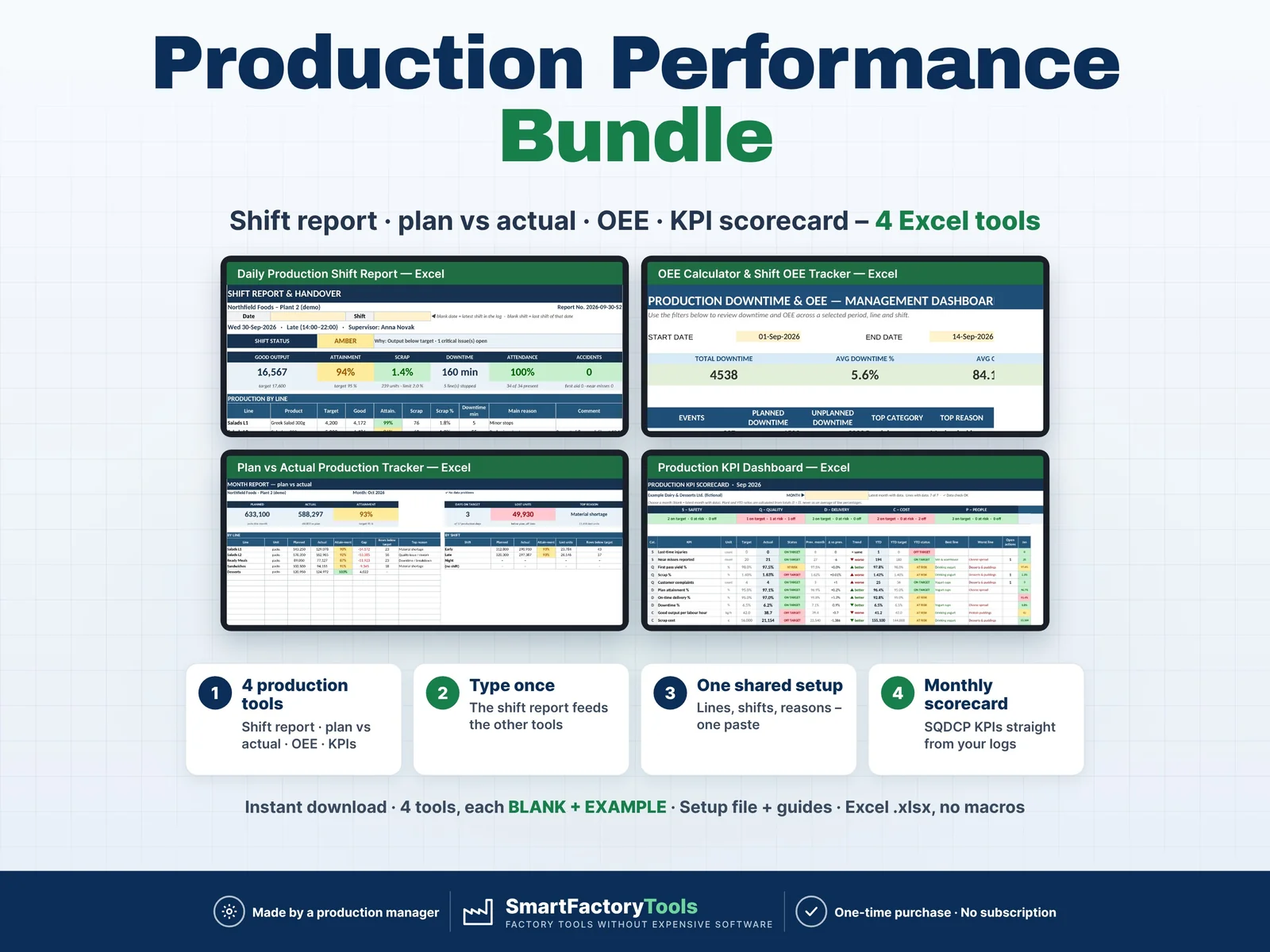
Operations Reporting
From the shift to the monthly scorecard in one download: shift report, plan vs actual, OEE and the plant KPI dashboard – with one shared setup and no retyping between the tools.
€36.99
SKU: SFT-PERF-BUNDLE-01 · Digital download (Microsoft Excel)
Purchase and download through Etsy. Opens in a new tab.
From the shift to the monthly scorecard in one download: shift report, plan vs actual, OEE and the plant KPI dashboard – with one shared setup and no retyping between the tools.
▶ Requires Microsoft Excel 2016 or newer on a Windows or Mac computer. Not for Google Sheets, Apple Numbers, Excel Online or mobile apps.
Save 30% compared with buying the four tools separately. They are exactly the same files as the four single listings in our shop.
The tools are NOT linked or synchronised – nothing updates by itself. You decide when numbers move (e.g. weekly and at month end). Separate files on purpose: shift leaders, the OEE file and the monthly KPI file can live in different places, and files can be moved, renamed or e-mailed without broken links or security warnings.
Production managers, shift leaders, plant managers and CI / OEE engineers in small and medium plants – food and drink, packaging, plastics, assembly, contract packing – who run production in Excel without an MES.
Is this the same as buying the four listings?
Yes – the same files, plus the setup workbook, the Start Here guide and the User Guide, at a lower price.
Do I have to use the shared setup and the pastes?
No. Every tool also works on its own with its own SETUP sheet.
Are the files linked or synchronised?
No. You copy a named block and paste values. Nothing breaks when you move or e-mail a file.
Do dates work in my language?
Yes. Dates are real Excel dates and show in your Excel format.
You receive one ZIP file (about 6 MB). Nothing physical is shipped. Download it on a computer, unzip it and open the files in Microsoft Excel.
Related tools from SmartFactoryTools: Machine Downtime Log, OEE Dashboard & Downtime Cost Tracker, Production Schedule & Gantt Planner, Skills Matrix.
For use within your own company or organization (any number of employees). Reselling, sharing or uploading the files elsewhere is not permitted. © SmartFactoryTools
Operations ReportingHand over every shift on one page – output, scrap, downtime, staffing, safety and every open issue the next shift must know.
€9.99
View details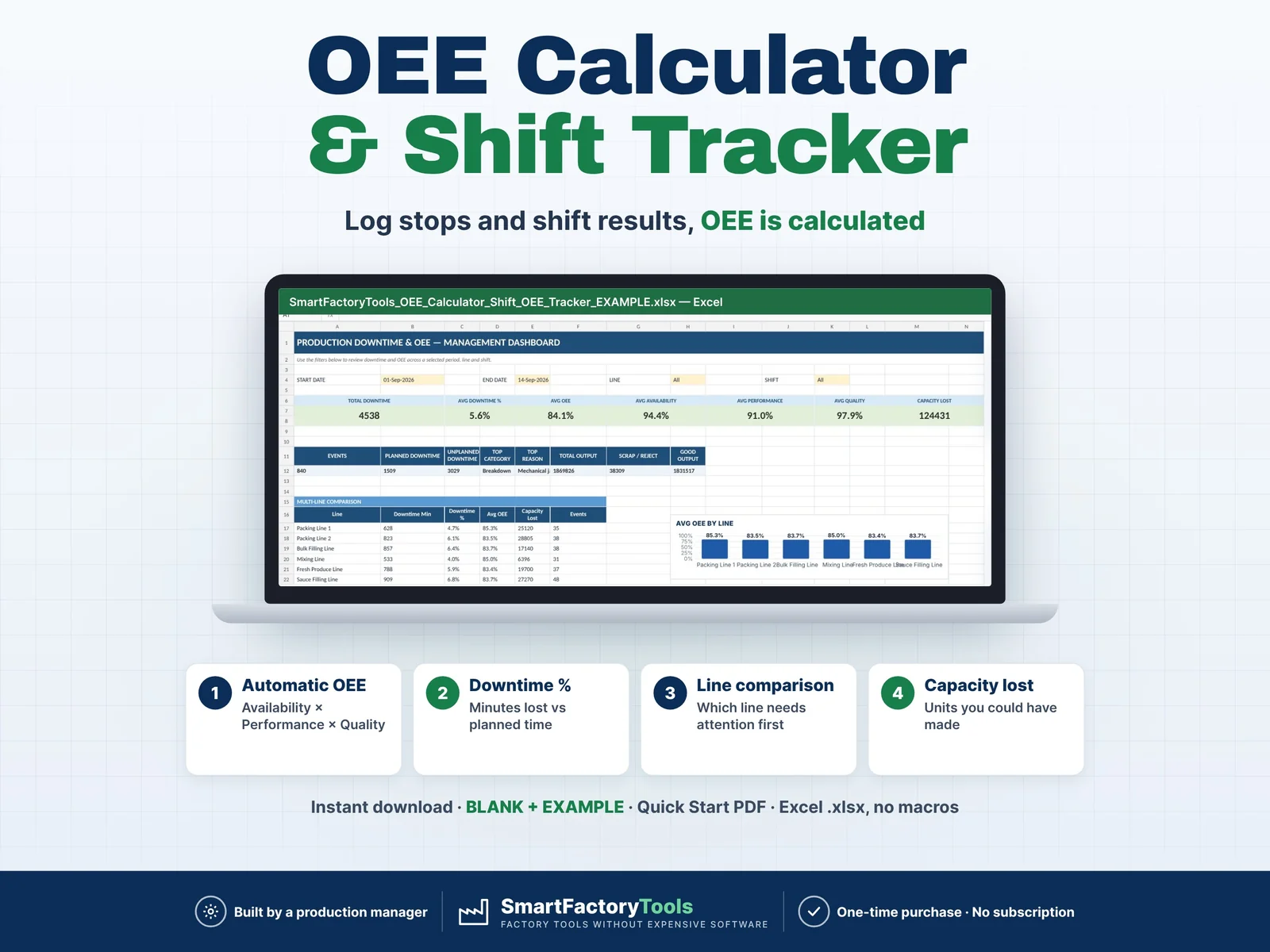 Operations Reporting
Track production downtime, shift performance and OEE in one structured Excel workbook built for real manufacturing environments. The SmartFactoryTools OEE Calculator & Shift OEE Tracker helps production managers, supervisors and continuous improvement teams record production losses, calculate OEE automatically and identify the biggest causes of downtime. Instead of maintaining separate downtime logs, shift reports and KPI spreadsheets, the workbook connects your daily production records directly to visual dashboards and Pareto analysis.
€17.99
View details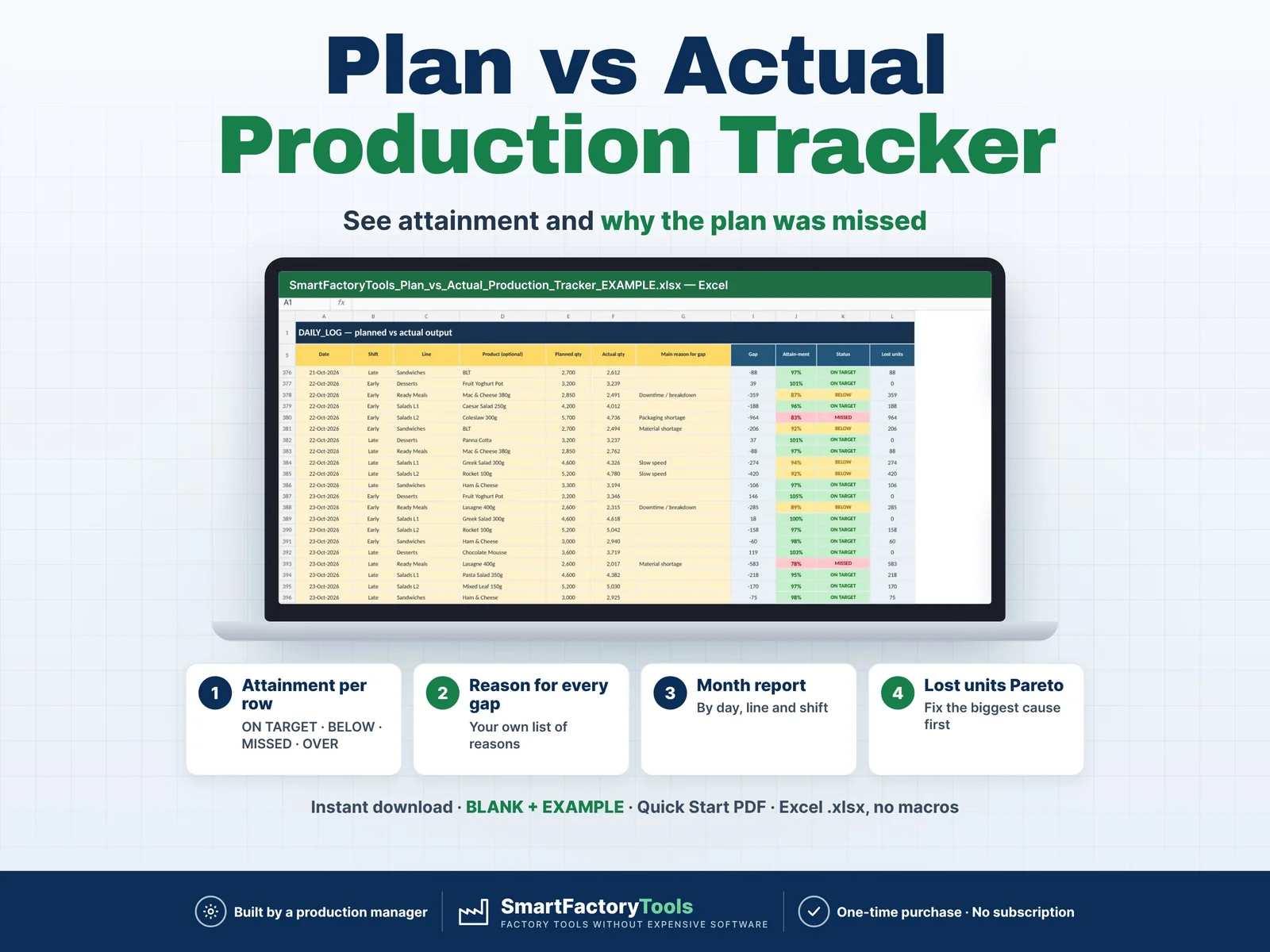 Operations Reporting
Enter the planned and actual quantity for every shift — Excel shows the attainment, the month-to-date gap per line and shift, and why the plan was missed.
€9.99
View details